What Your Phone's Operating System Actually Does All Day

Every time you tap an app icon, a chain of events fires that you never see. The glass registers pressure, a signal travels to the processor, memory clears space, and the app's code begins running, all before your finger lifts. The operating system is the layer that makes every step in that chain possible, and it does this for every process on the device at once.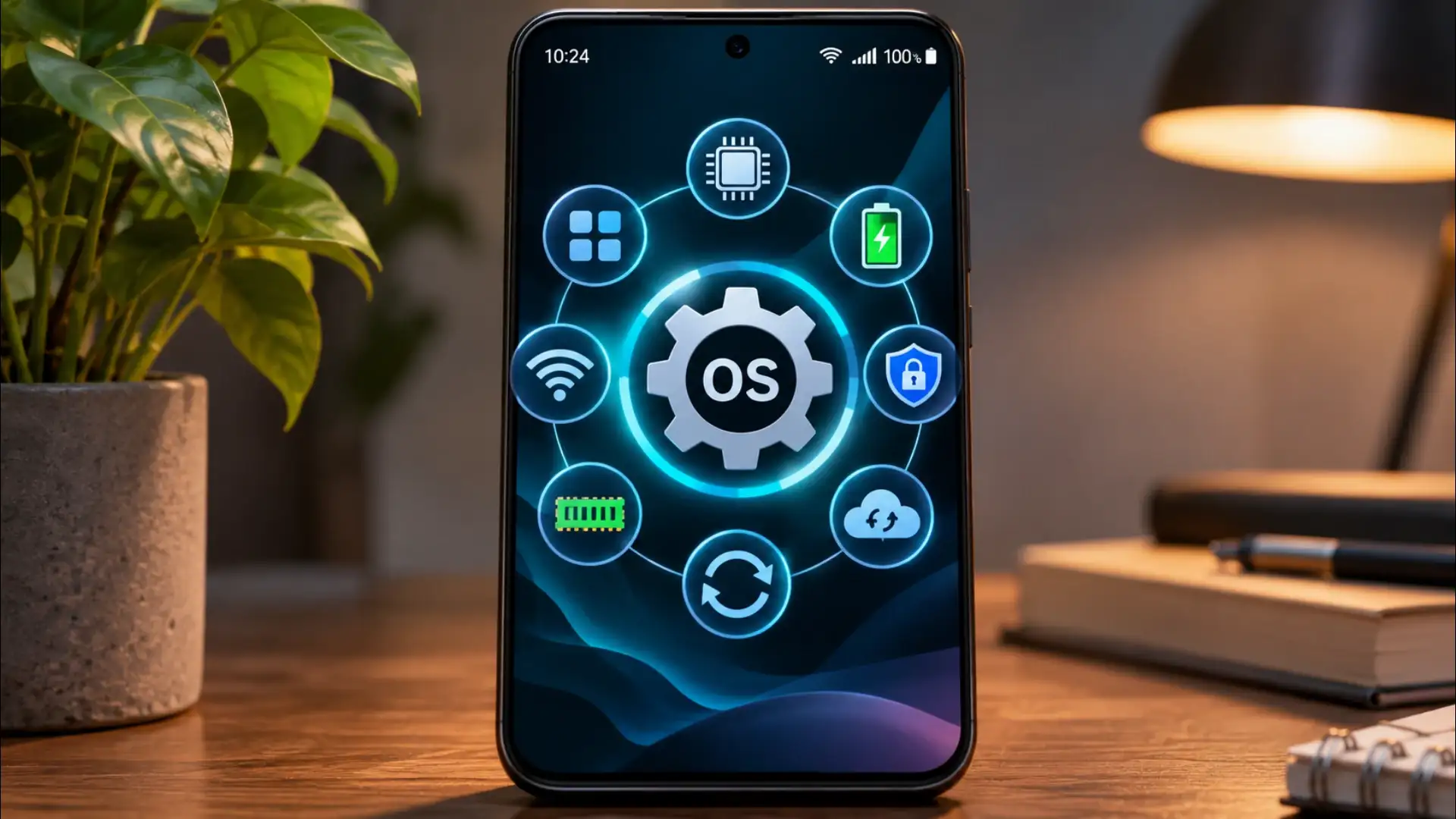
This is why the same app works on phones from different manufacturers. The app talks to the OS. The OS talks to the chip. The developer never has to rewrite their code for every piece of hardware that exists.
This scheduling happens in slices of time so small they are measured in milliseconds. To you, everything feels simultaneous. To the processor, it is a rapid queue that the OS manages constantly. When you open a new app, the OS does not pause everything else, it reshuffles the queue so the new app gets enough processor time to feel instant while the others wait their turn in the background.
Permissions work through the same system. When an app asks to use your microphone, it is asking the OS for access to a hardware resource it cannot reach on its own. The OS holds the gate. Granting or denying that request does not change the app's code; it changes what the OS will pass through to the hardware on the app's behalf.
Storage works differently. Files written to your phone's storage stay until something deletes them. But even here the OS manages access, keeping each app's files in its own directory and requiring explicit permission before one app can read files another app created.
This is also why closing apps manually rarely saves meaningful battery life. The OS has already throttled those background processes. Killing them completely and then reopening them often costs more power than leaving them in the OS's managed state.
The operating system is not a single program running quietly in the background. It is the entire environment in which every other program exists, the rules of physics for your phone's software world. Hardware without it is components. With it, those components become a device that knows what you mean when you tap a glass screen.
The Translator Between You and Silicon
Your phone's processor, memory chips, and sensors speak in machine code, patterns of electrical signals that no app developer writes by hand. The operating system provides a set of standardised interfaces, called APIs, that let a camera app say "take a photo" without knowing anything about the specific image sensor inside the phone. The OS takes that instruction and converts it into the exact signals the hardware understands.This is why the same app works on phones from different manufacturers. The app talks to the OS. The OS talks to the chip. The developer never has to rewrite their code for every piece of hardware that exists.
Managing What Gets to Run and When
A modern smartphone runs dozens of processes simultaneously, your music app, a background sync for email, a navigation service, a notification listener. The processor can only handle so many instructions at once, and the OS acts as a scheduler, deciding which process gets processor time, for how long, and in what order.This scheduling happens in slices of time so small they are measured in milliseconds. To you, everything feels simultaneous. To the processor, it is a rapid queue that the OS manages constantly. When you open a new app, the OS does not pause everything else, it reshuffles the queue so the new app gets enough processor time to feel instant while the others wait their turn in the background.
You may also like
- SIM Card Fraud Alert 2026: Check Mobile Numbers Registered in Your Name on Sanchar Saathi Portal
- Will Jensen Huang return as Nvidia CEO?
- Jensen Huang Plans Comeback as NVIDIA CEO Amid Controversies
- Apple launches new Health AI study app to understand how people use AI for medical advice
- Digital Life Certificate 2026: Pensioners Can Submit Jeevan Pramaan From Home Using Aadhaar Face Authentication
Keeping Apps From Reaching Each Other
Each app on your phone runs inside what is called a sandbox, an isolated space the OS enforces. A game cannot read your banking app's data. A photo editor cannot reach into your messages. The OS creates and polices these boundaries, which is why a poorly written app crashing does not take down your whole phone.Permissions work through the same system. When an app asks to use your microphone, it is asking the OS for access to a hardware resource it cannot reach on its own. The OS holds the gate. Granting or denying that request does not change the app's code; it changes what the OS will pass through to the hardware on the app's behalf.
Handling Memory as a Living Resource
RAM, the working memory your phone uses for active tasks, is finite. The OS watches how much each process is using and quietly closes background processes when a foreground task needs more space. This is why an app you left open an hour ago sometimes has to reload: the OS reclaimed its memory for something more urgent and the app lost its place.Storage works differently. Files written to your phone's storage stay until something deletes them. But even here the OS manages access, keeping each app's files in its own directory and requiring explicit permission before one app can read files another app created.
The Power Budget
Battery management is one of the OS's least visible but most constant jobs. It monitors how much power each process is drawing, throttles background activity when the battery is low, and negotiates with the processor to slow its clock speed when full speed is not needed. A chip running at half speed uses a fraction of the power it would at full speed, and for most tasks, scrolling a page, playing audio, displaying a static screen, full speed is not needed.This is also why closing apps manually rarely saves meaningful battery life. The OS has already throttled those background processes. Killing them completely and then reopening them often costs more power than leaving them in the OS's managed state.
The operating system is not a single program running quietly in the background. It is the entire environment in which every other program exists, the rules of physics for your phone's software world. Hardware without it is components. With it, those components become a device that knows what you mean when you tap a glass screen.






Loving Newspoint? Download the app now