
What Is SIM Lock on Android and Can It Really Protect Your Data?

Losing a smartphone is bad enough. Losing control of the mobile number attached to it can be considerably worse. Your SIM is connected to calls, text messages and, in many cases, account recovery and authentication processes. Android therefore includes a security feature called SIM Lock , which is easy to overlook because it is separate from the phone's normal screen lock. SIM Lock requires a PIN before the SIM can be used after the phone is restarted or the SIM is inserted into another device. It does not encrypt the contents of your phone, but it can make it harder for someone who obtains your physical SIM to use your mobile number.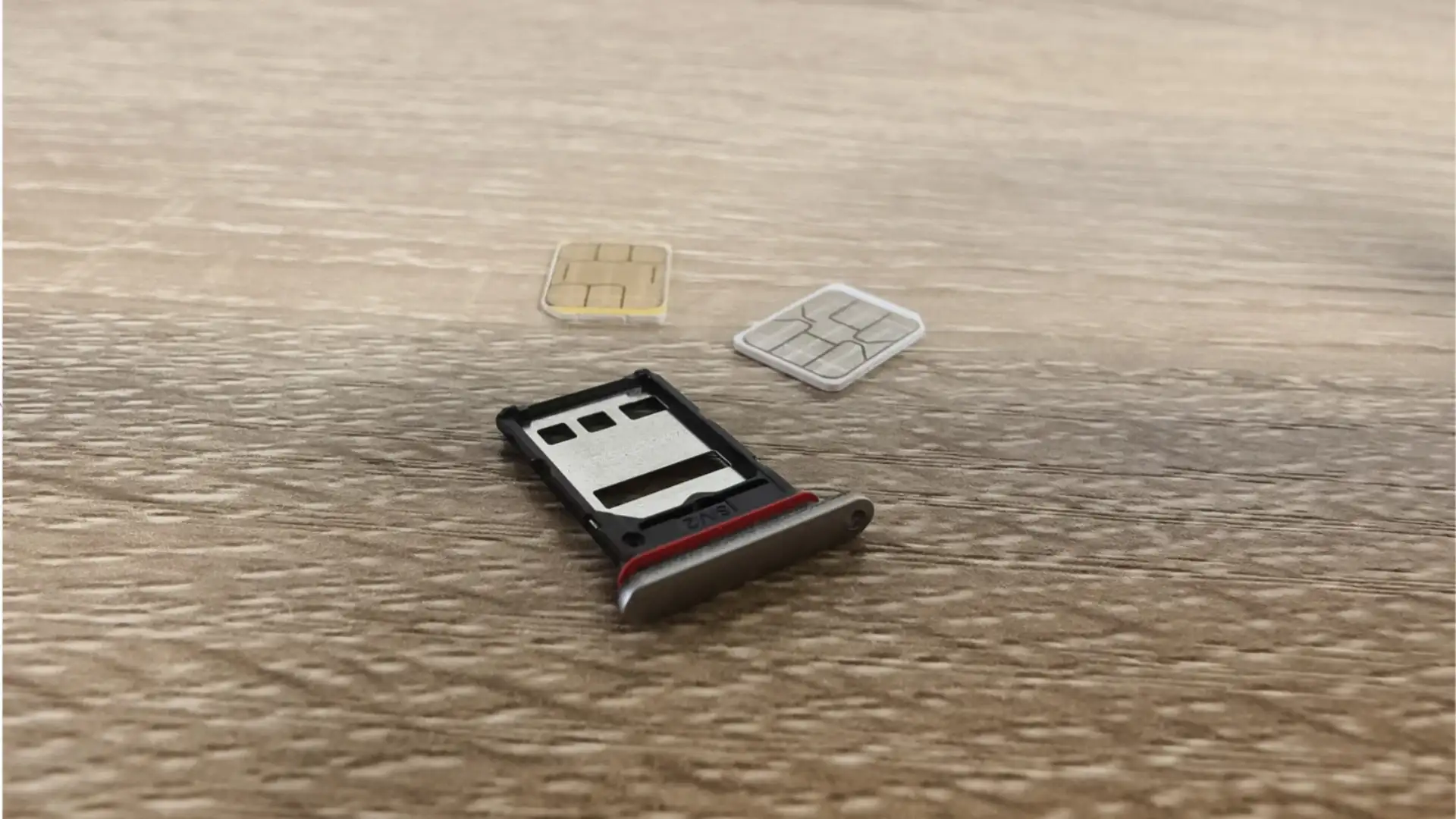
This is different from the PIN, password or fingerprint used to unlock your smartphone. A screen lock protects access to the handset, while SIM Lock protects the SIM's ability to connect to the mobile network.
Google recommends using a SIM PIN because an unauthorised person with access to your SIM could potentially use your phone number on another handset.
That means someone who removes your physical SIM and puts it into another phone cannot simply begin using it without knowing the PIN.
The setting can generally be found under the phone's security settings, although the exact menu varies between Android manufacturers and software versions. Google's current instructions place it under Security and privacy, followed by More security settings and SIM Lock.
Consider a stolen phone containing a conventional SIM. Even if the thief cannot unlock the handset, they might remove the SIM and insert it elsewhere. SIM Lock adds another barrier to that process.
This can be particularly useful because phone numbers are often connected to account recovery and verification systems.
SIM Lock does not protect photographs, WhatsApp conversations, banking applications or files stored on the phone. Those require a strong screen lock and the security mechanisms built into the operating system.
Google also recommends other theft-protection measures, including Failed Authentication Lock and Remote Lock.
In other words, SIM Lock should be treated as one layer of security, not a replacement for your phone's main lock.
Some operators use a default SIM PIN, and Google notes that users should change it for stronger protection.
If you forget the PIN and enter incorrect codes repeatedly, the SIM may require a PUK code to unlock it.
The larger lesson is that smartphone security is layered. Your screen lock protects the device, your accounts have their own security, and SIM Lock protects the SIM itself. Together, these small barriers can make a stolen phone considerably less useful to someone else.
What Exactly Is SIM Lock?
SIM Lock, sometimes called SIM PIN protection , places a PIN requirement on the SIM card itself.This is different from the PIN, password or fingerprint used to unlock your smartphone. A screen lock protects access to the handset, while SIM Lock protects the SIM's ability to connect to the mobile network.
Google recommends using a SIM PIN because an unauthorised person with access to your SIM could potentially use your phone number on another handset.
How Does SIM Lock Work?
When SIM Lock is enabled, Android asks for the SIM PIN when the phone starts up or when the SIM is inserted into another device.That means someone who removes your physical SIM and puts it into another phone cannot simply begin using it without knowing the PIN.
The setting can generally be found under the phone's security settings, although the exact menu varies between Android manufacturers and software versions. Google's current instructions place it under Security and privacy, followed by More security settings and SIM Lock.
What SIM Lock Can Protect
The biggest advantage is protection of the mobile identity associated with the physical SIM.Consider a stolen phone containing a conventional SIM. Even if the thief cannot unlock the handset, they might remove the SIM and insert it elsewhere. SIM Lock adds another barrier to that process.
You may also like
- India likely to reach 62 pc 5G adoption by 2030
- BoatStone 900 Bluetooth speaker review: The party speaker that punches well above its price
- Elon Musk-owned Tesla to launch Cybercab robotaxi service in Austin this month; employees to get first ride
- US green card approvals drop 35%, Indians hit hardest; what US immigration authority data says
- India's first AI-powered payments foundation model launched by Razorpay to boost digital growth
This can be particularly useful because phone numbers are often connected to account recovery and verification systems.
What SIM Lock Cannot Protect
This is where many people misunderstand the feature.SIM Lock does not protect photographs, WhatsApp conversations, banking applications or files stored on the phone. Those require a strong screen lock and the security mechanisms built into the operating system.
Google also recommends other theft-protection measures, including Failed Authentication Lock and Remote Lock.
In other words, SIM Lock should be treated as one layer of security, not a replacement for your phone's main lock.
Be Careful With the SIM PIN
One important detail is easy to miss: do not repeatedly guess the PIN.Some operators use a default SIM PIN, and Google notes that users should change it for stronger protection.
If you forget the PIN and enter incorrect codes repeatedly, the SIM may require a PUK code to unlock it.
Is SIM Lock Worth Enabling?
For people using a physical SIM, it is a useful additional security measure. It takes little effort and protects against a specific weakness that a normal phone lock cannot address.The larger lesson is that smartphone security is layered. Your screen lock protects the device, your accounts have their own security, and SIM Lock protects the SIM itself. Together, these small barriers can make a stolen phone considerably less useful to someone else.






Loving Newspoint? Download the app now
