
Your Phone Can Now Understand What’s on Your Screen: What This Means for Privacy

Your phone used to be little more than a display for information you chose to open. Now, AI is beginning to understand that information itself. Show your phone an article and it can summarise it. Open a flyer and it may recognise the date and offer to create a calendar event. Watch a video or open a PDF and an AI assistant can answer questions about what is visible.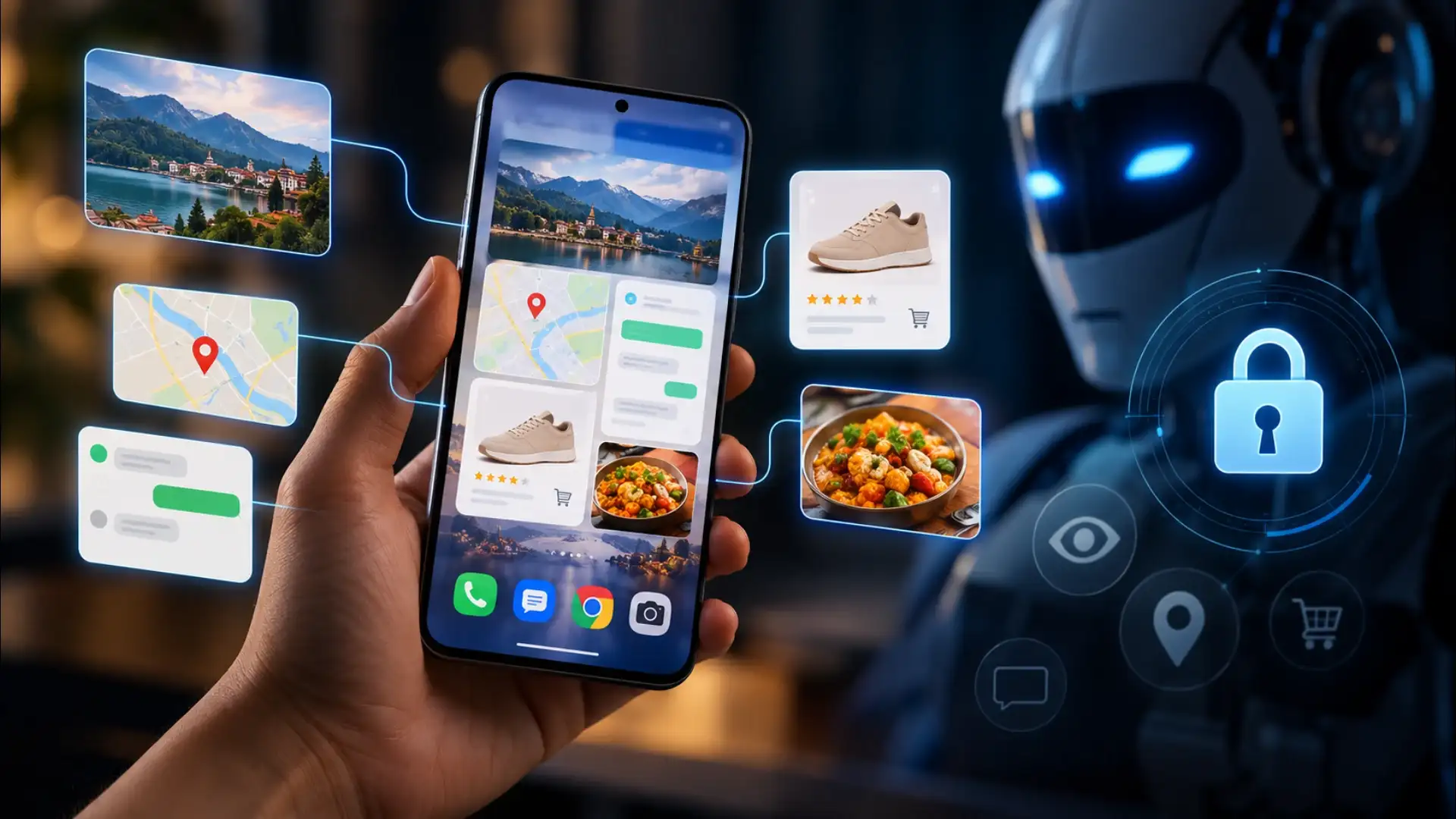
That shift is being driven by AI screen understanding, and it changes the relationship between you and your smartphone. The useful part is obvious. The less obvious question is what happens when an AI can interpret what appears on your screen, including information you may never have intended to share with an AI system.
Apple has taken a similar approach. Its Visual Intelligence feature can analyse content on an iPhone screen, search for objects, summarise text, translate information and even turn details from an event flyer into a calendar entry.
Technically, this can involve analysing a screenshot or selected screen content rather than an AI secretly watching everything continuously. That distinction matters.
A screen can contain private messages, banking information, work documents, passwords, medical details, photographs and personal conversations. Even an apparently harmless webpage can reveal interests, purchases or travel plans.
Apple says many Apple Intelligence models operate on-device, while more demanding requests can use its Private Cloud Compute infrastructure. Google, meanwhile, provides screen-context controls that allow users to switch certain types of screen access on or off.
Before using an AI feature on a sensitive page, check what information it can access, whether screenshots are involved and which external services receive the data. This becomes particularly important as phones move from simply answering questions to understanding context.
The bigger change is philosophical. Your phone is no longer just showing information to you. Increasingly, it can understand that information too. The question for the next generation of smartphones may not be what your phone can see, but what you are comfortable allowing it to understand.
That shift is being driven by AI screen understanding, and it changes the relationship between you and your smartphone. The useful part is obvious. The less obvious question is what happens when an AI can interpret what appears on your screen, including information you may never have intended to share with an AI system.
How Your Phone Understands the Screen
On Android, Gemini can use screen context to answer questions about images, PDFs, videos and articles displayed on the phone. Google also allows users to control features such as using text from the screen and screenshots.Apple has taken a similar approach. Its Visual Intelligence feature can analyse content on an iPhone screen, search for objects, summarise text, translate information and even turn details from an event flyer into a calendar entry.
Technically, this can involve analysing a screenshot or selected screen content rather than an AI secretly watching everything continuously. That distinction matters.
The Privacy Question Is Bigger Than It Looks
The concern is not simply whether AI can "see" your screen. It is what information becomes available once that capability is enabled.A screen can contain private messages, banking information, work documents, passwords, medical details, photographs and personal conversations. Even an apparently harmless webpage can reveal interests, purchases or travel plans.
Apple says many Apple Intelligence models operate on-device, while more demanding requests can use its Private Cloud Compute infrastructure. Google, meanwhile, provides screen-context controls that allow users to switch certain types of screen access on or off.
Convenience Comes With a New Responsibility
The most important habit is simple: know when your AI assistant is being given access to screen content.Before using an AI feature on a sensitive page, check what information it can access, whether screenshots are involved and which external services receive the data. This becomes particularly important as phones move from simply answering questions to understanding context.
The bigger change is philosophical. Your phone is no longer just showing information to you. Increasingly, it can understand that information too. The question for the next generation of smartphones may not be what your phone can see, but what you are comfortable allowing it to understand.
Next Story