
PAN Card Update Online: Easy Steps to Change Name, Address and Date of Birth

A PAN card has become one of the most important documents in India today. From opening a bank account to filing Income Tax Returns and even buying property, this single document is needed almost everywhere. Apart from financial use, it also works as a valid identity proof.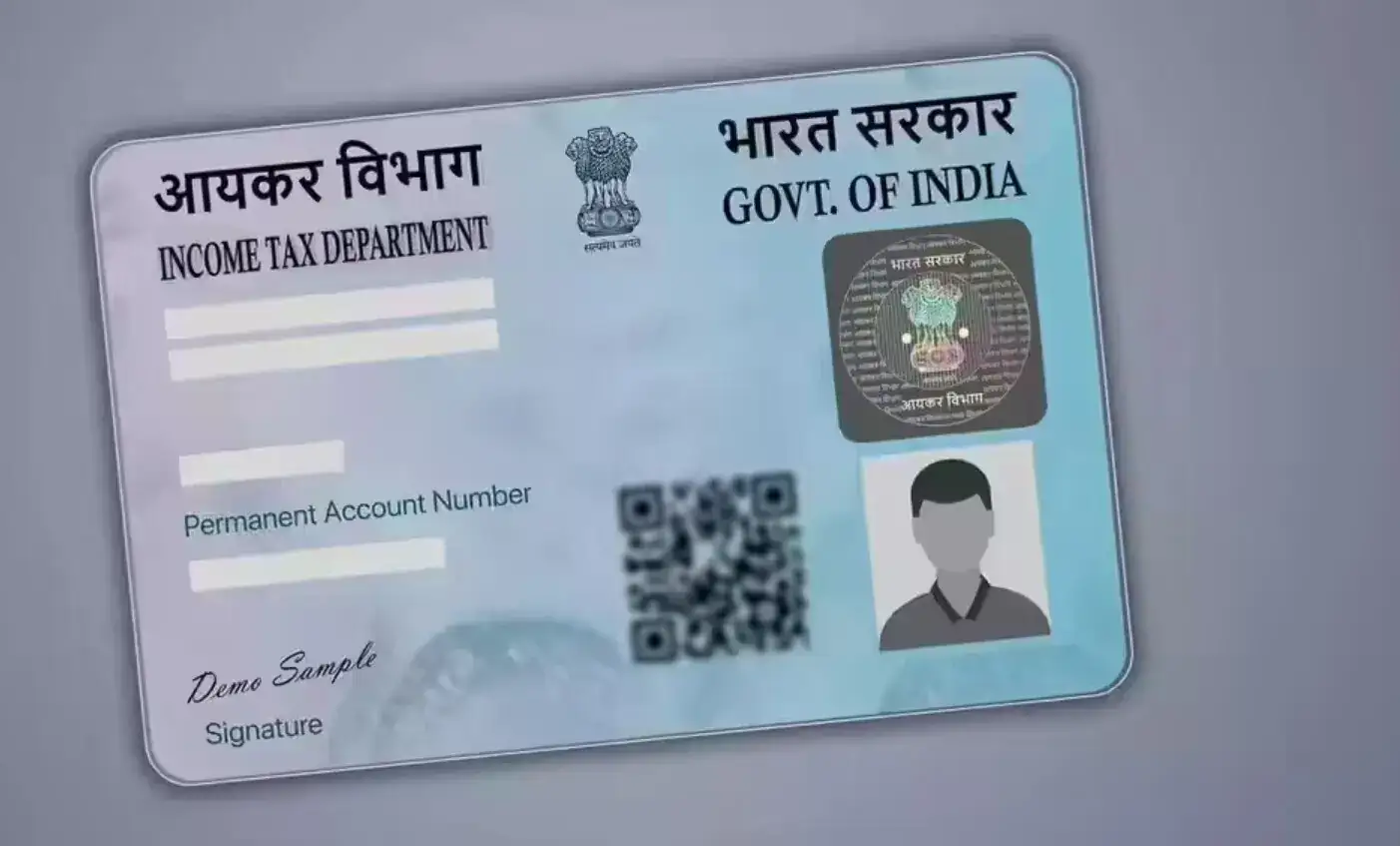
If your name, address, or date of birth is incorrect on the PAN card, it is important to update it quickly to avoid future problems. The good news is that the correction process is simple and can be completed online from home.
How to Update PAN Card Details Online
To make changes in your PAN card, visit the official websites of Protean eGov Technologies (formerly NSDL) or UTIITSL.
Follow these simple steps:
Documents Needed for PAN Correction
Keep these documents ready before starting the process:
Identity and Address Proof
Name Change Proof
How to Track PAN Update Status
Once the application is submitted, you will receive a 15-digit acknowledgement number. You can use this number to track the application status on the official Protean or UTIITSL websites under the “Track PAN Status” section.
Users can also check the status through SMS. Simply type:
NSDLPAN <15-digit acknowledgement number>
and send it to 57575 from your registered mobile number.
Updating PAN details on time helps avoid issues during banking, tax filing, and other financial activities. The online process is quick, simple, and saves a lot of time.
If your name, address, or date of birth is incorrect on the PAN card, it is important to update it quickly to avoid future problems. The good news is that the correction process is simple and can be completed online from home.
How to Update PAN Card Details Online
To make changes in your PAN card, visit the official websites of Protean eGov Technologies (formerly NSDL) or UTIITSL.Follow these simple steps:
- Open the website and select the “Changes/Correction in PAN” option.
- Enter details such as PAN number, name, date of birth, and email ID.
- A 15-digit token number will be generated for your application.
- Choose the details you want to correct, such as name, address, or DOB.
- Upload supporting documents for verification.
- Pay the required processing fee and submit the form.
- Download the acknowledgement slip after submission.
Documents Needed for PAN Correction
Keep these documents ready before starting the process:Identity and Address Proof
- Aadhaar Card
- Voter ID
- Passport
- Driving Licence
Date of Birth Proof
- Birth Certificate
- Class 10 Marksheet
Name Change Proof
- Marriage Certificate
- Government Gazette Notification
How to Track PAN Update Status
Once the application is submitted, you will receive a 15-digit acknowledgement number. You can use this number to track the application status on the official Protean or UTIITSL websites under the “Track PAN Status” section. Users can also check the status through SMS. Simply type:
NSDLPAN <15-digit acknowledgement number>
and send it to 57575 from your registered mobile number.
Updating PAN details on time helps avoid issues during banking, tax filing, and other financial activities. The online process is quick, simple, and saves a lot of time.
Next Story