
PAN Card Photo Update: How to Replace Your Old Picture Easily

A PAN card is no longer used only for tax-related work. Today, it plays an important role in opening bank accounts, completing KYC, making investments, and accessing various financial services. That’s why keeping the details on your PAN card updated is essential.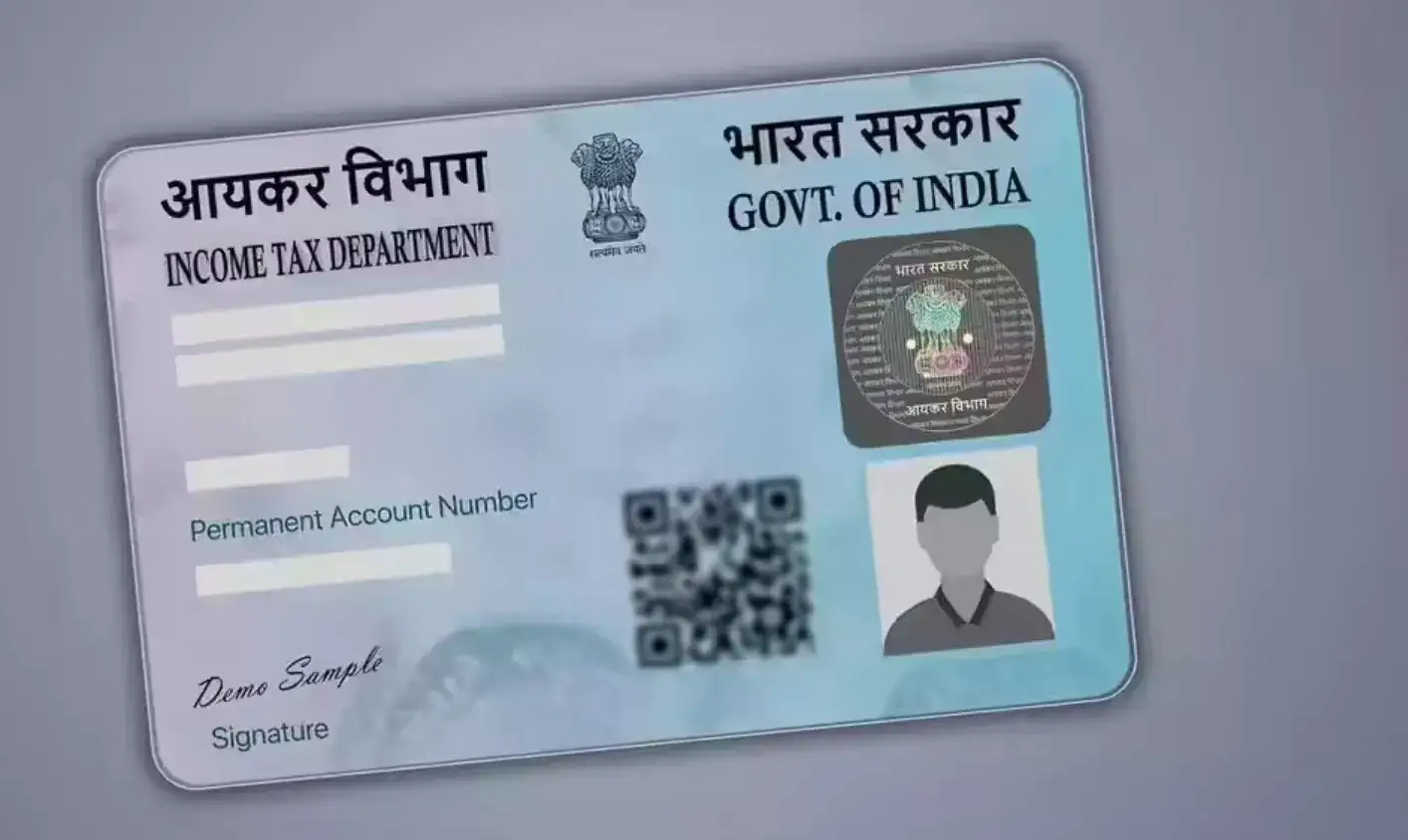
If the photograph on your PAN card is outdated, unclear, or no longer matches your current appearance, you can now update it online without visiting multiple offices. The process is simple and can be completed from home.
How to Update Your PAN Card Photo Online
Step 1: Visit the Official Portal
Go to the official PAN services website of NSDL or UTIITSL and select the PAN Correction/Update option.
Step 2: Fill the Application Form
Indian citizens need to complete Form 49A and choose the option related to photo correction or mismatch.
Step 3: Enter Personal Details
Provide your PAN number, full name, date of birth, and other required information carefully.
Step 4: Upload a New Photograph
Upload a recent passport-size photograph in JPEG format. Make sure the image is clear and meets the specified size requirements.
Step 5: Submit Supporting Documents
Upload scanned copies of valid identity proof documents such as Aadhaar Card, Voter ID, or any other accepted ID proof.
Step 6: Pay the Processing Fee
After uploading the documents, pay the correction fee of ₹91 plus applicable GST. Payment can be made through UPI, net banking, debit card, or credit card.
Step 7: Save the Acknowledgment Number
Once the payment is successful, you will receive a 15-digit acknowledgment number. Download and save it carefully, as it will be required for tracking your application status.
Do You Need to Send Documents by Post?
In certain cases, applicants may be asked to send a signed acknowledgment copy along with supporting documents by post. Follow the instructions displayed during the application process.
How to Track Your Application
You can monitor the progress of your request online using the acknowledgment number received after submission.
Why Updating Your PAN Card Photo Matters
A photo that does not match your current appearance can create difficulties during KYC verification, banking transactions, and other official procedures. Keeping your PAN card photograph updated helps ensure smooth verification and avoids unnecessary delays in financial or government-related services.
Updating your PAN card photo is now a straightforward online process, making it easier than ever to keep your identity records accurate and up to date.
If the photograph on your PAN card is outdated, unclear, or no longer matches your current appearance, you can now update it online without visiting multiple offices. The process is simple and can be completed from home.
How to Update Your PAN Card Photo Online
Step 1: Visit the Official Portal
Go to the official PAN services website of NSDL or UTIITSL and select the PAN Correction/Update option.Step 2: Fill the Application Form
Indian citizens need to complete Form 49A and choose the option related to photo correction or mismatch. Step 3: Enter Personal Details
Provide your PAN number, full name, date of birth, and other required information carefully.You may also like
- AI rewrites advertising model as India emerges as global AdTech hub: Report
- Berkshire Hathaway invests $10B in Google parent
- Salil Parekh earns ₹82.6cr, nearly triple K Krithivasan's ₹28.1cr
- Eighth Central Pay Commission pushes suggestions deadline June 15, 2026
- NHPC falls 5% as govt's Rs 4,300 cr OFS opens at a discount
Step 4: Upload a New Photograph
Upload a recent passport-size photograph in JPEG format. Make sure the image is clear and meets the specified size requirements. Step 5: Submit Supporting Documents
Upload scanned copies of valid identity proof documents such as Aadhaar Card, Voter ID, or any other accepted ID proof. Step 6: Pay the Processing Fee
After uploading the documents, pay the correction fee of ₹91 plus applicable GST. Payment can be made through UPI, net banking, debit card, or credit card. Step 7: Save the Acknowledgment Number
Once the payment is successful, you will receive a 15-digit acknowledgment number. Download and save it carefully, as it will be required for tracking your application status.Do You Need to Send Documents by Post?
In certain cases, applicants may be asked to send a signed acknowledgment copy along with supporting documents by post. Follow the instructions displayed during the application process. How to Track Your Application
You can monitor the progress of your request online using the acknowledgment number received after submission. Why Updating Your PAN Card Photo Matters
A photo that does not match your current appearance can create difficulties during KYC verification, banking transactions, and other official procedures. Keeping your PAN card photograph updated helps ensure smooth verification and avoids unnecessary delays in financial or government-related services. Updating your PAN card photo is now a straightforward online process, making it easier than ever to keep your identity records accurate and up to date.






More from our partners


Loving Newspoint? Download the app now
