
How To Easily Update Your KYC On The FASTag Mobile App: A Complete Guide

The FASTag initiative, launched by the National Highways Authority of India (NHAI), has transformed toll payment systems by enabling electronic toll collection . This "One Vehicle, One FASTag" rule ensures that each vehicle is assigned a unique FASTag. To keep your FASTag functional and compliant with recent rules, completing the KYC (Know Your Customer) process is mandatory. Here's a simple guide on how to update your KYC using the FASTag mobile app .
What is FASTag?
FASTag is a revolutionary system that simplifies toll payments by using Radio Frequency Identification (RFID) technology. This small sticker is placed on your vehicle’s windshield and linked to a prepaid account. It allows automatic toll deduction when you pass through a toll plaza, eliminating the need for cash payments and reducing traffic congestion.
Why Do You Need to Update Your KYC?
Recent regulations from the Reserve Bank of India (RBI) require FASTag users to complete their KYC by February 29, 2024. If the KYC is not updated, even active FASTags with valid balances may be deactivated. This rule ensures that only one FASTag is active per vehicle, streamlining the toll payment system.
# Documents Required for KYC Update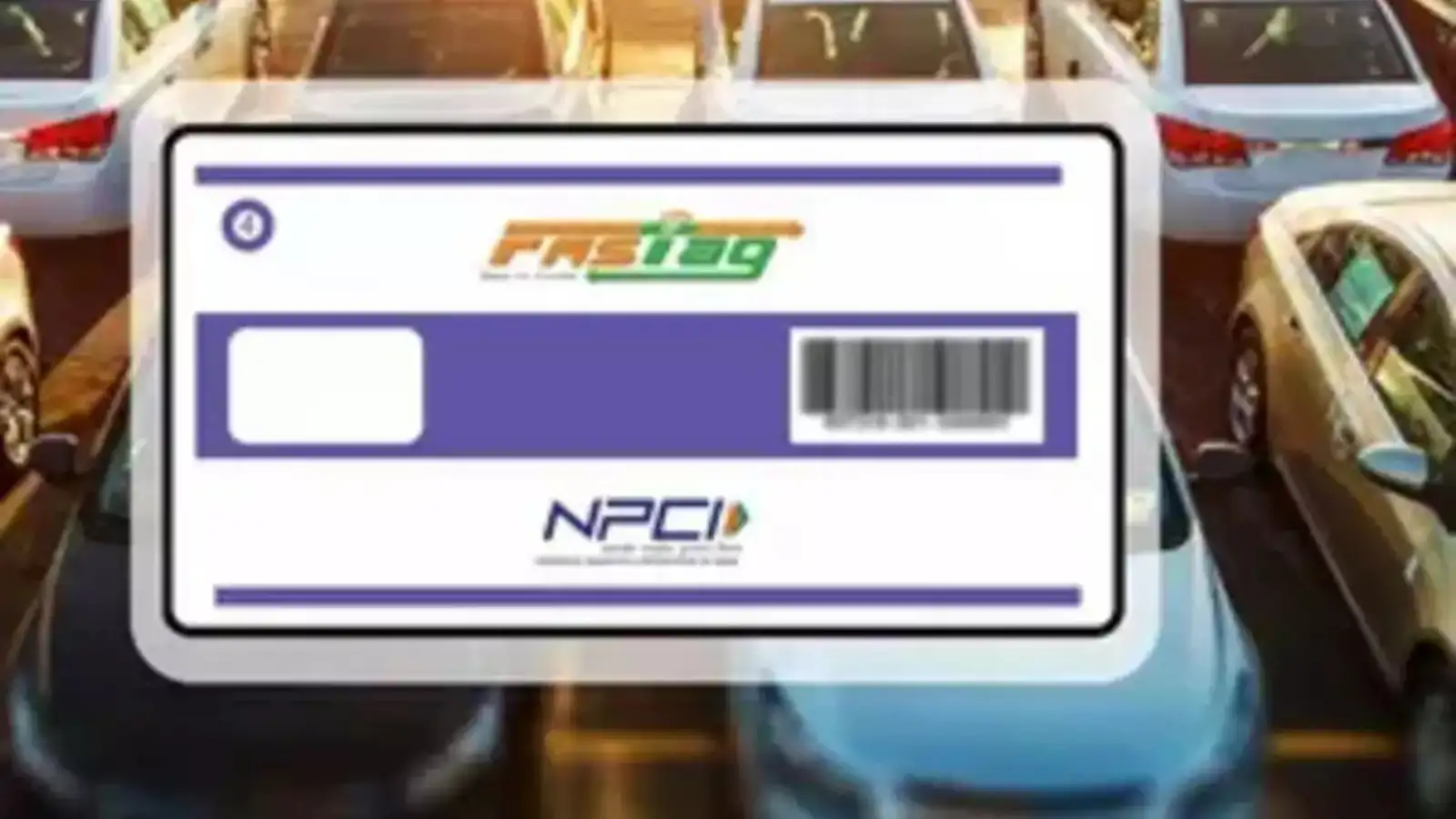
What is FASTag?
FASTag is a revolutionary system that simplifies toll payments by using Radio Frequency Identification (RFID) technology. This small sticker is placed on your vehicle’s windshield and linked to a prepaid account. It allows automatic toll deduction when you pass through a toll plaza, eliminating the need for cash payments and reducing traffic congestion.
Why Do You Need to Update Your KYC?
Recent regulations from the Reserve Bank of India (RBI) require FASTag users to complete their KYC by February 29, 2024. If the KYC is not updated, even active FASTags with valid balances may be deactivated. This rule ensures that only one FASTag is active per vehicle, streamlining the toll payment system.
# Documents Required for KYC Update
Next Story