
How to Update Your Mobile Number on Driving Licence and RC Online in Under 10 Minutes

Keeping your contact details up to date on your Driving Licence (DL) and Vehicle Registration Certificate (RC) is essential for every vehicle owner and driver in India. The Ministry of Road Transport and Highways (MoRTH) uses registered mobile numbers to transmit critical notifications, including official traffic e-challan alerts, licence renewal reminders, vehicle fitness updates, and ownership transfer receipts.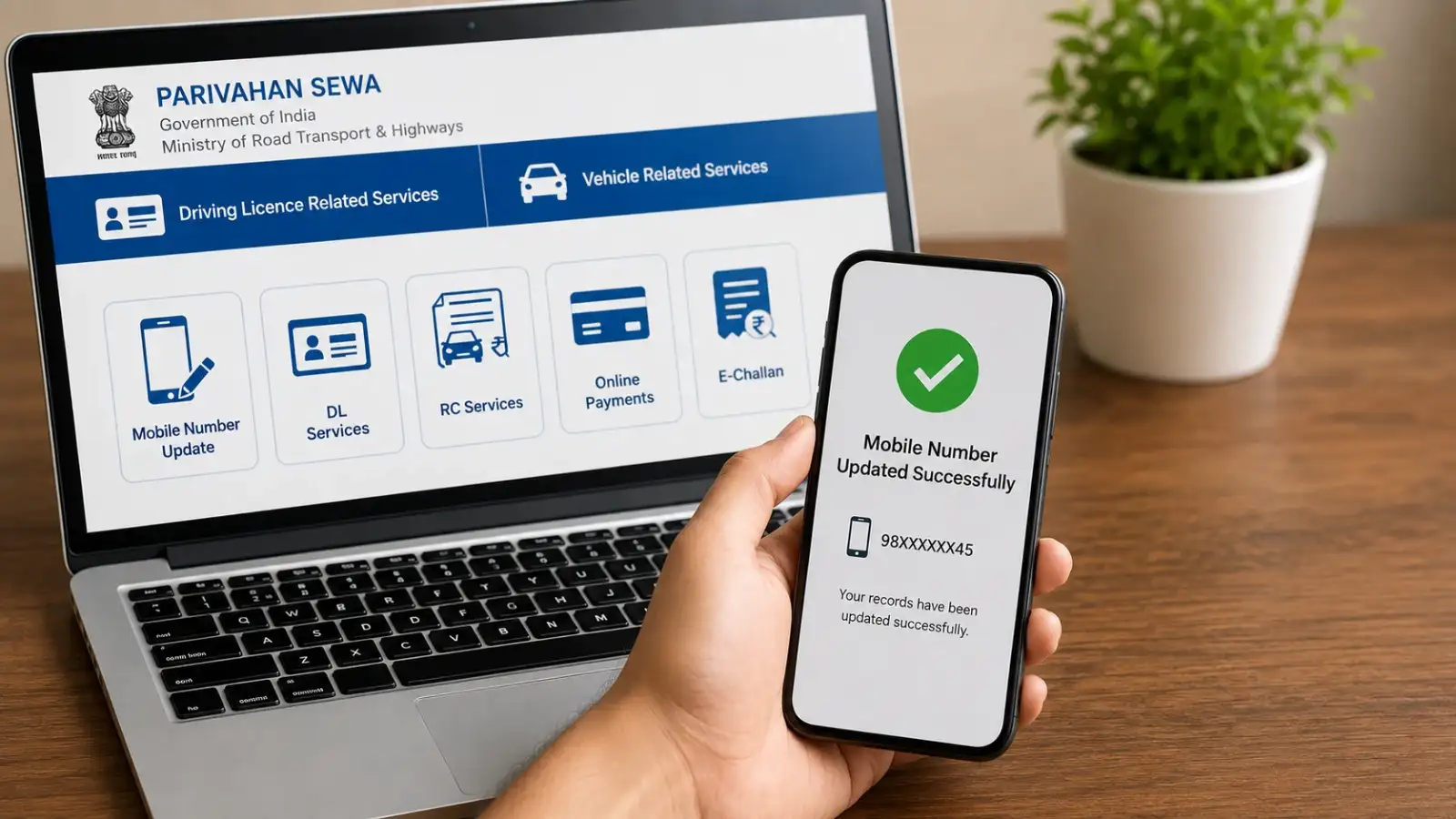
If you have recently changed your phone number or never linked your current mobile number to your official transport documents, you can update your records completely online through the unified Parivahan Sewa portal without visiting a Regional Transport Office (RTO). The entire digital procedure takes less than ten minutes and is provided free of cost.
Updating your mobile number on your driving licence is managed through the Sarathi portal. Follow these straightforward steps:
To update your contact details on your vehicle's Registration Certificate, use the Vahan portal section:
If you have recently changed your phone number or never linked your current mobile number to your official transport documents, you can update your records completely online through the unified Parivahan Sewa portal without visiting a Regional Transport Office (RTO). The entire digital procedure takes less than ten minutes and is provided free of cost.
Why Is Updating Your Phone Number Essential?
Maintaining an active, accurate phone number linked to your DL and RC offers several practical benefits:- Instant e-Challan Notifications: You receive immediate SMS alerts whenever a traffic violation penalty is registered against your vehicle or licence, allowing you to settle fines promptly and avoid legal notices.
- Renewal Reminders: Transport departments send automated SMS alerts ahead of driving licence expiry dates or vehicle registration renewal deadlines.
- OTP Authentication for Digital Services: Accessing online RTO services such as applying for a duplicate licence, changing address, or issuing a No Objection Certificate (NOC) requires One-Time Password (OTP) verification sent to your registered mobile number.
- DigiLocker Integration: Fetching digital copies of your DL and RC onto official smartphone applications like DigiLocker and mParivahan requires your phone number to match official records.
Documents and Details Required Before You Begin
Before starting the online process, ensure you have the following information to hand:- For Driving Licence Update: Driving Licence number, date of birth (as recorded on the licence), Aadhaar card number, and your active new mobile number.
- For Registration Certificate Update: Vehicle registration number, full chassis number, full engine number, and registration/fitness expiry date (all available on your physical RC or insurance policy).
Updating your mobile number on your driving licence is managed through the Sarathi portal. Follow these straightforward steps:
- Visit the Official Portal: Navigate to the Parivahan Sewa portal at parivahan.gov.in and select Driving Licence Related Services under the
menu. - Select Your State: Choose the state where your driving licence was originally issued.
- Access Mobile Update Service: On the homepage, locate the main navigation bar, click on Others, and select Mobile Number Update.
- Select Document Category: Choose Driving Licence from the drop-down options (this service also allows updates for Learner's Licences or Conductor Licences).
- Enter Licence Details: Provide your Driving Licence number, date of birth, and click Submit.
- Verify Identity and Submit: Confirm your personal details displayed on the screen. Enter your new mobile number and request an OTP. Input the verification code received on your phone and click Update to complete the process.
To update your contact details on your vehicle's Registration Certificate, use the Vahan portal section:
- Access Vahan Services: Go to the Parivahan portal homepage, click on Online Services, and select Vehicle Related Services.
- Choose State and RTO: Select your state and choose your local RTO office, then click Proceed.
- Select Mobile Update: Under the Services or Additional Services tab on the dashboard, click on Update Mobile Number.
- Provide Vehicle Information: Enter your vehicle registration number, full chassis number, full engine number, registration date, and fitness validity date as printed on your RC document.
- Show Details and Authenticate: Click Show Details to verify your ownership record. Enter your new mobile number and generate an OTP.
- Confirm Update: Enter the OTP sent to your new mobile number, tick the consent box, and click Update Mobile Number. A success message will appear on screen confirming that your RC database record has been updated.
Next Story