
UMANG App - Access 2,100+ Government Services on One Platform

In today’s digital-first world, many government services can be accessed online. But finding the right website or app for every task can still be confusing. This is where the UMANG app comes in, bringing a wide range of government services together on one platform.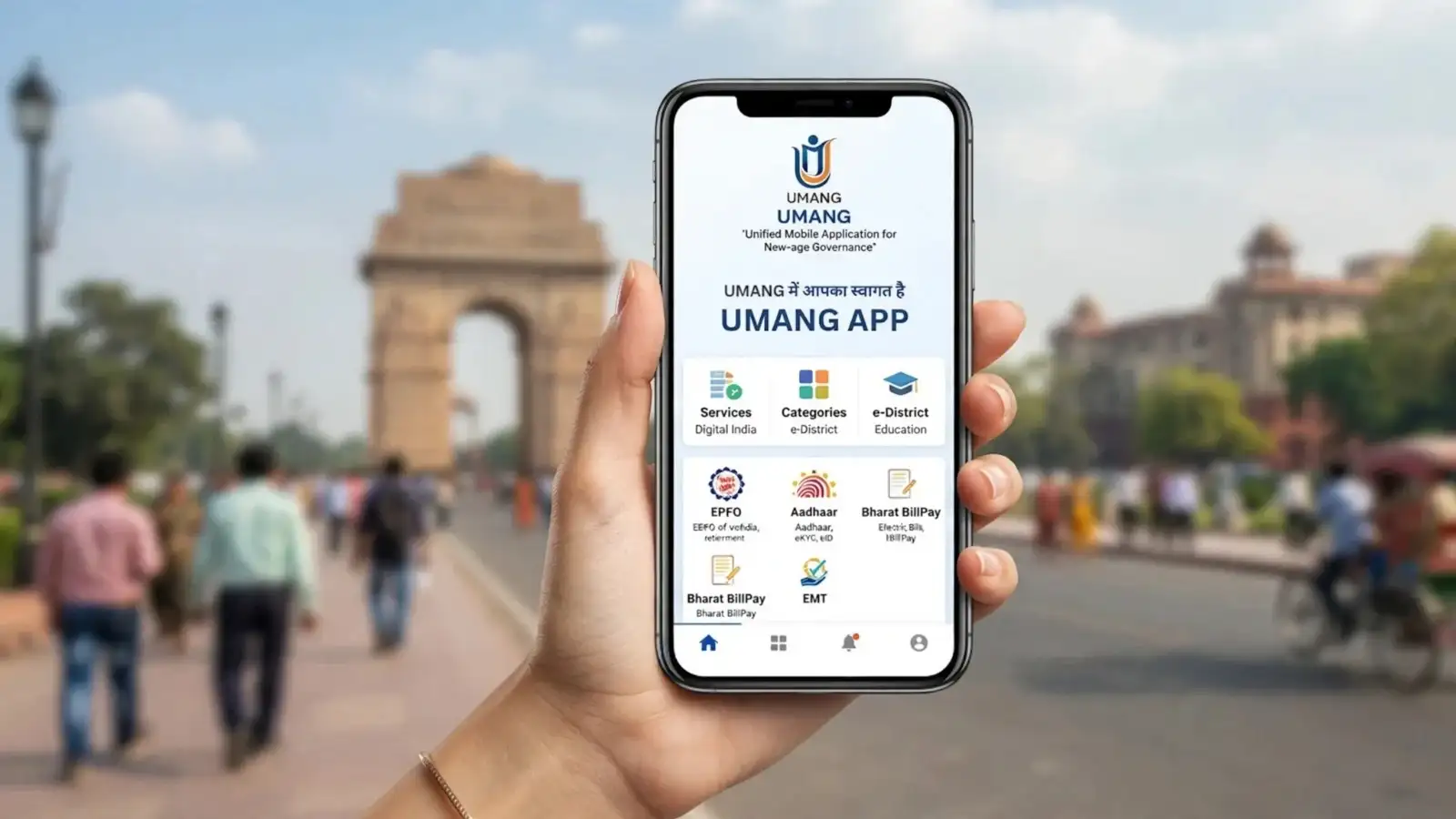
According to the official UMANG portal, it offers more than 2,100 services from over 200 government departments across 26 states and 7 Union Territories. Users can access these services through the mobile app, website and other supported channels.
Always use an official source when installing the app to avoid fake or potentially unsafe applications.
This makes the platform easier to use for people who may not be comfortable navigating government services in English.
For example, if you want to access an EPFO service, open UMANG and use the search option. Type 'EPFO' and select the required service from the results. Enter the requested details and complete OTP or other verification steps when prompted.
The relevant information or service result will then appear on your screen.
Depending on the service, you can apply for schemes, track applications, check updates, access documents, make payments or submit grievances from your phone. This can also reduce the need for repeated visits to government offices.
UMANG can be a convenient option if you regularly use government digital services. With EPFO, DigiLocker, education, healthcare, transport, bill payments and grievance services available through one platform, it can save both time and effort. However, always protect your OTPs and personal information and use only official UMANG channels.
What Is the UMANG App?
UMANG, developed by the Ministry of Electronics and Information Technology and the National e-Governance Division, is a unified platform for accessing government services.According to the official UMANG portal, it offers more than 2,100 services from over 200 government departments across 26 states and 7 Union Territories. Users can access these services through the mobile app, website and other supported channels.
What Services Does UMANG Offer?
UMANG covers services from several government departments, making it useful for everyday digital tasks. Some key services include:- EPFO and PF-related services
- DigiLocker integration
- Education services
- Healthcare services
- Transport-related services
- Bill payments
- Government scheme information
- Grievance and complaint services
- Application and transaction status tracking
How to Download the UMANG App?
UMANG is available for both Android and iOS devices. Users can download it through the respective official app stores or access UMANG through its official website.Always use an official source when installing the app to avoid fake or potentially unsafe applications.
How to Create a UMANG Account?
Getting started is simple:- Open the UMANG app on your phone.
- Select the login or registration option.
- Enter your mobile number.
- Verify the number using the OTP received on your phone.
- Once verification is complete, you can access the UMANG home page.
How to Change the Language on UMANG?
UMANG supports multiple Indian languages, along with English. If you are more comfortable using the app in another language, open the language option and select your preferred language from the available choices.This makes the platform easier to use for people who may not be comfortable navigating government services in English.
How to Find a Government Service on UMANG?
You do not have to remember separate websites for different departments.For example, if you want to access an EPFO service, open UMANG and use the search option. Type 'EPFO' and select the required service from the results. Enter the requested details and complete OTP or other verification steps when prompted.
The relevant information or service result will then appear on your screen.
Why Is UMANG Useful?
The biggest advantage of UMANG is convenience. Instead of switching between multiple government websites and apps, users can find many services in one place.Depending on the service, you can apply for schemes, track applications, check updates, access documents, make payments or submit grievances from your phone. This can also reduce the need for repeated visits to government offices.
What If You Face a Problem on UMANG?
If you experience an issue while using a service, UMANG provides support options through its app and official website. The platform also lists helpline number 10505 for assistance.UMANG can be a convenient option if you regularly use government digital services. With EPFO, DigiLocker, education, healthcare, transport, bill payments and grievance services available through one platform, it can save both time and effort. However, always protect your OTPs and personal information and use only official UMANG channels.
Next Story