
Signs Your Smartphone Needs Cleaning Before It Gets Damaged

Most people clean their homes, wash their clothes and sanitise frequently touched surfaces, yet many forget about one of the objects they use the most: their smartphone. From scrolling through social media to making payments and taking calls, a smartphone accompanies us almost everywhere. It travels from office desks and kitchen counters to public transport and gyms, collecting dust, fingerprints, grease and germs along the way. Over time, this build-up can affect not only the appearance of the device but also its performance and hygiene. Recognising the signs your smartphone needs cleaning can help extend its lifespan, improve usability and reduce the spread of bacteria in everyday life.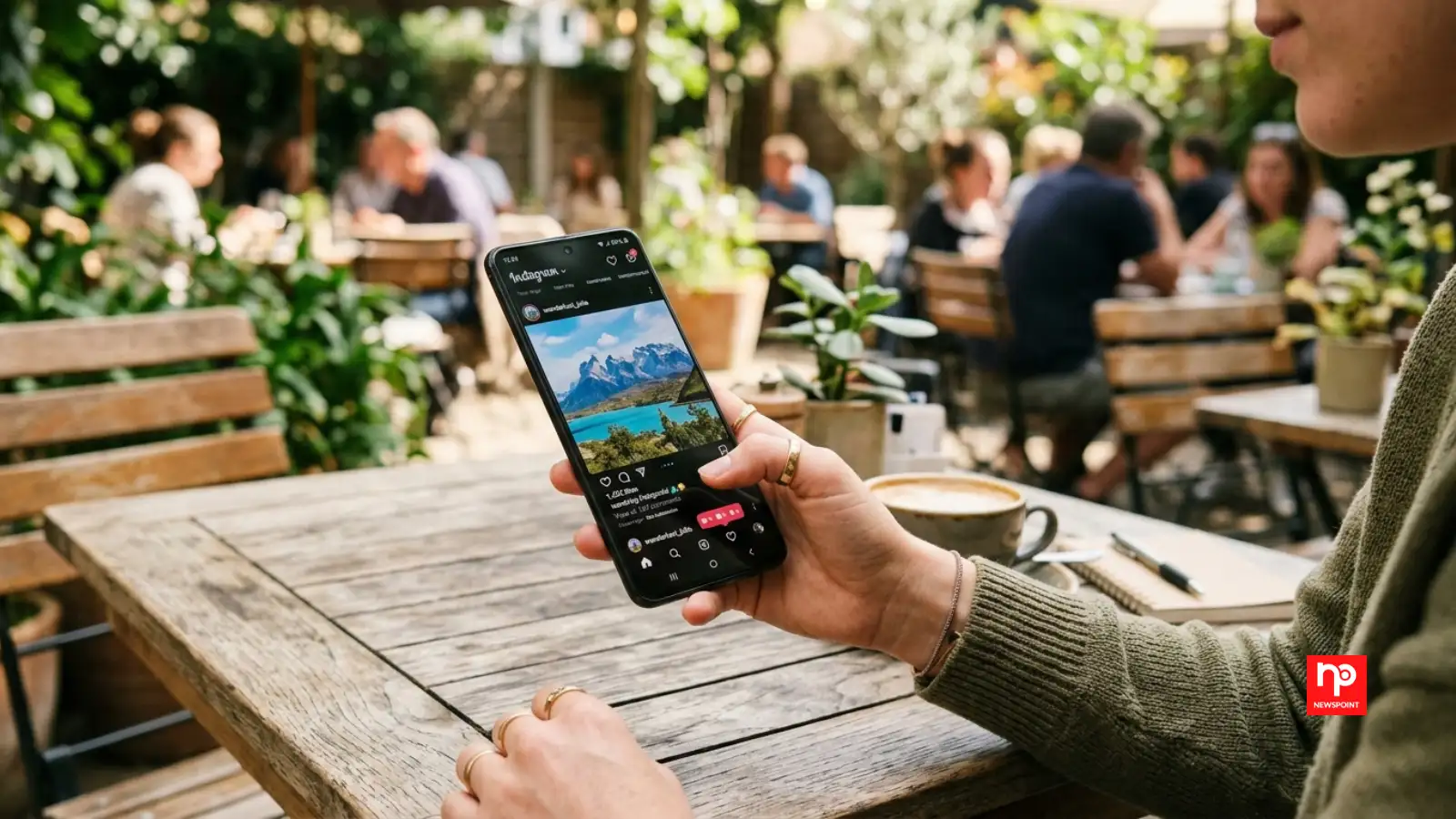
Besides making the phone look untidy, these marks can reduce screen clarity and make it harder to read messages or view photos, particularly in bright sunlight.
Using a soft microfibre cloth designed for electronics is usually the safest way to remove everyday smudges.
If your charger feels loose or your phone charges inconsistently, compacted debris inside the charging port could be the cause. Likewise, blocked speaker grilles may result in quieter or muffled sound during calls and while playing music.
Cleaning these areas carefully with appropriate tools can help restore normal performance, but sharp metal objects should never be used as they may damage delicate internal components.
Similarly, if the touchscreen occasionally misses taps or gestures despite no software issues, accumulated dirt or grease may be interfering with smooth operation.
Keeping both the screen and the outer edges of the phone clean helps maintain a better user experience.
Although most everyday bacteria are harmless, regularly cleaning your smartphone helps reduce the transfer of germs, particularly during cold and flu season or after travelling on public transport.
Using electronic-safe disinfectant wipes or products recommended by the phone manufacturer is generally the safest option.
A gentle wipe with a clean microfibre cloth often restores sharpness immediately. This simple habit is especially useful before taking holiday photos or recording important videos.
Wireless charging can also become less efficient if dirt builds up on the back of the phone or charging pad. Keeping both surfaces clean helps maintain reliable charging performance.
Even screen protectors deserve attention. Deep scratches and peeling edges not only affect visibility but may reduce touch sensitivity over time.
Simple habits such as washing your hands before using your phone, avoiding placing it on dirty surfaces and cleaning it weekly can make a noticeable difference to both its appearance and longevity.
Your Screen Looks Smudged All the Time
A few fingerprints on the screen are perfectly normal, but if your display constantly looks cloudy or greasy even after a quick wipe, it may be time for a proper clean. Oils from your hands, sweat and everyday dust gradually form a thin layer over the glass.Besides making the phone look untidy, these marks can reduce screen clarity and make it harder to read messages or view photos, particularly in bright sunlight.
Using a soft microfibre cloth designed for electronics is usually the safest way to remove everyday smudges.
Dust Is Collecting Around the Ports
Charging ports, speaker grilles and headphone openings easily collect pocket lint and dust. Because these areas are small, dirt often goes unnoticed until it begins affecting performance.If your charger feels loose or your phone charges inconsistently, compacted debris inside the charging port could be the cause. Likewise, blocked speaker grilles may result in quieter or muffled sound during calls and while playing music.
Cleaning these areas carefully with appropriate tools can help restore normal performance, but sharp metal objects should never be used as they may damage delicate internal components.
Buttons Feel Sticky or Less Responsive
Power buttons and volume controls are touched countless times each day. Dust, skin oils and tiny particles can gradually build up around them, making the buttons feel stiff or less responsive.Similarly, if the touchscreen occasionally misses taps or gestures despite no software issues, accumulated dirt or grease may be interfering with smooth operation.
Keeping both the screen and the outer edges of the phone clean helps maintain a better user experience.
Your Phone Has Become a Germ Hotspot
Research has shown that smartphones can carry thousands of bacteria because they frequently come into contact with hands, bags, tables and other shared surfaces. Many people also use their phones while eating or place them on public counters without thinking twice.Although most everyday bacteria are harmless, regularly cleaning your smartphone helps reduce the transfer of germs, particularly during cold and flu season or after travelling on public transport.
Using electronic-safe disinfectant wipes or products recommended by the phone manufacturer is generally the safest option.
Your Camera Photos Look Less Sharp
If photos suddenly appear blurry even though the camera is working normally, the lens may simply need cleaning. Fingerprints, dust and tiny particles on the camera lens can noticeably reduce image quality.You may also like
- Setback ahead of the 8th Pay Commission! Career progression halted for these central employees; here are the details.
- Author Rheaa Noor on the quiet power of storytelling and creative identity
- Michael B. Jordan Unveils First Look at The Thomas Crown Affair
- Rajshri Deshpande-led Baapya heads Marathi line-up at IFFM | EXCLUSIVE
- Vande Bharat: What is the salary of a Vande Bharat loco pilot? Here is the recruitment process.
A gentle wipe with a clean microfibre cloth often restores sharpness immediately. This simple habit is especially useful before taking holiday photos or recording important videos.
Lesser-Known Signs You Should Not Ignore
Many people overlook the phone case when cleaning their device. However, cases often trap dirt, moisture and bacteria between the case and the phone itself. Removing the case occasionally for cleaning helps prevent grime from accumulating.Wireless charging can also become less efficient if dirt builds up on the back of the phone or charging pad. Keeping both surfaces clean helps maintain reliable charging performance.
Even screen protectors deserve attention. Deep scratches and peeling edges not only affect visibility but may reduce touch sensitivity over time.
Why Smartphone Cleaning Matters Today
Modern smartphones are among the most frequently used personal belongings. They are used for banking, shopping, navigation, communication and entertainment, often for several hours each day. Regular cleaning not only improves hygiene but also helps protect delicate components from unnecessary wear caused by dust and debris.Simple habits such as washing your hands before using your phone, avoiding placing it on dirty surfaces and cleaning it weekly can make a noticeable difference to both its appearance and longevity.






Loving Newspoint? Download the app now
