
Hack of the Day: How to Create Eye-Catching, Customized QR Codes

Quick Response (QR) codes have permanently altered how information is exchanged across physical and digital spaces. First developed in 1994 for industrial inventory management, the widespread adoption of smartphone cameras equipped with native optical readers transformed the two-dimensional barcode into an everyday consumer tool. Today, QR codes eliminate the friction of manually typing out long, complex website addresses, typing in multi-character Wi-Fi security keys, or manually entering contact information into an address book. A simple point-and-scan action with a mobile camera connects users instantly to landing pages, PDF documents, payment gateways, app store downloads, and social media channels.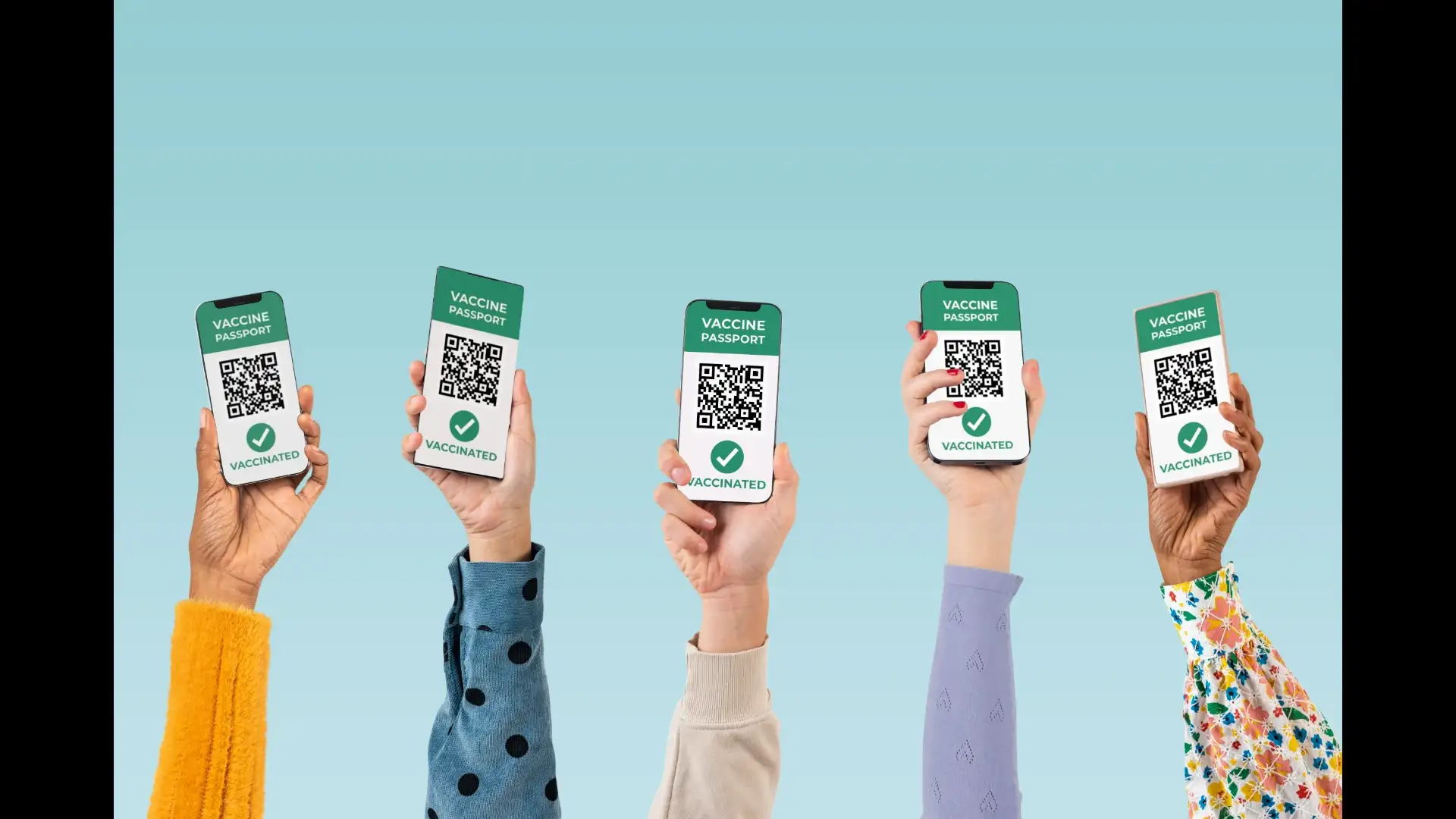
Despite their functional utility, standard QR codes present a significant aesthetic drawback. The classic configuration, a monochrome matrix of black squares arranged on a stark white background, was designed purely for mechanical efficiency rather than visual appeal. When integrated into carefully designed business cards, wedding invitations, promotional flyers, or corporate packaging, traditional QR codes tend to stick out like visual clutter. Furthermore, because generic black-and-white barcodes look identical, consumers often hesitate to scan them due to security concerns or simple visual disinterest. Personalizing your QR codes resolves both problems simultaneously, turning a utility tool into a cohesive visual branding asset.
First, determine the core function and destination of your QR code. Most generators allow you to choose between static and dynamic formats. Static QR codes encode the destination information directly into the matrix, making them permanent and functional indefinitely, though the link cannot be edited once created. Dynamic QR codes route scanners through a short URL that can be updated behind the scenes at any time, allowing you to change the destination website without reprinting physical materials. Select the input type—such as a URL link, plain text, Wi-Fi network credentials, a vCard contact file, or an email template—and paste your information carefully into the generator.
Next, move to the visual customization phase. Replace the default black-and-white color palette with custom shades that match your personal brand or corporate identity. Most design platforms allow you to modify the foreground color (the matrix pixels), the background color, and even the "eyes" (the three large positioning squares located at the corners of the grid). For an added touch of elegance, adjust the shape of the internal data dots from harsh squares to rounded circles, diamonds, or smooth fluid lines. You can also upload a high-resolution logo or icon—such as your company logo, a social media icon, or a personal headshot—to sit cleanly in the center of the grid. Finally, apply a functional frame featuring a clear call-to-action (CTA), such as
,
, or
, to give users an immediate reason to interact with the code.
The most vital technical rule is maintaining high color contrast between the foreground pattern and the background surface. Camera sensors read QR codes by detecting light reflection; therefore, the matrix dots must always be significantly darker than the background. Avoid using light pastel colors for the matrix pixels or placing a dark code over a dark, textured background. Inverted codes where light dots are placed on a dark background often fail on older smartphone models and should generally be avoided for public campaigns.
Additionally, exercise caution when embedding logos in the center of the code. QR codes utilize Reed-Solomon error correction, which allows a code to be read even if up to 30 percent of the grid is covered or damaged. However, if a central logo is scaled too large and obscures too many surrounding data modules, the camera scanner will be unable to reconstruct the hidden information. Keep logos centered, clean, and proportional, occupying no more than 15 to 20 percent of the total grid area. Always perform extensive real-world testing across multiple devices (both iOS and Android) under varying lighting conditions and distance ranges before printing your customized QR code on physical assets.
Despite their functional utility, standard QR codes present a significant aesthetic drawback. The classic configuration, a monochrome matrix of black squares arranged on a stark white background, was designed purely for mechanical efficiency rather than visual appeal. When integrated into carefully designed business cards, wedding invitations, promotional flyers, or corporate packaging, traditional QR codes tend to stick out like visual clutter. Furthermore, because generic black-and-white barcodes look identical, consumers often hesitate to scan them due to security concerns or simple visual disinterest. Personalizing your QR codes resolves both problems simultaneously, turning a utility tool into a cohesive visual branding asset.
Step-by-Step: How to Design and Customize Your QR Code
Creating a personalized QR code is a straightforward process that requires no programming knowledge or paid software subscriptions. By leveraging accessible web-based generators, browser extensions, or design platforms, you can craft a fully custom code in just a few minutes.You may also like
- 'It had been our dream since childhood': Six sets of twins at one Kerala wedding, as twin brothers marry twin sisters, with twin priests and twin altar boys
- Why Shiva Appeared After a Demon Attacked His Lingam
- 5 easy DIY hacks to create a luxury plant corner without spending a fortune
- Why do some houses always smell good, even without room fresheners?
- Dog Parents Alert: 7 Common Kitchen Foods That Can Be Dangerous for Your Pet
First, determine the core function and destination of your QR code. Most generators allow you to choose between static and dynamic formats. Static QR codes encode the destination information directly into the matrix, making them permanent and functional indefinitely, though the link cannot be edited once created. Dynamic QR codes route scanners through a short URL that can be updated behind the scenes at any time, allowing you to change the destination website without reprinting physical materials. Select the input type—such as a URL link, plain text, Wi-Fi network credentials, a vCard contact file, or an email template—and paste your information carefully into the generator.
Next, move to the visual customization phase. Replace the default black-and-white color palette with custom shades that match your personal brand or corporate identity. Most design platforms allow you to modify the foreground color (the matrix pixels), the background color, and even the "eyes" (the three large positioning squares located at the corners of the grid). For an added touch of elegance, adjust the shape of the internal data dots from harsh squares to rounded circles, diamonds, or smooth fluid lines. You can also upload a high-resolution logo or icon—such as your company logo, a social media icon, or a personal headshot—to sit cleanly in the center of the grid. Finally, apply a functional frame featuring a clear call-to-action (CTA), such as
,
, or
, to give users an immediate reason to interact with the code.
Crucial Best Practices for Scan Reliability and Testing
While visual customization offers infinite creative possibilities, maintaining high technical functionality is essential. QR codes rely on optical contrast and mathematical error-correction codes to be read properly by mobile camera sensors. Over-customizing a code can render it unreadable, frustrating users and rendering physical marketing materials useless.The most vital technical rule is maintaining high color contrast between the foreground pattern and the background surface. Camera sensors read QR codes by detecting light reflection; therefore, the matrix dots must always be significantly darker than the background. Avoid using light pastel colors for the matrix pixels or placing a dark code over a dark, textured background. Inverted codes where light dots are placed on a dark background often fail on older smartphone models and should generally be avoided for public campaigns.
Additionally, exercise caution when embedding logos in the center of the code. QR codes utilize Reed-Solomon error correction, which allows a code to be read even if up to 30 percent of the grid is covered or damaged. However, if a central logo is scaled too large and obscures too many surrounding data modules, the camera scanner will be unable to reconstruct the hidden information. Keep logos centered, clean, and proportional, occupying no more than 15 to 20 percent of the total grid area. Always perform extensive real-world testing across multiple devices (both iOS and Android) under varying lighting conditions and distance ranges before printing your customized QR code on physical assets.






Loving Newspoint? Download the app now
