
5 Things You Should Never Keep on Your Office Desk to Protect Your Privacy

Your work desk is more than a place to keep your laptop, stationery and coffee mug. It is also a space where colleagues, visitors and other people in the office may unintentionally come across information you would rather keep private.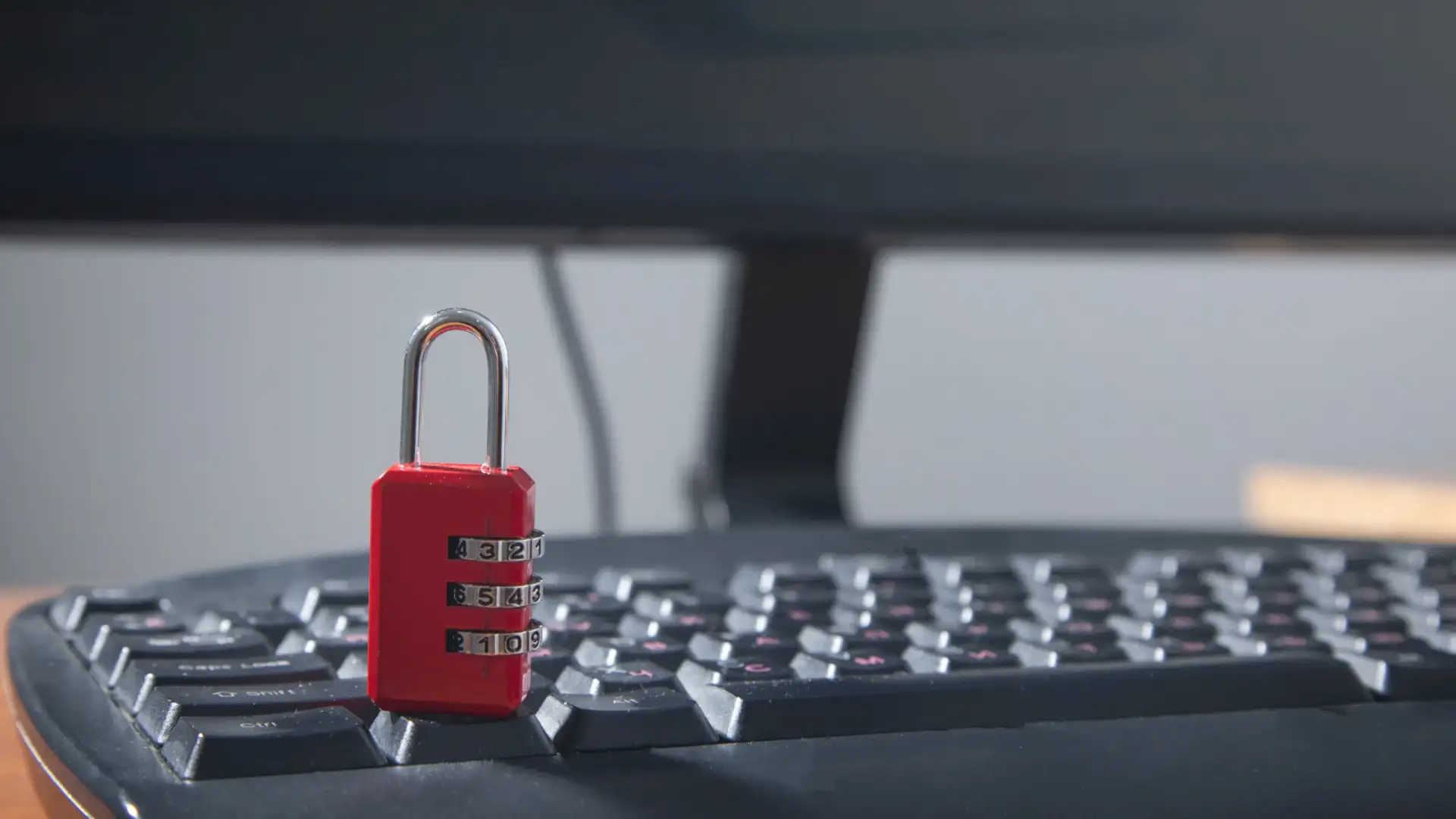
A password scribbled on a sticky note, a salary document left beside your keyboard or an unlocked laptop can expose sensitive information in seconds. Even seemingly harmless personal papers may reveal details about your finances, health or private life.
While an organised workspace can help you work more efficiently, protecting your privacy requires more than simply clearing away clutter. It also means being careful about what you leave visible and how you secure your devices and documents.
Here are five things you should avoid leaving on your office desk.
A colleague, visitor or temporary staff member could easily see the note. Someone could also photograph it without your knowledge, potentially gaining access to your work accounts.
The safer option is to use a trusted password manager that stores login credentials securely. If your organisation provides an approved password management system, use that instead of keeping passwords in plain sight.
You should also enable multi-factor authentication wherever possible and avoid reusing the same password across multiple accounts.
Even stepping away for lunch or a quick meeting can give someone an opportunity to read information that was not intended for them. In shared offices, documents may also be visible to people who do not have permission to access them.
Make it a habit to put sensitive paperwork away when you leave your desk. Use a locked drawer or cabinet where appropriate, and dispose of documents securely when they are no longer needed.
A clean-desk policy, if your organisation has one, should be followed consistently. Protecting confidential information is not simply about avoiding embarrassment. It is also part of maintaining professional trust and meeting workplace responsibilities.
Lock your screen whenever you step away, even if you expect to return within a minute. Use your organisation's recommended security settings, a strong device password and automatic screen locking.
Keep your phone and external storage devices secure rather than leaving them unattended. Unknown USB drives should never be connected to your work computer because they may contain malicious software.
These precautions are particularly important in open-plan offices, shared workspaces and environments where visitors regularly move through work areas.
Such paperwork can reveal personal details that you may not want colleagues or visitors to see. Depending on the information exposed, it could also create risks involving identity theft, fraud or unwanted disclosure.
Carry only the personal documents you genuinely need at work. Once you have finished using them, store them securely or take them home.
If a document is no longer required, dispose of it appropriately rather than leaving it in an open waste bin. For sensitive paperwork, use a shredder or your organisation's approved disposal process.
Keeping personal and professional documents separate is a simple way to reduce the chances of private information being exposed accidentally.
Offensive jokes, inappropriate printed material, hostile notes about colleagues or complaints about your manager can create an uncomfortable impression if someone sees them. Documents related to a confidential job search may also reveal plans you intended to keep private.
Excessive clutter, dirty cups and food wrappers can make your workspace appear neglected, particularly when they accumulate over time.
This does not mean your desk needs to look impersonal or perfectly arranged at all times. A family photograph, a small plant or a few items that reflect your personality can make the space feel welcoming.
The goal is to maintain a workspace that feels professional, respects others and does not unnecessarily expose private thoughts or information.
The solution is not to remove every personal item or maintain a completely empty workspace. It is to recognise which things should remain private, secure sensitive information and avoid leaving material exposed when you step away.
A few minutes of attention each day can prevent unnecessary complications later. In a workplace where information travels quickly, protecting your privacy often begins with something as ordinary as keeping your desk in order.
A password scribbled on a sticky note, a salary document left beside your keyboard or an unlocked laptop can expose sensitive information in seconds. Even seemingly harmless personal papers may reveal details about your finances, health or private life.
While an organised workspace can help you work more efficiently, protecting your privacy requires more than simply clearing away clutter. It also means being careful about what you leave visible and how you secure your devices and documents.
Here are five things you should avoid leaving on your office desk.
1. Passwords written on sticky notes
Writing passwords on sticky notes and sticking them to a monitor or placing them beneath a keyboard may seem like a convenient way to remember login details. However, it can also make confidential information accessible to anyone who walks past your desk.A colleague, visitor or temporary staff member could easily see the note. Someone could also photograph it without your knowledge, potentially gaining access to your work accounts.
The safer option is to use a trusted password manager that stores login credentials securely. If your organisation provides an approved password management system, use that instead of keeping passwords in plain sight.
You should also enable multi-factor authentication wherever possible and avoid reusing the same password across multiple accounts.
2. Confidential documents and office paperwork
Printed contracts, client information, salary sheets, performance reviews and internal reports should never be left unattended in an open workspace.Even stepping away for lunch or a quick meeting can give someone an opportunity to read information that was not intended for them. In shared offices, documents may also be visible to people who do not have permission to access them.
Make it a habit to put sensitive paperwork away when you leave your desk. Use a locked drawer or cabinet where appropriate, and dispose of documents securely when they are no longer needed.
A clean-desk policy, if your organisation has one, should be followed consistently. Protecting confidential information is not simply about avoiding embarrassment. It is also part of maintaining professional trust and meeting workplace responsibilities.
3. Unlocked laptops, phones and unattended USB drives
An unlocked computer can expose emails, internal files, customer details and work applications to anyone who approaches it. In some cases, an unattended device could even be used to send messages or access information under your account.Lock your screen whenever you step away, even if you expect to return within a minute. Use your organisation's recommended security settings, a strong device password and automatic screen locking.
Keep your phone and external storage devices secure rather than leaving them unattended. Unknown USB drives should never be connected to your work computer because they may contain malicious software.
These precautions are particularly important in open-plan offices, shared workspaces and environments where visitors regularly move through work areas.
4. Personal and financial documents
Bank statements, identification copies, insurance letters, medical records and documents containing your home address have no reason to remain scattered across your office desk.Such paperwork can reveal personal details that you may not want colleagues or visitors to see. Depending on the information exposed, it could also create risks involving identity theft, fraud or unwanted disclosure.
Carry only the personal documents you genuinely need at work. Once you have finished using them, store them securely or take them home.
If a document is no longer required, dispose of it appropriately rather than leaving it in an open waste bin. For sensitive paperwork, use a shredder or your organisation's approved disposal process.
Keeping personal and professional documents separate is a simple way to reduce the chances of private information being exposed accidentally.
5. Items that could damage your professional reputation
Your desk can also communicate something about your professional habits, even when you are not present.Offensive jokes, inappropriate printed material, hostile notes about colleagues or complaints about your manager can create an uncomfortable impression if someone sees them. Documents related to a confidential job search may also reveal plans you intended to keep private.
Excessive clutter, dirty cups and food wrappers can make your workspace appear neglected, particularly when they accumulate over time.
This does not mean your desk needs to look impersonal or perfectly arranged at all times. A family photograph, a small plant or a few items that reflect your personality can make the space feel welcoming.
The goal is to maintain a workspace that feels professional, respects others and does not unnecessarily expose private thoughts or information.
How to maintain a safer and more organised workspace
Protecting your privacy does not require a complicated routine. A few consistent habits can make a meaningful difference.- Lock your screen: Make it automatic to secure your computer whenever you leave your desk.
- Put documents away: Store confidential paperwork in a secure place instead of leaving it visible.
- Use approved security tools: Follow your organisation's guidance for passwords, devices and file storage.
- Keep personal paperwork separate: Avoid leaving financial, medical or identity documents in shared work areas.
- Clear your desk before leaving: Spend a few minutes at the end of the day removing clutter and securing sensitive items.
The takeaway
An office desk may seem like a small part of your working life, but what you leave on it can have consequences for your privacy, data security and professional relationships.The solution is not to remove every personal item or maintain a completely empty workspace. It is to recognise which things should remain private, secure sensitive information and avoid leaving material exposed when you step away.
A few minutes of attention each day can prevent unnecessary complications later. In a workplace where information travels quickly, protecting your privacy often begins with something as ordinary as keeping your desk in order.
Next Story