
Top 10 Expert Tips For Choosing Computer Accessories That Improve Productivity And Comfort

A computer is only as effective as the tools that support it. While many people focus on upgrading processors, memory and storage, accessories play an equally important role in creating a productive and comfortable workspace. Whether you are a professional working long hours, a student attending online classes or a casual user managing daily tasks, the right accessories can improve efficiency and reduce frustration.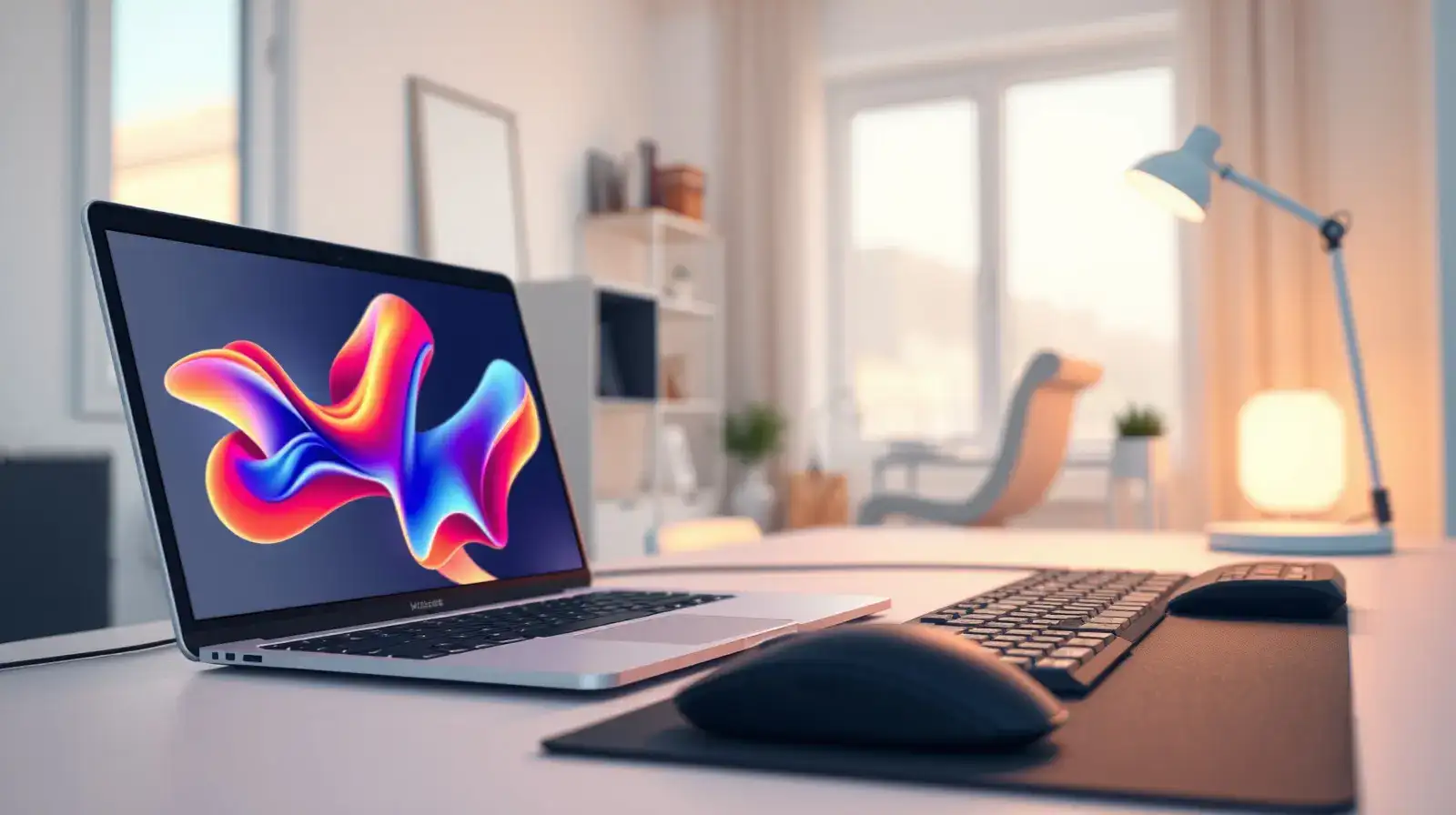
The market is filled with countless options, making it difficult to identify which products are genuinely useful. Experts suggest focusing on practicality, compatibility and long-term value rather than simply chasing the latest trends. By choosing wisely, users can create a computer setup that supports both productivity and comfort.
An ergonomic keyboard, mouse and monitor stand can help reduce strain on the wrists, neck and shoulders. For people who spend several hours at a computer each day, ergonomic accessories can contribute to better posture and greater comfort over time.
Before making a purchase, verify that the accessory supports your operating system, available ports and hardware specifications. Compatibility issues can lead to unnecessary inconvenience and additional expenses.
A comfortable and responsive keyboard can improve typing speed and reduce fatigue. Users should consider factors such as key travel, layout and build quality when making a selection.
Graphic designers, gamers and office professionals often have unique requirements. Selecting a mouse that fits comfortably in your hand and supports your workflow can make daily tasks easier and more efficient.
Well-constructed accessories often last longer and perform more reliably than cheaper alternatives. Experts recommend checking product materials, user reviews and warranty coverage before making a purchase.
Quality headphones, speakers or external microphones can enhance online meetings, content creation and entertainment experiences. Clear audio can make a noticeable difference in both professional and personal use.
Cable organisers, sleeves and clips help keep wires neat and reduce distractions. A well-organised workspace can also make cleaning and maintenance easier.
Compact accessories such as wireless mice, foldable stands and lightweight keyboards can provide convenience without compromising functionality.
Laptop sleeves, surge protectors and screen protectors help safeguard valuable equipment from accidents and electrical issues. Prevention is usually far less expensive than repair or replacement.
Experts often recommend balancing price with quality, functionality and durability. Investing in reliable products can reduce the need for frequent replacements and provide a better overall experience.
The market is filled with countless options, making it difficult to identify which products are genuinely useful. Experts suggest focusing on practicality, compatibility and long-term value rather than simply chasing the latest trends. By choosing wisely, users can create a computer setup that supports both productivity and comfort.
Prioritise Ergonomic Accessories
Comfort should be one of the first considerations when purchasing computer accessories .An ergonomic keyboard, mouse and monitor stand can help reduce strain on the wrists, neck and shoulders. For people who spend several hours at a computer each day, ergonomic accessories can contribute to better posture and greater comfort over time.
Check Compatibility Before Buying
Not every accessory works seamlessly with every device.Before making a purchase, verify that the accessory supports your operating system, available ports and hardware specifications. Compatibility issues can lead to unnecessary inconvenience and additional expenses.
Invest In A Quality Keyboard
The keyboard is one of the most frequently used computer accessories.A comfortable and responsive keyboard can improve typing speed and reduce fatigue. Users should consider factors such as key travel, layout and build quality when making a selection.
Choose The Right Mouse For Your Needs
Different tasks require different types of mice.Graphic designers, gamers and office professionals often have unique requirements. Selecting a mouse that fits comfortably in your hand and supports your workflow can make daily tasks easier and more efficient.
Pay Attention To Build Quality
Durability matters when investing in computer accessories.Well-constructed accessories often last longer and perform more reliably than cheaper alternatives. Experts recommend checking product materials, user reviews and warranty coverage before making a purchase.
Improve Audio With External Devices
Built-in speakers and microphones are not always sufficient for modern communication needs.Quality headphones, speakers or external microphones can enhance online meetings, content creation and entertainment experiences. Clear audio can make a noticeable difference in both professional and personal use.
You may also like
- “Mom told me to stop giving interviews”: Famous teenage investigator Sarthak Sidhant shares her mother's reaction on him getting attention
- 5 flower species found only in India and nowhere else on Earth, and where travellers can see them
- Why Do We Feel Awkward When Someone Is Typing and Then Stops?
- Quote of the day for children by Abraham Maslow: “One can choose to go back toward safety or forward toward growth. Growth must be chosen again and again; fear must...”
- 5 lies every parent must teach their child before it's too late
Organise Your Workspace With Cable Management
A cluttered desk can affect both productivity and appearance.Cable organisers, sleeves and clips help keep wires neat and reduce distractions. A well-organised workspace can also make cleaning and maintenance easier.
Consider Portability Requirements
For users who frequently travel or work from different locations, portability is an important factor.Compact accessories such as wireless mice, foldable stands and lightweight keyboards can provide convenience without compromising functionality.
Protect Your Devices
Protective accessories are often overlooked but can prevent costly damage.Laptop sleeves, surge protectors and screen protectors help safeguard valuable equipment from accidents and electrical issues. Prevention is usually far less expensive than repair or replacement.
Focus On Long-Term Value
The cheapest accessory is not always the most economical choice.Experts often recommend balancing price with quality, functionality and durability. Investing in reliable products can reduce the need for frequent replacements and provide a better overall experience.
Building A Smarter Computer Setup
Computer accessories are more than optional add-ons; they can influence comfort, productivity and device performance every day. By following these 10 expert tips, users can make informed decisions and create a workspace that supports their needs effectively. Whether upgrading a home office, study area or gaming station, choosing the right accessories can make a noticeable difference in both efficiency and user satisfaction.





More from our partners


Loving Newspoint? Download the app now
