
10 Charging Mistakes You’re Probably Making Right Now

In today's digital age, smartphones are essential, yet common charging mistakes can harm their battery life . Avoid these ten habits to extend your phone 's battery lifespan and maintain optimal performance.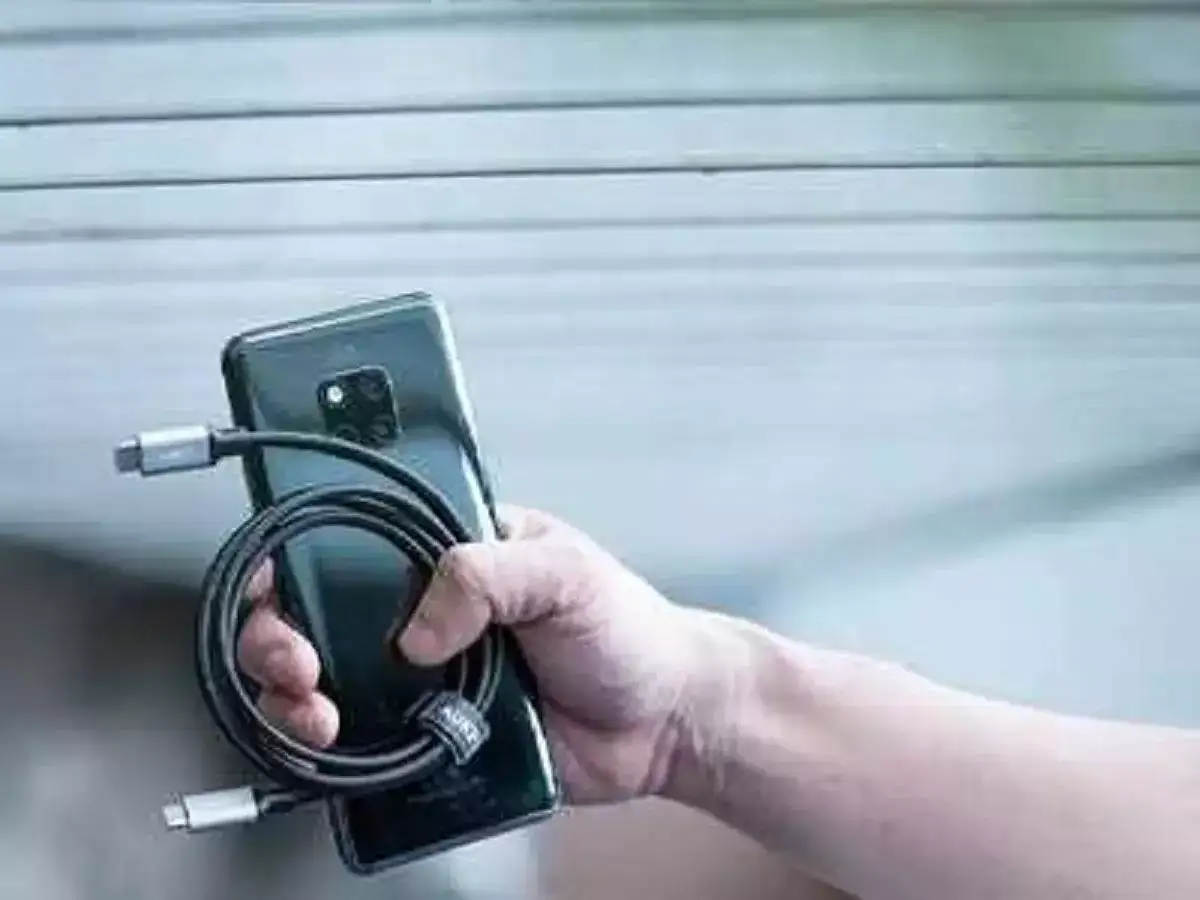
Leaving Your Charger In The Socket
Leaving your charger plugged into the socket continuously can cause it to overheat, reducing its lifespan and increasing the risk of electrical hazards. Unplugging the charger when not in use can save energy and enhance safety.
Charging The Battery To 100%
While it might seem logical to charge your battery to 100%, doing so can actually strain the battery over time. Aim for a charge level between 20% and 80% to maintain battery health and longevity.
Letting The Battery Fully Die Before Charging
Allowing your battery to completely discharge before recharging can cause unnecessary stress on the battery. Instead, try to recharge it before it drops below 20% to preserve its overall capacity.
Charging Overnight
Charging your phone overnight might be convenient, but it can lead to overcharging and overheating. To avoid this, unplug your phone once it's fully charged, or use a smart charger that automatically stops charging when the battery is full.
Using Phone While It’s Charging
Using your phone while it's charging can cause it to overheat and slow down the charging process. Give your phone a break while it charges to ensure a faster and safer charging experience.
Using Phone When The Battery Is Above 20%
Topping off your battery frequently, especially when it’s above 20%, can lead to shorter battery life. It's best to charge your phone when it's genuinely low on battery rather than habitually keeping it at 100%.
Leaving The Phone Case On While Charging
Charging your phone with the case on can trap heat, causing your phone to overheat and potentially damage the battery. Remove the case before charging to allow heat to dissipate more effectively.
Using Generic & Cheap Chargers
Cheap, generic chargers may not meet safety standards and can harm your phone's battery or even cause electrical accidents. Invest in a high-quality charger from a reputable brand to ensure safe and efficient charging.
Using Unknown Battery Apps
Battery optimization apps can sometimes strain your battery more than help it. Stick to trusted apps and use your phone's built-in battery management features to maintain optimal battery health.
Charging Your Phone From Your Laptop
Charging your phone via a laptop can be slow and inefficient, as laptops typically provide lower power output compared to wall chargers. Use a wall adapter for a faster and more reliable charging experience.
Leaving Your Charger In The Socket
Leaving your charger plugged into the socket continuously can cause it to overheat, reducing its lifespan and increasing the risk of electrical hazards. Unplugging the charger when not in use can save energy and enhance safety.
Charging The Battery To 100%
While it might seem logical to charge your battery to 100%, doing so can actually strain the battery over time. Aim for a charge level between 20% and 80% to maintain battery health and longevity.
Letting The Battery Fully Die Before Charging
Allowing your battery to completely discharge before recharging can cause unnecessary stress on the battery. Instead, try to recharge it before it drops below 20% to preserve its overall capacity.
Charging Overnight
Charging your phone overnight might be convenient, but it can lead to overcharging and overheating. To avoid this, unplug your phone once it's fully charged, or use a smart charger that automatically stops charging when the battery is full.
You may also like
- Google Maps users are spotting Spider-Man fighting villains across New York: Here's how to find him
- Top 5: Deepinder Goyal's Temple eyes fresh funding; PE-VC exits shift
- Nvidia CEO Jensen Huang says OpenAI's rogue AI models hacking a multi-billion dollar company is why he's bringing Microsoft, IBM, Cisco and 30 other tech biggest tech companies together
- India data centre capacity to jump to 12 GW by 2030 as AI fuels demand: Wood Mackenzie
- Unhappy with $7 billion collateral bill that electricity company in the state called America's Dairyland has sent, Oracle goes to court; says: Rule risks ...
Using Phone While It’s Charging
Using your phone while it's charging can cause it to overheat and slow down the charging process. Give your phone a break while it charges to ensure a faster and safer charging experience.
Using Phone When The Battery Is Above 20%
Topping off your battery frequently, especially when it’s above 20%, can lead to shorter battery life. It's best to charge your phone when it's genuinely low on battery rather than habitually keeping it at 100%.
Leaving The Phone Case On While Charging
Charging your phone with the case on can trap heat, causing your phone to overheat and potentially damage the battery. Remove the case before charging to allow heat to dissipate more effectively.
Using Generic & Cheap Chargers
Cheap, generic chargers may not meet safety standards and can harm your phone's battery or even cause electrical accidents. Invest in a high-quality charger from a reputable brand to ensure safe and efficient charging.
Using Unknown Battery Apps
Battery optimization apps can sometimes strain your battery more than help it. Stick to trusted apps and use your phone's built-in battery management features to maintain optimal battery health.
Charging Your Phone From Your Laptop
Charging your phone via a laptop can be slow and inefficient, as laptops typically provide lower power output compared to wall chargers. Use a wall adapter for a faster and more reliable charging experience.






Loving Newspoint? Download the app now
