
10 Smart Ways To Stay Safe From Mobile Scams And Online Frauds

Mobile phones have made banking, shopping, payments and communication faster and more convenient. But the same convenience has also created opportunities for scammers to target unsuspecting users. From fake customer-care calls and phishing links to fraudulent payment requests and malicious apps, mobile scams can take many forms. According to cybersecurity experts, scammers often rely on urgency, fear or attractive offers to persuade people into making quick decisions. Staying alert is therefore one of the simplest ways to reduce the risk of becoming a victim. A few basic precautions can help protect personal information, financial details and online accounts from common mobile fraud.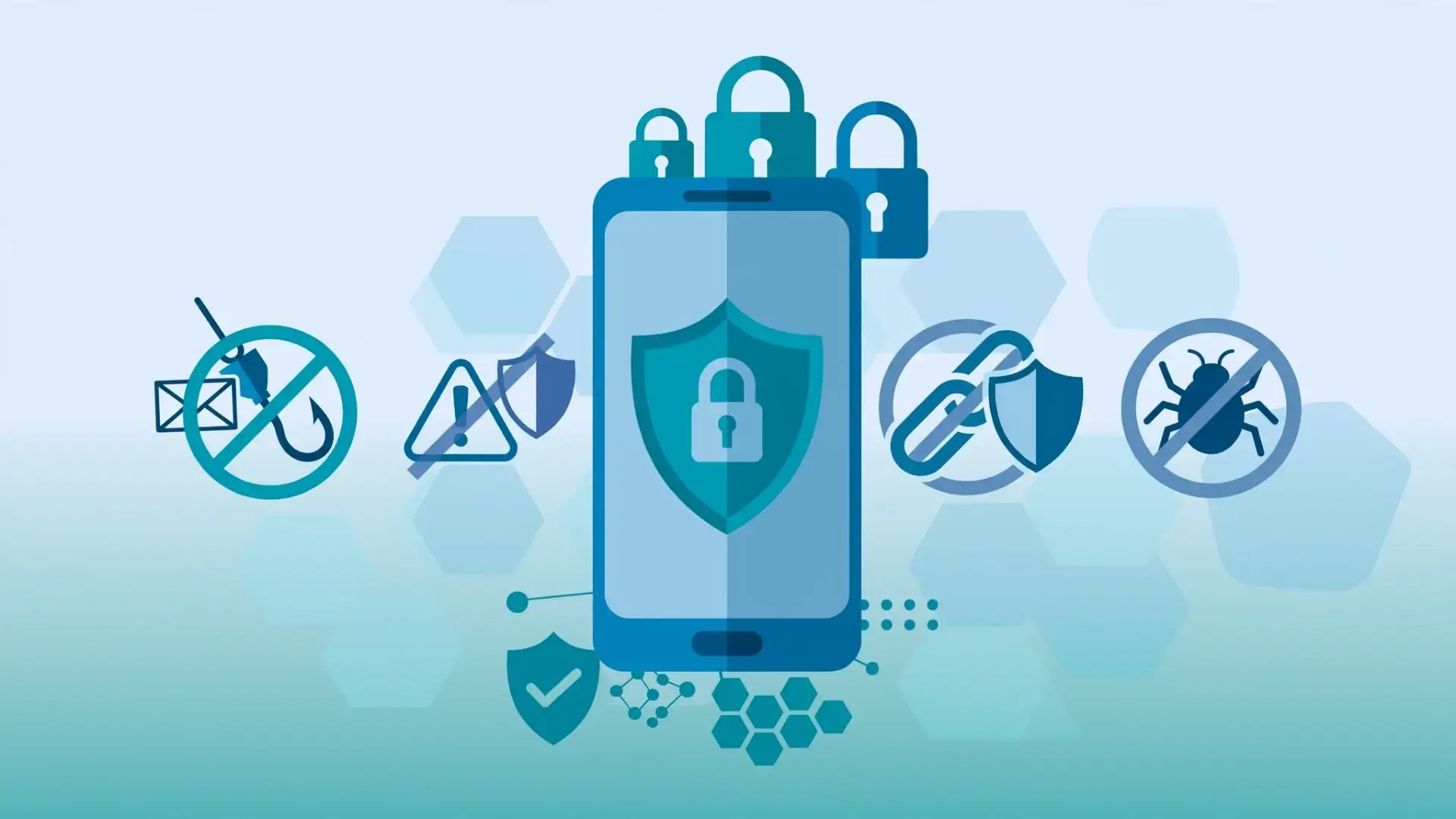
Legitimate banks and payment services do not need customers to disclose such confidential information over a phone call or message. Scammers may pretend to be bank officials, delivery agents or customer-care representatives to obtain these details.
Avoid clicking suspicious links, particularly when a message creates pressure to act immediately. Instead, open the organisation's official app or website separately and check the information there.
According to security specialists, users should be particularly cautious when an unfamiliar app requests access to sensitive features that are unrelated to its purpose.
A request to install remote-access software should also raise an immediate red flag. Such tools can potentially give another person control over parts of your device.
Avoid using unsecured public Wi-Fi for sensitive transactions whenever possible. If something feels unusual, stop the transaction and verify the request through an official channel.
Staying cautious does not mean avoiding digital services. It means slowing down when a message, call or payment request seems suspicious and verifying it before taking action.
Image Courtesy: Meta AI
Never Share OTPs Or PINs
One of the most important rules of mobile fraud prevention is simple: never share your one-time password (OTP), personal identification number (PIN), password or banking credentials with anyone.Legitimate banks and payment services do not need customers to disclose such confidential information over a phone call or message. Scammers may pretend to be bank officials, delivery agents or customer-care representatives to obtain these details.
Be Careful With Links And Messages
Phishing scams often arrive through text messages, emails or messaging apps. A message may claim that your bank account will be blocked, a parcel is waiting or a reward is ready to be collected.Avoid clicking suspicious links, particularly when a message creates pressure to act immediately. Instead, open the organisation's official app or website separately and check the information there.
You may also like
- In 2015, Steve Ballmer and his wife Connie founded Ballmer Group that has donated over $8 billion since, 11 years later they are changing where ...
- TOI AIQ Talks examines India's blueprint for economic scale and technological leadership
- Zepto warehouse sealed in Bengaluru; surprise inspection claims several lapses including misbranding of food products
- Uber takes bike taxis to 100 more cities in India as Rapido rivalry intensifies
- Hotel Wi-Fi Can Put Your Data at Risk: Hackers May Use Fake Login Pages and Updates to Target Travelers
Download Apps Carefully
Malicious apps can expose personal information or interfere with a device's security. Download applications from reputable app stores and check the developer, reviews and permissions before installing them.According to security specialists, users should be particularly cautious when an unfamiliar app requests access to sensitive features that are unrelated to its purpose.
Think Before Making Payments
Digital payments are convenient, but users should check every payment request before approving it. Be especially cautious if someone asks you to scan a QR code or enter a PIN to receive money.A request to install remote-access software should also raise an immediate red flag. Such tools can potentially give another person control over parts of your device.
Keep Your Phone Secure
Use a strong screen lock and keep your operating system and apps updated. Security updates can address known vulnerabilities, making regular updates an important part of smartphone security .Avoid using unsecured public Wi-Fi for sensitive transactions whenever possible. If something feels unusual, stop the transaction and verify the request through an official channel.
Staying cautious does not mean avoiding digital services. It means slowing down when a message, call or payment request seems suspicious and verifying it before taking action.
Image Courtesy: Meta AI






Loving Newspoint? Download the app now
