
Chrome for Android Gets Long-Awaited Back Button in Version 150

Google has introduced a noticeable change in the user interface in chrome for Android version 150 . The highlight of the update is the addition of a dedicated back button inside the chrome’s three dot overflow menu. This feature is designed to make the navigation process easier, especially for the users who rely on one handed browsing or prefer on screen control over the Android’s gesture navigation.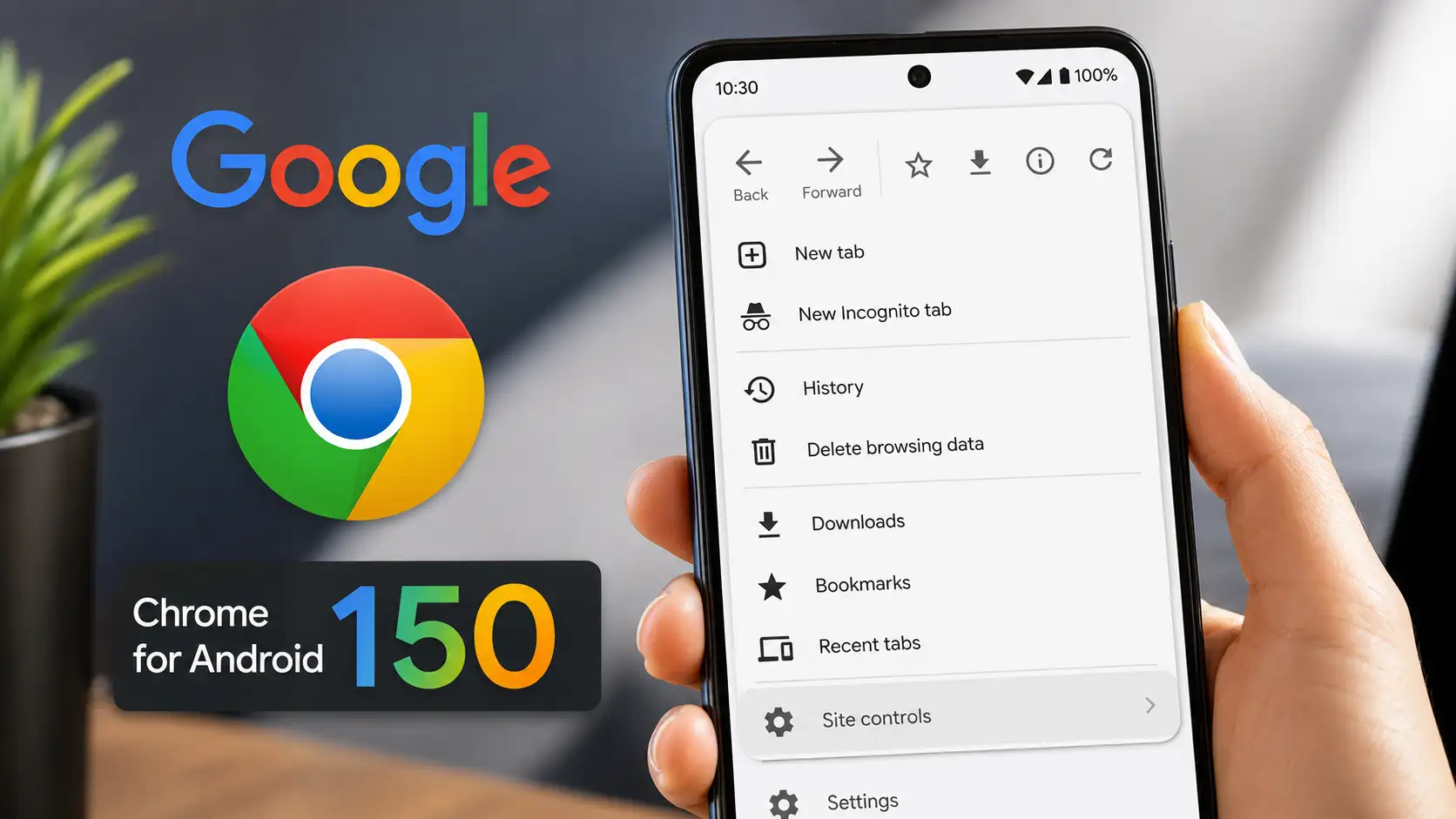
Until now, Chrome for Android only displayed a forward button at the top of the overflow menu. With version 150, users now see both Back and Forward buttons side by side, this gives users another way to return to the previous webpage without depending on Android’s system back gesture or navigation buttons. The change makes Chrome’s Android interface more consistent with the version available on iPhone, which already offers similar navigation shortcuts.
Many android users browse with one hand, making gesture navigation less convenient in certain situation, a dedicated back button provides
Google has not only added a Back button but has also reorganized Chrome’s overflow menu. The changes include:
Dedicated Button finally arrived
Until now, Chrome for Android only displayed a forward button at the top of the overflow menu. With version 150, users now see both Back and Forward buttons side by side, this gives users another way to return to the previous webpage without depending on Android’s system back gesture or navigation buttons. The change makes Chrome’s Android interface more consistent with the version available on iPhone, which already offers similar navigation shortcuts.
Why does this change matter ?
Many android users browse with one hand, making gesture navigation less convenient in certain situation, a dedicated back button provides
- Faster page navigation.
- Easier access for users unfamiliar with gesture controls.
- Improved usability on larger smartphones.
- Better accessibility for users who prefer visible navigation controls.
- The update also reduces the need to rely solely on Android’s system interface for browser navigation.
- Menu layout has been redesigned
Google has not only added a Back button but has also reorganized Chrome’s overflow menu. The changes include:
Next Story