
Unlocking Potential: How To Convert Your Old Smartphone Into A Wi-Fi Router

Do you have an old smartphone tucked away, forgotten in a drawer? Before you consider it obsolete, here's a brilliant way to give it a new purpose. Instead of letting it gather dust, why not turn it into a portable Wi-Fi router ? In a few simple steps, your old phone can become a mobile hotspot , providing internet access on the go.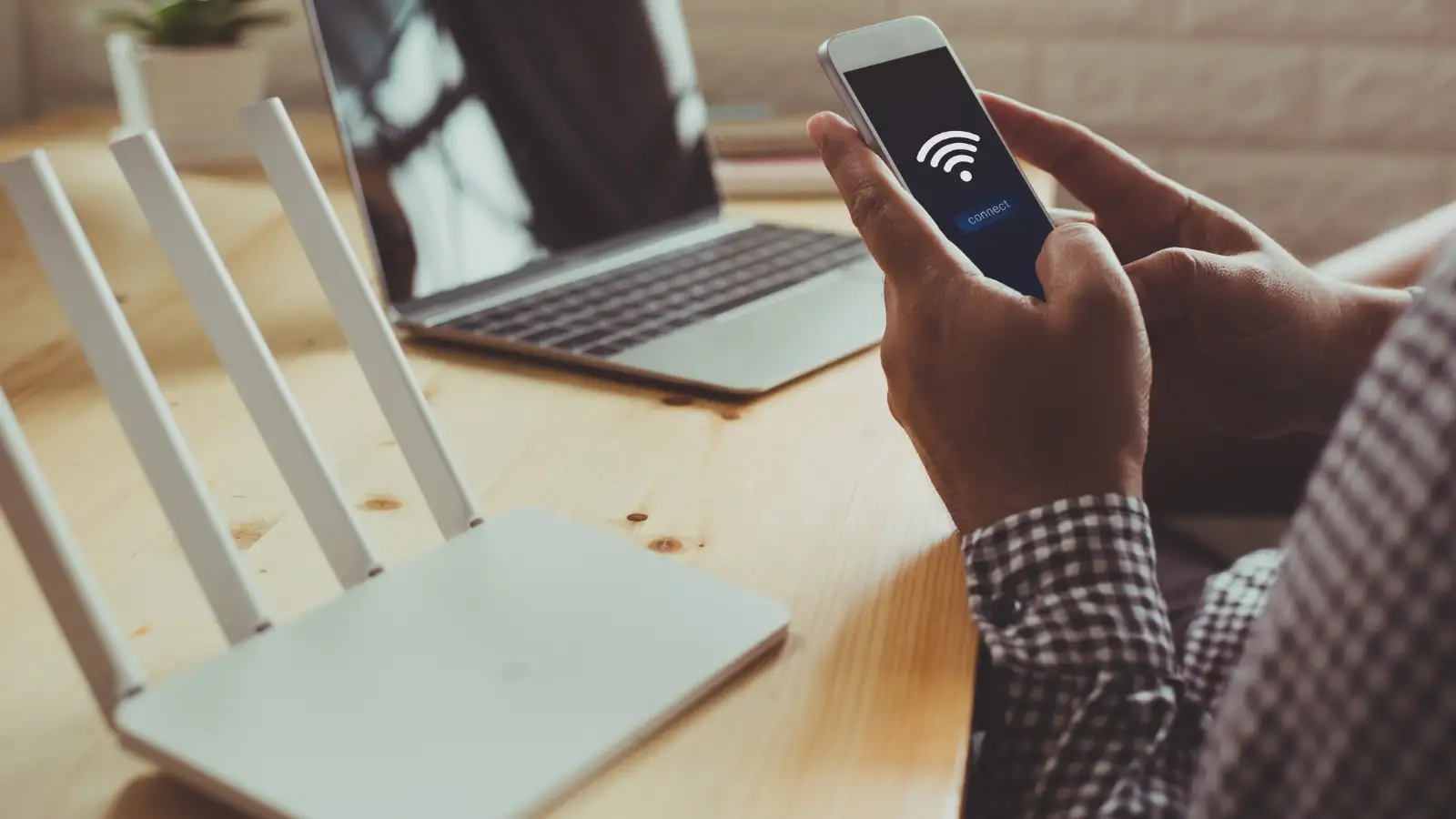
# Understanding the Mobile Hotspot Advantage
Ever wondered what a mobile hotspot is? Think of it as a pocket-sized gateway to the internet. Essentially, it turns your old smartphone into a wireless router , allowing other devices to connect to Wi-Fi wherever you are. The best part? Many modern smartphones come equipped with built-in hotspot capabilities, eliminating the need for additional devices.
# Utilizing Android Devices for Wi-Fi Router Conversion
Most Android phones have the potential to tap into 3G or 4G networks, extending this connectivity to devices like tablets. This means you can utilize the data connection for various online activities such as browsing, emailing, and social media apps. Moreover, many Android devices can go a step further, transforming into a Wi-Fi router and providing a wireless connection for nearby devices, making it a convenient and cost-effective solution.
# Quick Steps to Transform Your Old Phone
1. Access the Settings Menu:
Open the settings menu on your Android device.
2. Locate Wi-Fi Tethering Option:
Find the "Wi-Fi" access point or Wi-Fi tethering option. Its name might vary based on your smartphone's brand, and on most modern phones, it can be found in the notification bar.
3. Adjust Settings if Needed:
Make any necessary adjustments, like setting a new password and determining the types of connections allowed.
4. Activate Wi-Fi Hotspot:
Once settings are configured, activate the Wi-Fi hotspot option. Congratulations, your old phone is now a mobile router, ready to connect to nearby devices.
# Unraveling the Wi-Fi Router's Purpose
Have you ever wondered what a Wi-Fi router does? In simple terms, it's a central hub for a local area network (LAN) that provides wireless internet connectivity to devices within its range. Let's break down its key functions:
Wireless Connectivity:
Network Routing:
Network Security:
DHCP:
Dynamically assigns IP addresses to devices, facilitating communication within the network and internet access.
Give your old smartphone a second life by transforming it into a Wi-Fi router – a simple, practical solution for staying connected wherever you go.
# Understanding the Mobile Hotspot Advantage
Ever wondered what a mobile hotspot is? Think of it as a pocket-sized gateway to the internet. Essentially, it turns your old smartphone into a wireless router , allowing other devices to connect to Wi-Fi wherever you are. The best part? Many modern smartphones come equipped with built-in hotspot capabilities, eliminating the need for additional devices.
# Utilizing Android Devices for Wi-Fi Router Conversion
Most Android phones have the potential to tap into 3G or 4G networks, extending this connectivity to devices like tablets. This means you can utilize the data connection for various online activities such as browsing, emailing, and social media apps. Moreover, many Android devices can go a step further, transforming into a Wi-Fi router and providing a wireless connection for nearby devices, making it a convenient and cost-effective solution.
You may also like
- Spotify festive season report: Party playlists up 34%, shared listening climbs 11% in India
- Itel A300C with 90Hz display and 6000mAh battery launched in India at Rs 10,999
- UPI Payment Splitting Apps Promise to Avoid MDR: How They Work and What to Check
- How this hidden setting can help you read deleted messages on Android
- Gears of War E-Day to launch on October 6: Xbox reveals final PC requirements; check minimum and recommended specs here
# Quick Steps to Transform Your Old Phone
1. Access the Settings Menu:
Open the settings menu on your Android device.
2. Locate Wi-Fi Tethering Option:
Find the "Wi-Fi" access point or Wi-Fi tethering option. Its name might vary based on your smartphone's brand, and on most modern phones, it can be found in the notification bar.
3. Adjust Settings if Needed:
Make any necessary adjustments, like setting a new password and determining the types of connections allowed.
4. Activate Wi-Fi Hotspot:
Once settings are configured, activate the Wi-Fi hotspot option. Congratulations, your old phone is now a mobile router, ready to connect to nearby devices.
# Unraveling the Wi-Fi Router's Purpose
Have you ever wondered what a Wi-Fi router does? In simple terms, it's a central hub for a local area network (LAN) that provides wireless internet connectivity to devices within its range. Let's break down its key functions:
Wireless Connectivity:
- Enables devices to connect to the internet wirelessly, eliminating the need for physical cables.
Network Routing:
- Efficiently directs data traffic within the local network and between the local network and the internet.
Network Security:
- Protects the network and connected devices with features like encryption, firewalls, and access controls.
DHCP:
Dynamically assigns IP addresses to devices, facilitating communication within the network and internet access.
Give your old smartphone a second life by transforming it into a Wi-Fi router – a simple, practical solution for staying connected wherever you go.






Loving Newspoint? Download the app now
