
Protect Your Privacy: Essential Tips for Secure Smart Home Technology

As smart home devices become more integrated into daily life, they offer unmatched convenience and functionality. From voice-activated speakers to smart thermostats and door locks, these gadgets are reshaping the way we live. However, with this convenience comes a significant concern—privacy. These devices collect and transmit personal data, raising questions about who has access to that information and how it could be misused. Understanding how to protect your privacy when using smart home technology is crucial for maintaining control over your personal space.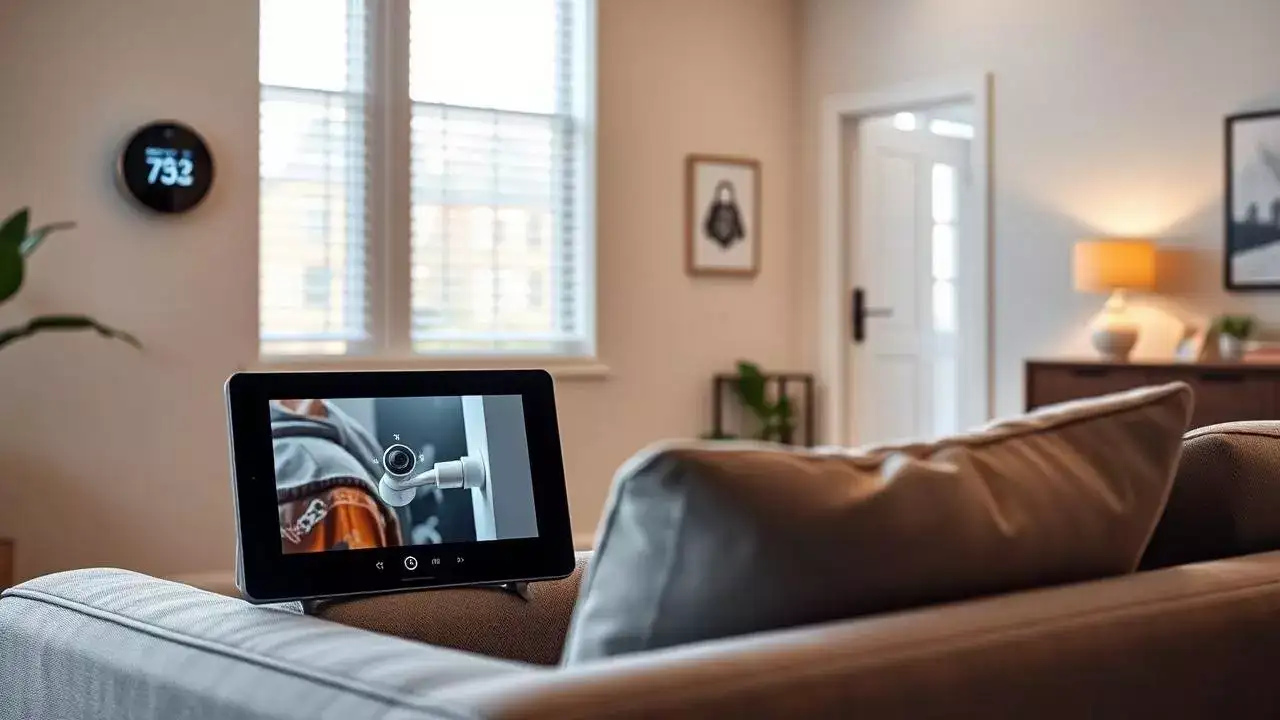
Understanding Smart Home Technology and Its Risks
Smart home devices can be controlled via smartphones, tablets, or voice commands and include smart lights, thermostats, security cameras, door locks, and speakers. Leading brands such as Amazon Alexa, Google Nest, and Philips Hue dominate the market. While these tools simplify home management, they also come with the risk of constant data collection. Unfortunately, many users are unaware of just how much data these devices gather, which creates a need for guidance on how to use them safely and responsibly.
Choose Smart Devices Wisely
When selecting smart home gadgets, it’s essential to invest in quality devices from reputable brands. Opting for cheap, low-quality products may save money upfront but can lead to security vulnerabilities. As experts caution, “When it comes to security and privacy, low-cost solutions are sometimes the worst choice.” Always research product reviews, check privacy policies, and ensure that the manufacturer provides regular software updates.
Use Strong, Unique Passwords
Each smart device should have its own strong and unique password. Avoid using common passwords or reusing credentials across multiple devices. Instead, create long, complex passphrases that include a mix of uppercase and lowercase letters, numbers, and special characters. This makes it much more difficult for hackers to gain unauthorized access to your smart home ecosystem.
Enable Two-Factor Authentication (2FA)
For added protection, enable Two-Factor Authentication (2FA) on all devices and apps that support it. This security feature requires a second form of verification—like a code sent to your phone—after entering your password. 2FA adds an essential layer of defense that significantly reduces the risk of unauthorized access.
Regularly Update Device Software
Manufacturers often release software updates to fix bugs and patch known security vulnerabilities. Delaying these updates can leave your devices open to exploitation. Make it a habit to regularly check for and install updates on all your smart home devices to keep them secure and functioning properly.
Secure Your Wi-Fi Network
Since your smart home devices connect via your Wi-Fi network, its security is paramount. Use a strong password and enable WPA2 or WPA3 encryption. For added security, consider hiding your network name (SSID) so it’s not easily detected by outsiders. This reduces the risk of hackers targeting your home network.
Isolate Devices on a Separate Network
To protect sensitive data, consider setting up a separate Wi-Fi network exclusively for your smart home devices. This ensures that if a smart device is compromised, it won’t provide a gateway to more critical devices like your laptop or smartphone. Most modern routers support guest or secondary networks that can serve this purpose.
Review Privacy and Security Settings
Always take time to review the privacy settings of your devices and associated apps. Turn off unnecessary features like voice recording and location tracking if they’re not essential to the device’s operation. Adjust the permissions to limit what data the device collects and shares. Staying informed about what information your device accesses is key to maintaining privacy.
Ensure Physical Security of Devices
The placement of your smart home devices can affect both privacy and security. Avoid placing smart speakers or security cameras near windows, doors, or areas accessible to guests. Instead, keep them in secure and private locations within your home. This helps prevent physical tampering and unauthorized audio or video recordings.
Secure Your Mobile Devices
Your smartphone or tablet acts as a central control hub for all smart home devices, making it a vital part of your home’s security infrastructure. Protect it with a strong PIN, password, or biometric authentication such as fingerprint or facial recognition. A compromised phone could provide access to all your connected devices, so keep it secure at all times.
Understanding Smart Home Technology and Its Risks
Smart home devices can be controlled via smartphones, tablets, or voice commands and include smart lights, thermostats, security cameras, door locks, and speakers. Leading brands such as Amazon Alexa, Google Nest, and Philips Hue dominate the market. While these tools simplify home management, they also come with the risk of constant data collection. Unfortunately, many users are unaware of just how much data these devices gather, which creates a need for guidance on how to use them safely and responsibly.
Choose Smart Devices Wisely
When selecting smart home gadgets, it’s essential to invest in quality devices from reputable brands. Opting for cheap, low-quality products may save money upfront but can lead to security vulnerabilities. As experts caution, “When it comes to security and privacy, low-cost solutions are sometimes the worst choice.” Always research product reviews, check privacy policies, and ensure that the manufacturer provides regular software updates.
Use Strong, Unique Passwords
Each smart device should have its own strong and unique password. Avoid using common passwords or reusing credentials across multiple devices. Instead, create long, complex passphrases that include a mix of uppercase and lowercase letters, numbers, and special characters. This makes it much more difficult for hackers to gain unauthorized access to your smart home ecosystem.
Enable Two-Factor Authentication (2FA)
For added protection, enable Two-Factor Authentication (2FA) on all devices and apps that support it. This security feature requires a second form of verification—like a code sent to your phone—after entering your password. 2FA adds an essential layer of defense that significantly reduces the risk of unauthorized access.
You may also like
- Inspira seals ₹1,800-cr private credit for Burger King buy in India
- Fortnite American Dad crossover release time, date, all items and emotes
- AI can boost India's GDP by $2.6 trillion by 2047 through public education overhaul: Report
- After years of tracking packages, Amazon planning to use the same playbook for employees, as company is betting on ...
- Amazon Prime Day 2026 starts July 4: Samsung Galaxy S25 Ultra at Rs 84,999, Sennheiser Momentum TWS 4 for Rs 17,499, and more deals on phones, laptops, more
Regularly Update Device Software
Manufacturers often release software updates to fix bugs and patch known security vulnerabilities. Delaying these updates can leave your devices open to exploitation. Make it a habit to regularly check for and install updates on all your smart home devices to keep them secure and functioning properly.
Secure Your Wi-Fi Network
Since your smart home devices connect via your Wi-Fi network, its security is paramount. Use a strong password and enable WPA2 or WPA3 encryption. For added security, consider hiding your network name (SSID) so it’s not easily detected by outsiders. This reduces the risk of hackers targeting your home network.
Isolate Devices on a Separate Network
To protect sensitive data, consider setting up a separate Wi-Fi network exclusively for your smart home devices. This ensures that if a smart device is compromised, it won’t provide a gateway to more critical devices like your laptop or smartphone. Most modern routers support guest or secondary networks that can serve this purpose.
Review Privacy and Security Settings
Always take time to review the privacy settings of your devices and associated apps. Turn off unnecessary features like voice recording and location tracking if they’re not essential to the device’s operation. Adjust the permissions to limit what data the device collects and shares. Staying informed about what information your device accesses is key to maintaining privacy.
Ensure Physical Security of Devices
The placement of your smart home devices can affect both privacy and security. Avoid placing smart speakers or security cameras near windows, doors, or areas accessible to guests. Instead, keep them in secure and private locations within your home. This helps prevent physical tampering and unauthorized audio or video recordings.
Secure Your Mobile Devices
Your smartphone or tablet acts as a central control hub for all smart home devices, making it a vital part of your home’s security infrastructure. Protect it with a strong PIN, password, or biometric authentication such as fingerprint or facial recognition. A compromised phone could provide access to all your connected devices, so keep it secure at all times.






More from our partners


Loving Newspoint? Download the app now
