From Unboxing To Customising: Setting Up Your New Android Phone

Unboxing a new Android phone is always an exciting experience. With a few easy steps, you can set up your device to make the most out of its features. Whether you're a seasoned Android user or a first-time adopter, this guide will walk you through the process of setting up your new Android phone.
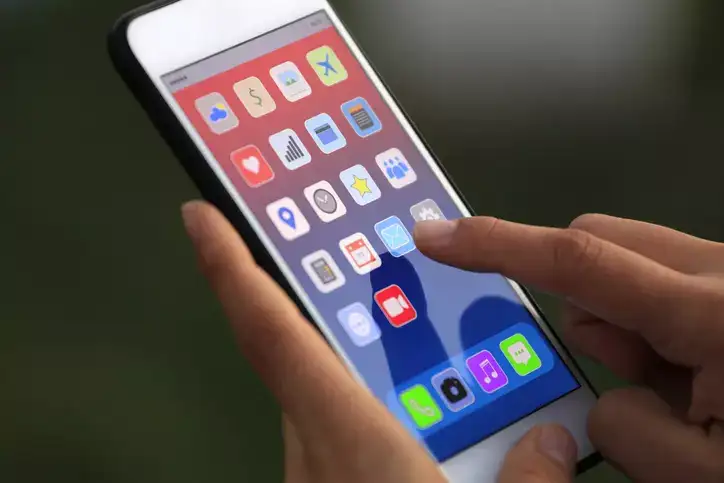
Step-by-Step Guide: Setting Up Your New Android Phone
1. Unbox and Inspect Your Device
Before you dive into the setup process, unbox your phone and ensure that all accessories (charger, cables, etc.) are included. Inspect the device for any physical damage.
2. Power On Your Phone
Press and hold the power button to turn on your phone. You’ll be greeted with the welcome screen.
3. Select Your Language and Region
Choose your preferred language and your region. This will ensure your phone's settings are tailored to your location.
4. Connect to Wi-Fi
To proceed with the setup, connect to a Wi-Fi network. This will allow you to download updates and apps during the initial setup.
Step-by-Step Guide: Setting Up Your New Android Phone
1. Unbox and Inspect Your Device
Before you dive into the setup process, unbox your phone and ensure that all accessories (charger, cables, etc.) are included. Inspect the device for any physical damage.
2. Power On Your Phone
Press and hold the power button to turn on your phone. You’ll be greeted with the welcome screen.
3. Select Your Language and Region
Choose your preferred language and your region. This will ensure your phone's settings are tailored to your location.
4. Connect to Wi-Fi
To proceed with the setup, connect to a Wi-Fi network. This will allow you to download updates and apps during the initial setup.
Next Story