
How Smartphones Recognise Faces Even When Lighting Is Poor

Face unlock can seem almost effortless. You pick up your phone in bright sunlight, walk into a dim room or check it late at night, and it can often recognise you within a fraction of a second. But your face looks surprisingly different under changing lighting. Shadows can alter the shape of features, while bright light can wash out details. So how does a smartphone know it is still you? The answer lies in a combination of cameras or specialised sensors, mathematical representations of facial features and software trained to handle changes in appearance. Modern phones do not simply compare two photographs pixel by pixel.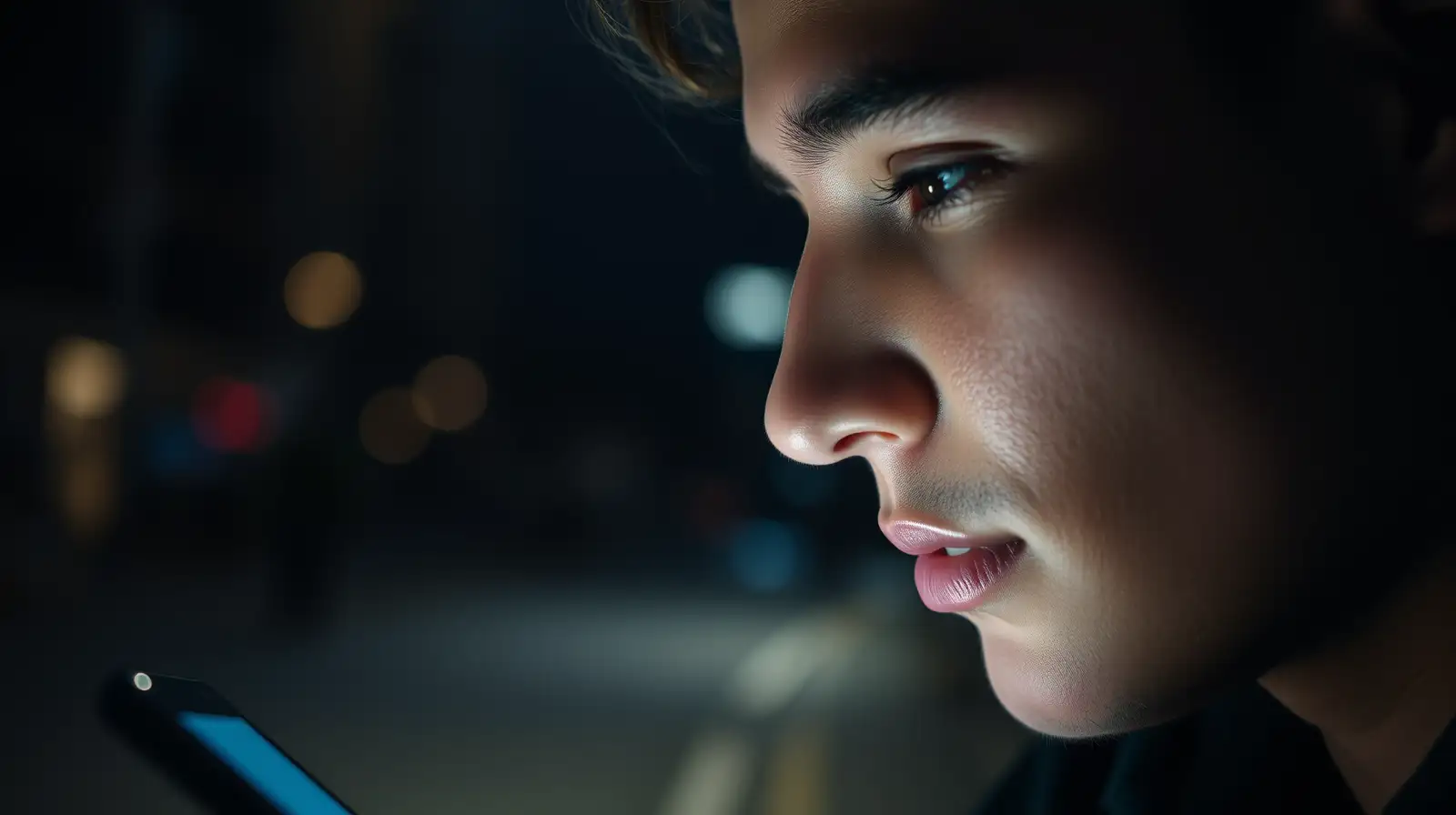
Modern facial authentication systems generally work differently.
During setup, the phone captures information about your facial features and converts it into a mathematical representation. Depending on the technology, this can include relationships between different parts of the face, such as the distance between features and the overall structure of the face.
The stored representation is then used to determine whether a newly captured face is sufficiently similar.
A normal camera may struggle because shadows become deeper and some facial details disappear. Bright sunlight can create the opposite problem by producing harsh highlights.
Facial recognition systems are designed to account for some of these changes. Software can analyse available facial information rather than expecting identical lighting conditions every time.
However, the exact method depends on the phone and its authentication hardware.
Apple's Face ID system, for example, uses infrared imaging and a depth-sensing system to create a three-dimensional representation of the user's face. This allows the system to work in many lighting conditions, including darkness.
Infrared has an important advantage: it is not dependent on visible light in the same way as a conventional photograph.
That makes it possible to recognise facial structure even when the room appears almost completely dark to human eyes.
Your eyes, nose, mouth, cheekbones and other facial characteristics have relationships that remain relatively stable even when lighting, expression or hairstyle changes.
Authentication systems use mathematical models to capture these patterns and compare them with the enrolled facial data.
This is also why simply holding up a photograph does not necessarily work against systems that use depth information.
Extreme angles, masks, major changes in appearance or unusual lighting can sometimes reduce accuracy. A phone may also deliberately reject a borderline match because security systems are designed to be cautious.
This is particularly important for authentication, where incorrectly accepting the wrong person can be far more serious than asking the real owner to try again.
It is interpreting patterns, measuring features and, on some devices, analysing depth and infrared information.
What feels like a simple glance is actually a rapid mathematical comparison between your current appearance and a secure representation created when you first set up face authentication.
Your Phone Does Not Store a Normal Photo
A common misconception is that face recognition works by keeping a photograph of your face and comparing it with whatever the camera sees.Modern facial authentication systems generally work differently.
During setup, the phone captures information about your facial features and converts it into a mathematical representation. Depending on the technology, this can include relationships between different parts of the face, such as the distance between features and the overall structure of the face.
The stored representation is then used to determine whether a newly captured face is sufficiently similar.
Lighting Changes the Image, Not Your Face
When you move from a bright room into darkness, the camera receives very different visual information.A normal camera may struggle because shadows become deeper and some facial details disappear. Bright sunlight can create the opposite problem by producing harsh highlights.
Facial recognition systems are designed to account for some of these changes. Software can analyse available facial information rather than expecting identical lighting conditions every time.
However, the exact method depends on the phone and its authentication hardware.
Some Phones Use Infrared Technology
Certain smartphones use specialised hardware to improve facial recognition, rather than relying entirely on an ordinary selfie camera.Apple's Face ID system, for example, uses infrared imaging and a depth-sensing system to create a three-dimensional representation of the user's face. This allows the system to work in many lighting conditions, including darkness.
Infrared has an important advantage: it is not dependent on visible light in the same way as a conventional photograph.
That makes it possible to recognise facial structure even when the room appears almost completely dark to human eyes.
Your Face Is More Than a Collection of Pixels
The real trick is understanding structure.You may also like
- California city declares State emergency as cyber attacks hit crucial services, including 911: Here's what happened
- Fresher hiring intent rises to 75 pc, AI skills gain prominence
- Google Drive to end Photos backups starting August 10: What users need to do
- Melbourne man asked his AI assistant to book a gym class, and it went on to hack the gym; it is the assistant that Sam Altman spent millions on to ...
- Jeff Bezos says he does not want any employee at Amazon celebrating what was never really…
Your eyes, nose, mouth, cheekbones and other facial characteristics have relationships that remain relatively stable even when lighting, expression or hairstyle changes.
Authentication systems use mathematical models to capture these patterns and compare them with the enrolled facial data.
This is also why simply holding up a photograph does not necessarily work against systems that use depth information.
Why Face Recognition Can Still Fail
No facial recognition system is perfect.Extreme angles, masks, major changes in appearance or unusual lighting can sometimes reduce accuracy. A phone may also deliberately reject a borderline match because security systems are designed to be cautious.
This is particularly important for authentication, where incorrectly accepting the wrong person can be far more serious than asking the real owner to try again.
A Surprisingly Complex Process Behind a Simple Unlock
The next time your phone recognises you almost instantly in a dark room, remember that it is not simply "looking at your face".It is interpreting patterns, measuring features and, on some devices, analysing depth and infrared information.
What feels like a simple glance is actually a rapid mathematical comparison between your current appearance and a secure representation created when you first set up face authentication.






Loving Newspoint? Download the app now
