How To Digitally Sign Documents Without Printing Or Scanning Them

Printing, signing, scanning, and sending documents back can be a time-consuming process, especially when quick approvals are needed. Digital signatures have made it possible to complete paperwork online without handling physical copies. From business agreements to official forms, electronic signing helps users save time while maintaining convenience and security.
Hero Image


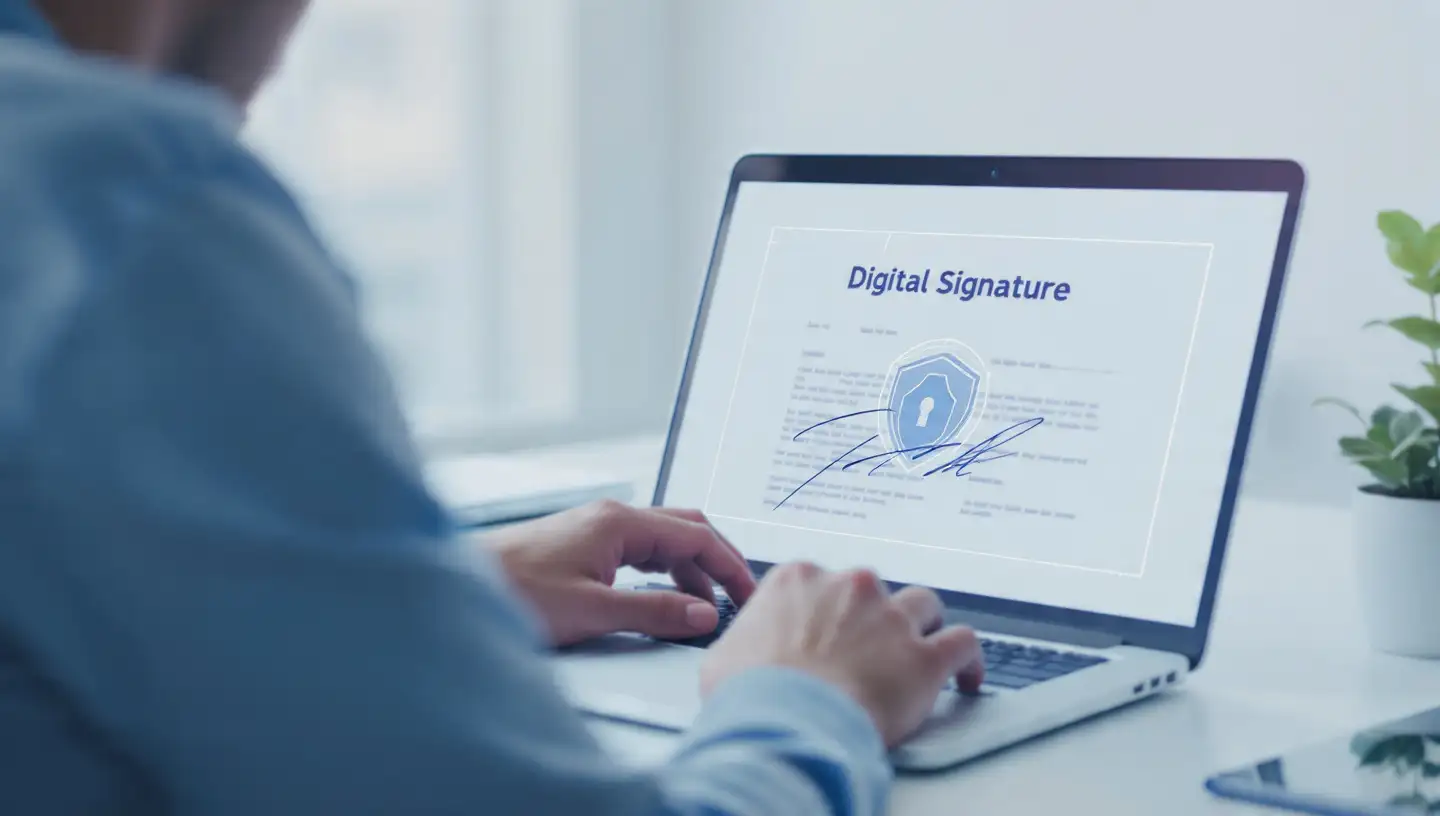
With more organisations adopting paperless workflows, digitally signing documents has become a common practice. Whether using dedicated online platforms, built-in software features, or mobile applications, users can add legally recognised signatures to files without needing a printer.

Understand Digital Signatures And Electronic Signing

A digital signature is an electronic method used to verify the authenticity of a document and confirm the identity of the person signing it. It is different from simply adding an image of a handwritten signature, as digital signing solutions often include security features to protect the document from unauthorised changes.


According to experts, digital signatures can improve efficiency by reducing paperwork and simplifying approval processes. They are widely used for contracts, applications, business documents, and other official records.

Use Online Signing Platforms

One of the easiest ways to sign documents without printing is by using online document signing platforms. These services allow users to upload a file, place their signature in the required section, and send the completed document digitally.


Most platforms support common file formats and provide additional features such as signature tracking, authentication options, and document history. This makes them useful for both personal and professional purposes.

Sign Documents Using Built-In Tools

Many modern devices and software applications offer built-in options for adding signatures. PDF editing tools, for example, often allow users to create and insert a signature directly into a document.

On smartphones and tablets, users can also sign files using touchscreen-based tools. These options are particularly helpful when signing documents while travelling or working remotely.

Keep Digital Signing Secure

Security is an important part of electronic document signing . Users should choose trusted services, avoid sharing signature credentials, and protect accounts with strong passwords.


Industry watchers note that organisations should also establish clear guidelines for storing and managing digitally signed documents. Keeping secure backups ensures that important records remain accessible when needed.

Benefits Of Going Paperless

Digitally signing documents reduces the need for printing supplies, saves time, and makes document management more efficient. It also allows multiple people to review and approve files from different locations.

As remote work and online transactions continue to grow, digital signatures are becoming an essential tool for faster and more organised workflows. With the right tools and security practices, signing documents electronically can be a simple, reliable, and convenient alternative to traditional paperwork.

Image Courtesy: Meta AI