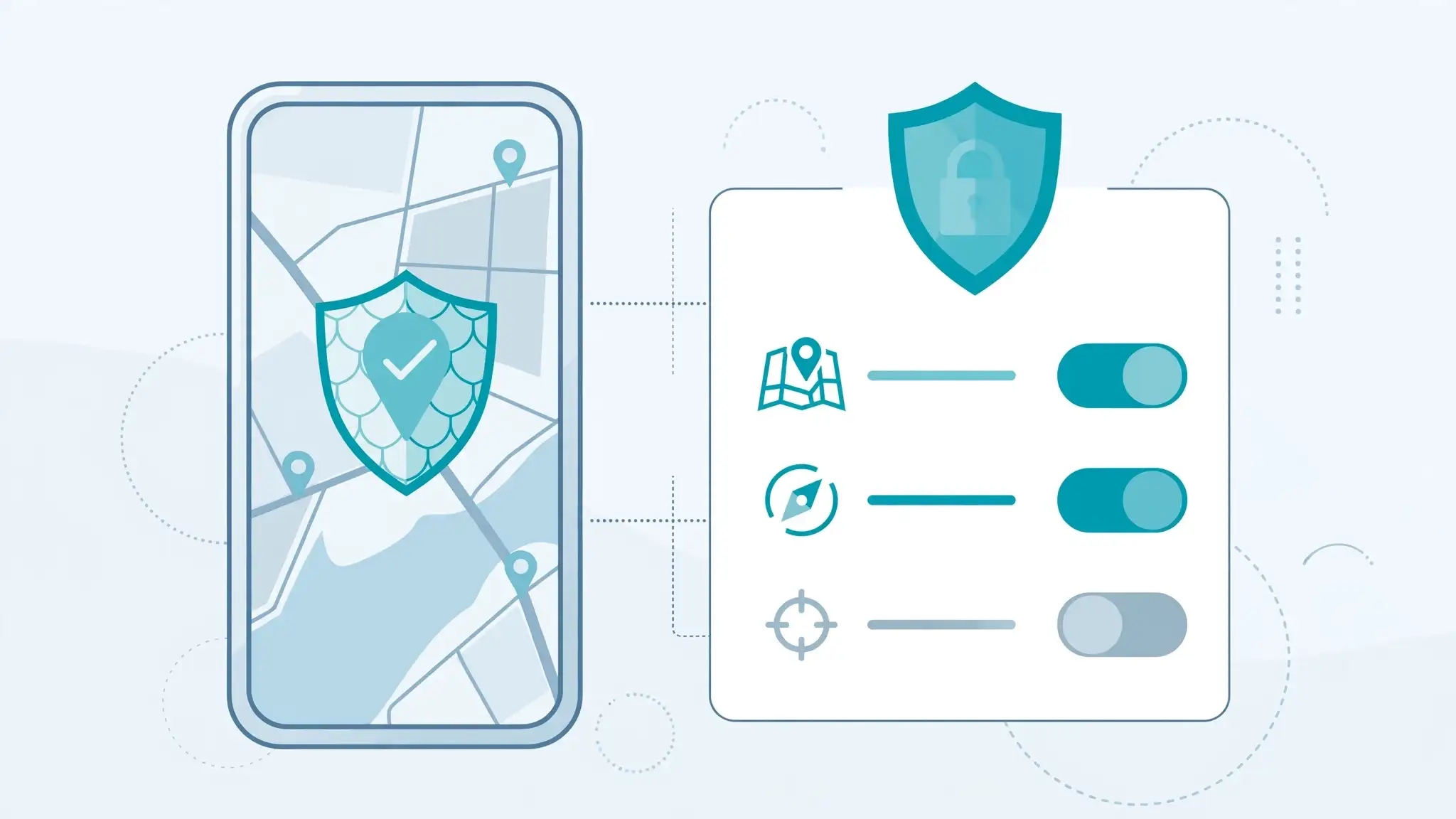
The first step in stopping location tracking is finding out which apps already have access to your location. Many people grant permissions during installation and never review them again.On both Android phones and iPhones, you can check location permissions through the device’s privacy or settings menu. You may find that some apps have access even when their core functions do not require it.According to cybersecurity experts, regularly reviewing app permissions is one of the simplest ways to improve smartphone privacy.Choose The Right Location PermissionYou do not always have to choose between giving an app complete access and blocking it entirely. Many smartphones offer different permission levels.For example, an app may be allowed to access your location only while it is being used. In some cases, you can also provide an approximate location instead of your precise position.This can be useful for apps that need a general area to provide relevant content but do not require your exact location.Turn Off Background Location AccessSome applications can access location data even when you are not actively using them. This can be useful for certain services, but unnecessary background access may also raise privacy concerns.Review apps that have permission to access your location all the time. If an app does not need continuous access, change its permission to a more limited option.Industry watchers note that reducing background permissions can give users greater control over how frequently their location data is accessed.Review Location Access RegularlyApp permissions can change over time, particularly after updates or when you install new applications. Make it a habit to review location access occasionally.Pay particular attention to shopping, social media, entertainment and utility apps. Some may offer useful location-based features, but you should decide whether those features are worth granting access.Check Your Browser And Account SettingsLocation tracking is not limited to smartphone apps. Websites can also request access to your location through your browser.Review location permissions in your browser settings and remove access from websites that do not need it. You can also check privacy settings linked to your major online accounts and review location history features where available.The best approach to location privacy is not necessarily to disable every location service. Navigation, emergency features and other essential tools may rely on location access. Instead, experts generally recommend allowing access only when necessary, choosing approximate location where possible and regularly reviewing which apps can track your location. This gives you greater control without sacrificing the features you actually use.