
How To Protect Your Biometric Data With Smart Security Habits In An Increasingly Digital World

Biometric authentication has become a common way to unlock smartphones, access banking services and verify identities online. Fingerprints, facial recognition and iris scans offer convenience because they are unique to each individual and cannot be forgotten like passwords. However, biometric data also requires careful protection. Unlike a password, a fingerprint or facial characteristics cannot simply be changed if compromised. While organisations that collect biometric information have important responsibilities to secure it, individuals can also take practical steps to reduce risks. Understanding how biometric systems work and following good digital security practices can help keep your personal information better protected.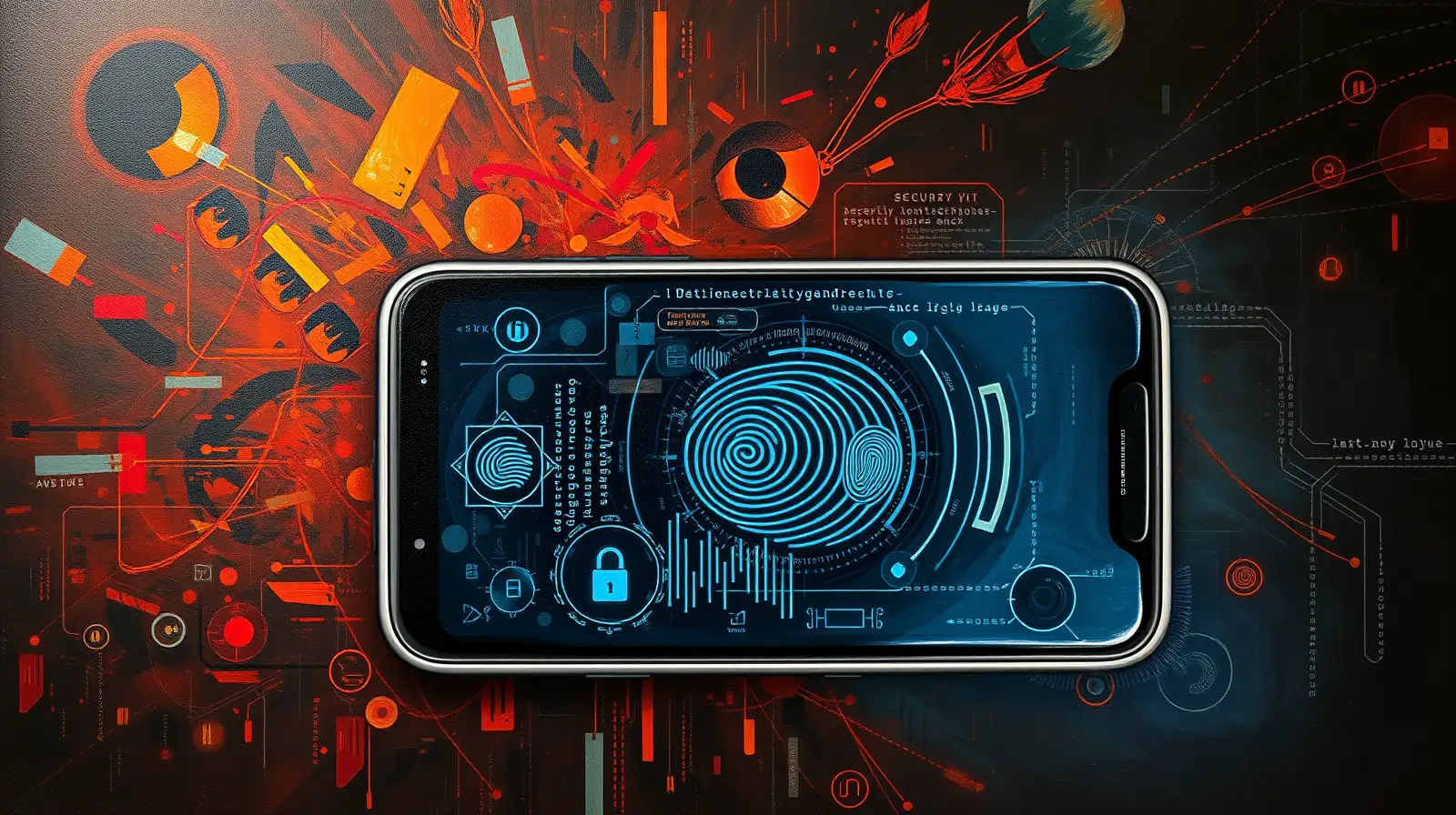
Using biometric authentication only with trusted devices and reputable services can help minimise unnecessary exposure of sensitive information.
Always secure your device with a strong passcode or password in addition to biometric authentication. Most devices use this as an alternative verification method when biometric recognition is unavailable.
Understand Where Your Biometric Data Is Used
Many smartphones, laptops and online services allow users to enable biometric authentication. Before activating these features, review the application's privacy information and understand why biometric verification is required.Using biometric authentication only with trusted devices and reputable services can help minimise unnecessary exposure of sensitive information.
Keep Your Devices Secure
Protecting the device that stores or uses biometric authentication is just as important as protecting the biometric data itself. Install software and security updates promptly, as these often address newly discovered vulnerabilities.Always secure your device with a strong passcode or password in addition to biometric authentication. Most devices use this as an alternative verification method when biometric recognition is unavailable.
Next Story