
How To Take Better Photos On Your Smartphone After Dark

Capturing memorable moments after sunset can be challenging, especially when your smartphone struggles to gather enough light. Blurry images, unwanted noise and poor colours are common problems, but they are not impossible to overcome. According to photography experts, modern smartphones are equipped with powerful camera technology that can produce impressive results when used correctly. A few simple adjustments and smarter shooting habits can make a noticeable difference. Whether you are photographing city lights, festive celebrations or a quiet evening landscape, these practical tips can help you take clearer, brighter and more professional-looking pictures.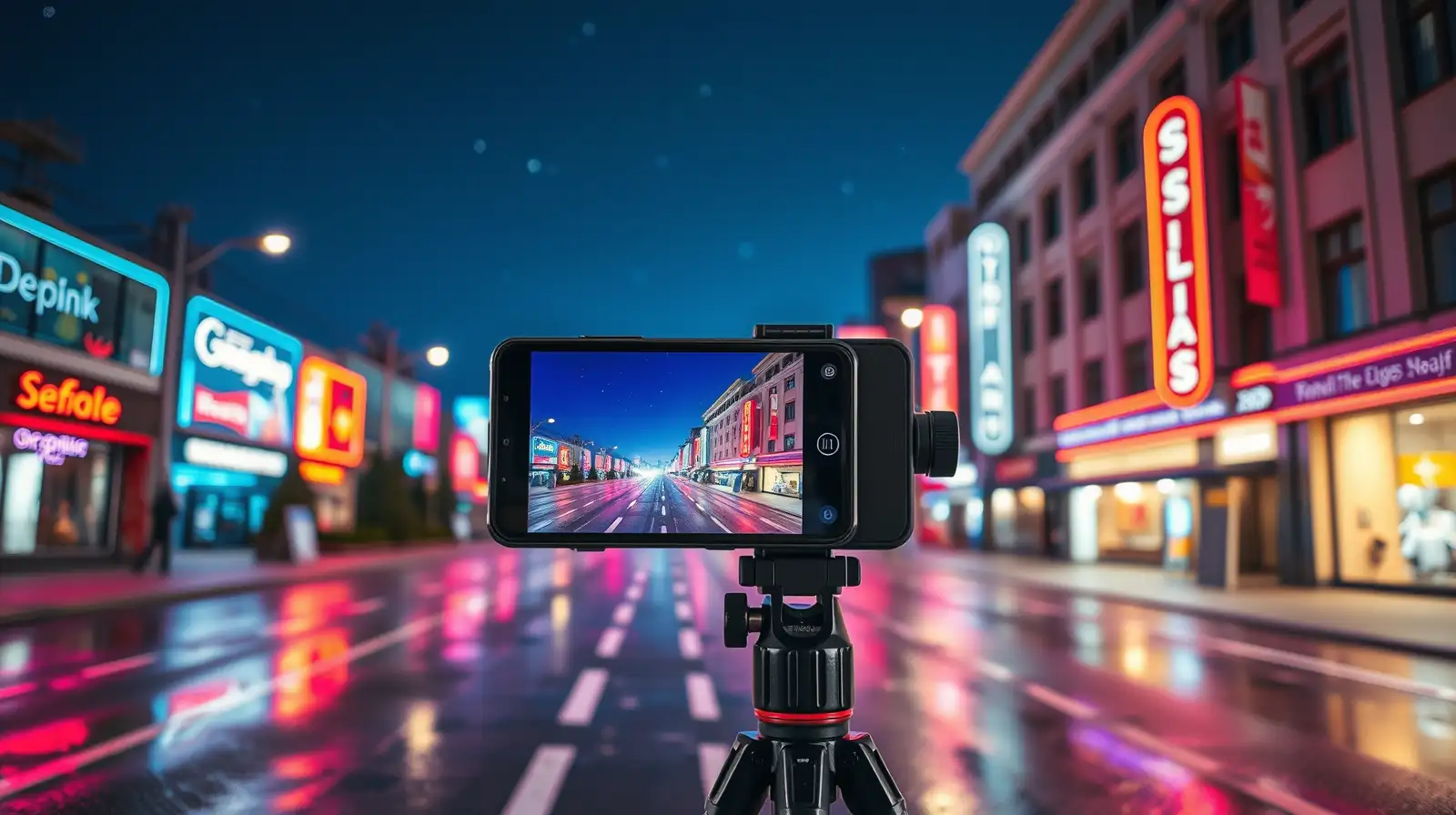
When using Night Mode, hold your phone as still as possible while the camera finishes capturing the scene. Even slight movement can affect the final result.
Experts recommend using the camera timer or a remote shutter to reduce movement caused by pressing the capture button.
This small change often helps preserve details in bright lights while keeping darker areas more balanced.
Photography professionals suggest positioning your subject near soft light instead of directly beneath harsh lighting, which can create strong shadows and uneven tones.
With these straightforward smartphone camera tips , improving your low-light smartphone photography becomes much easier. A combination of steady shooting, smart camera settings and thoughtful use of available light can help you capture striking night photography that looks far better than standard snapshots. According to experts, practising these techniques regularly is the fastest way to develop stronger mobile photography skills and consistently achieve better results.
Make The Most Of Night Mode
Most modern smartphones come with a dedicated Night Mode that automatically adjusts exposure and processing. According to industry watchers, this feature combines multiple frames to create a brighter and more detailed image.When using Night Mode, hold your phone as still as possible while the camera finishes capturing the scene. Even slight movement can affect the final result.
Keep Your Smartphone Steady
Camera shake is one of the biggest reasons for blurry low-light photos. Rest your phone against a wall, railing or table whenever possible. A compact tripod can also make a significant difference, particularly for longer exposures.Experts recommend using the camera timer or a remote shutter to reduce movement caused by pressing the capture button.
You may also like
- TCS takes on OpenAI, Anthropic, Amazon and Microsoft; to build a team of forward-deployed engineers; CEO K Krithivasan says: We would be ensuring ...
- Job cuts across US cross 443,600 in 2026, how many jobs technology companies have cut from January to June, and which was the most 'brutal' month for tech layoffs
- India's automotive sector clocks $717 million deals in Q2: Report
- Seoul shares tank 9 pc on tech losses amid Middle East tensions
- Urbn launches Atom Link pocket-sized magnetic power bank in India, priced at Rs 2,799
Tap To Focus And Adjust Exposure
Instead of relying entirely on automatic settings, tap the screen to focus on your subject before taking the shot. Most smartphones also allow you to adjust exposure by sliding your finger up or down after focusing.This small change often helps preserve details in bright lights while keeping darker areas more balanced.
Use Available Light Creatively
Rather than avoiding dim conditions, look for nearby light sources. Street lamps, shop windows, candles or decorative lights can add depth and atmosphere to your images.Photography professionals suggest positioning your subject near soft light instead of directly beneath harsh lighting, which can create strong shadows and uneven tones.
Clean The Camera Lens
It may sound obvious, but fingerprints and dust on the lens can reduce image quality, especially at night. Wiping the lens gently with a clean microfibre cloth takes only a few seconds and can noticeably improve sharpness and contrast.Avoid Excessive Digital Zoom
Digital zoom often reduces image quality, particularly in low light. Instead of zooming in, move closer to your subject if possible or crop the image later during editing. This approach usually delivers better detail and less visible noise.With these straightforward smartphone camera tips , improving your low-light smartphone photography becomes much easier. A combination of steady shooting, smart camera settings and thoughtful use of available light can help you capture striking night photography that looks far better than standard snapshots. According to experts, practising these techniques regularly is the fastest way to develop stronger mobile photography skills and consistently achieve better results.






Loving Newspoint? Download the app now
