
How To Take Better Photos On Your Smartphone After Dark

Capturing memorable moments after sunset can be challenging, especially when your smartphone struggles to gather enough light. Blurry images, unwanted noise and poor colours are common problems, but they are not impossible to overcome. According to photography experts, modern smartphones are equipped with powerful camera technology that can produce impressive results when used correctly. A few simple adjustments and smarter shooting habits can make a noticeable difference. Whether you are photographing city lights, festive celebrations or a quiet evening landscape, these practical tips can help you take clearer, brighter and more professional-looking pictures.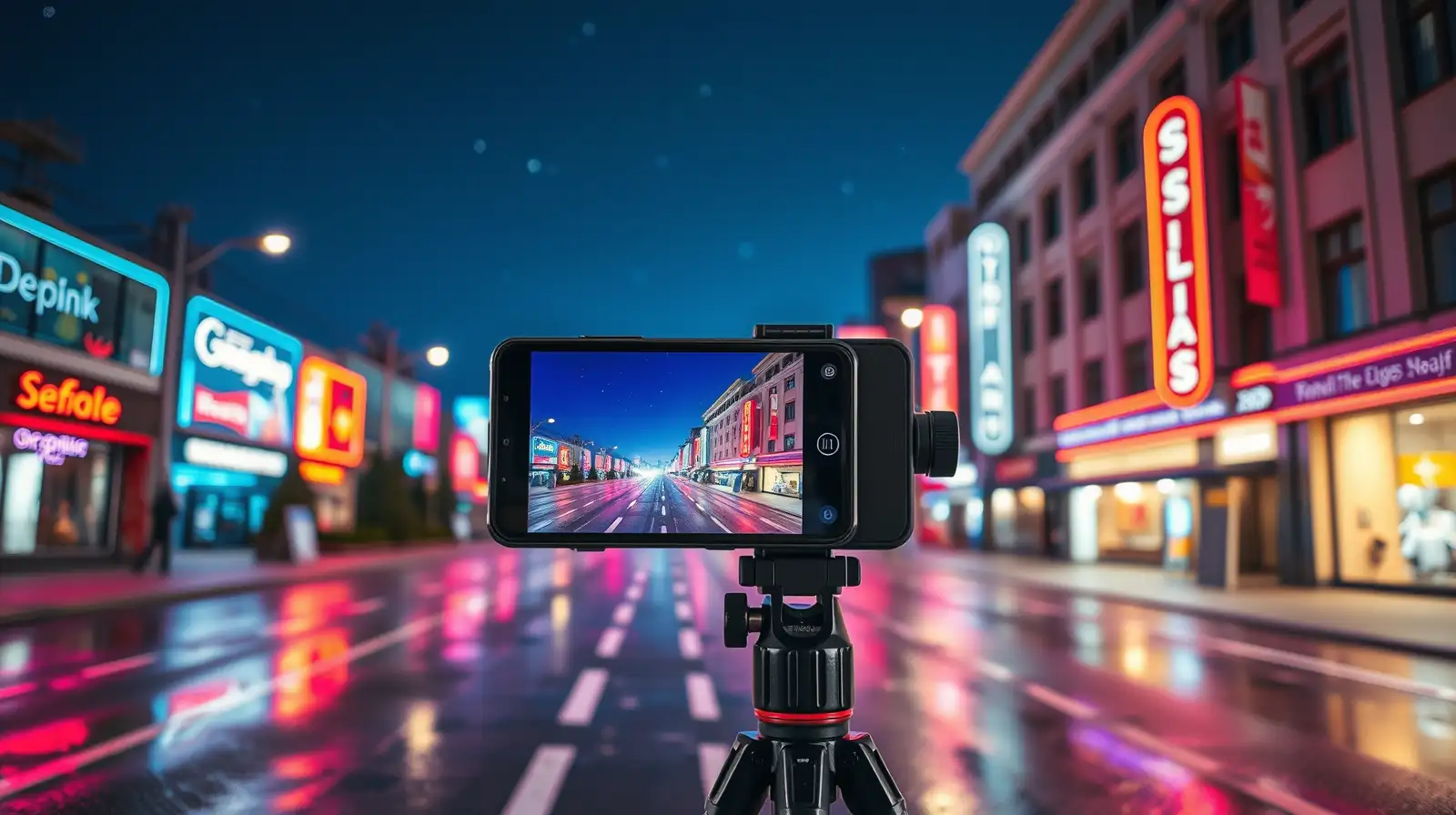
When using Night Mode, hold your phone as still as possible while the camera finishes capturing the scene. Even slight movement can affect the final result.
Experts recommend using the camera timer or a remote shutter to reduce movement caused by pressing the capture button.
Make The Most Of Night Mode
Most modern smartphones come with a dedicated Night Mode that automatically adjusts exposure and processing. According to industry watchers, this feature combines multiple frames to create a brighter and more detailed image.When using Night Mode, hold your phone as still as possible while the camera finishes capturing the scene. Even slight movement can affect the final result.
Keep Your Smartphone Steady
Camera shake is one of the biggest reasons for blurry low-light photos. Rest your phone against a wall, railing or table whenever possible. A compact tripod can also make a significant difference, particularly for longer exposures.Experts recommend using the camera timer or a remote shutter to reduce movement caused by pressing the capture button.
Next Story