
How To Turn Your Old Smartphone Into A Home Automation Remote For Lights, TVs And Smart Devices

An old smartphone may no longer be your main device, but that does not mean its useful life is over. If the screen still works, the battery is reasonably stable and Wi-Fi connectivity is intact, it can become a dedicated home automation remote . In many homes, smart devices are controlled through several separate apps, which often means reaching for your everyday phone just to dim a light, adjust a speaker or check a camera feed. Repurposing an older handset solves that problem neatly. Kept on a side table, mounted near the entrance or placed beside the bed, it can serve as a central smart home control panel and give an ageing device a genuinely practical second life.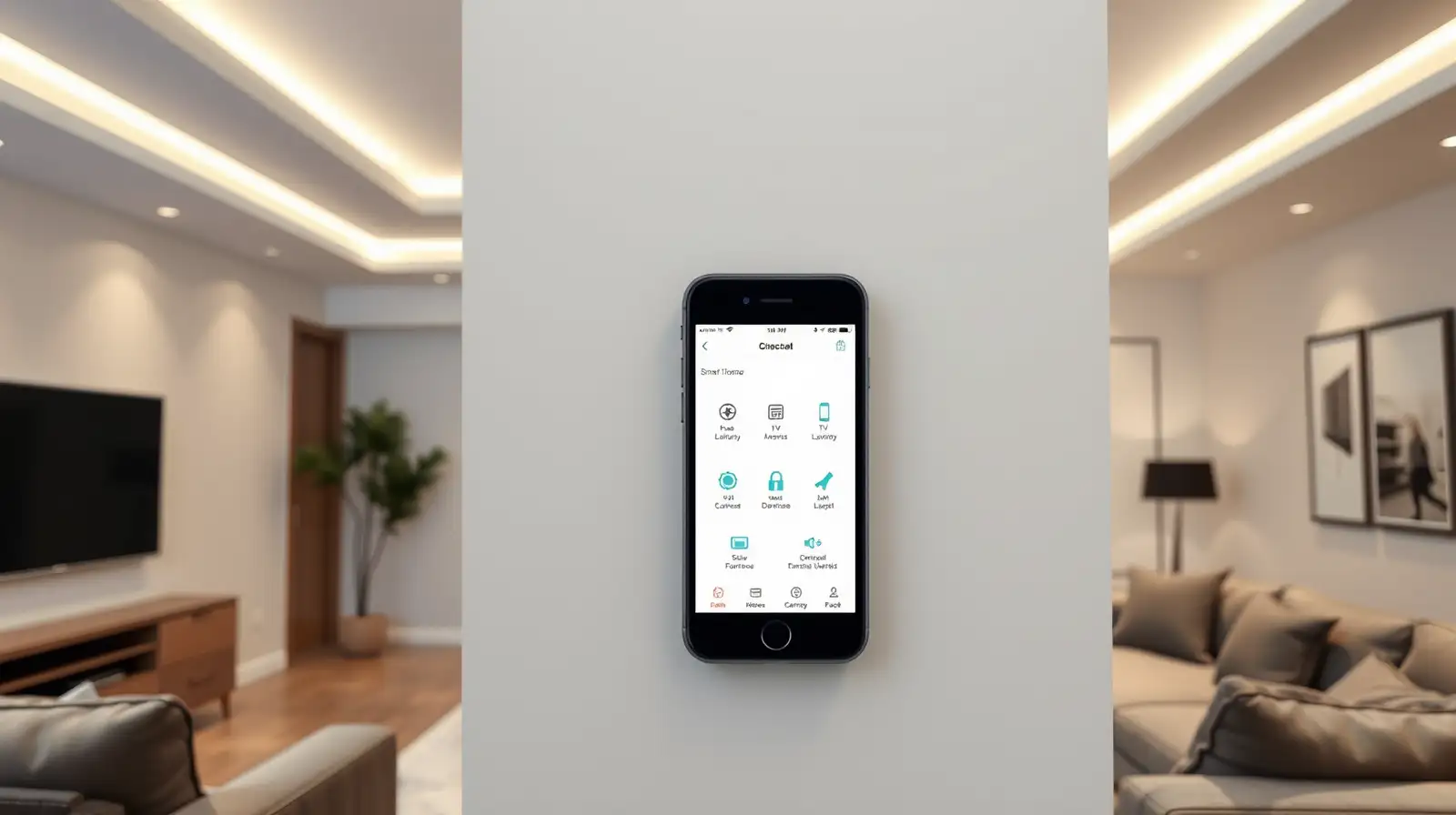
This setup works especially well for households with multiple connected products. You can place shortcuts for lights, fans, AC controls, smart plugs or streaming devices on the home screen and use the old phone like a fixed household controller.
This is especially useful in living rooms where multiple remotes tend to pile up. One old device can simplify access to the television, soundbar, streaming stick and even connected lighting for movie nights.
For a smoother experience, keep the device plugged in or docked safely, connect it to stable Wi-Fi and remove unnecessary apps that may slow it down. A clean layout is better than a cluttered one when the goal is quick access.
For anyone building a connected home on a budget, this is one of the easiest upgrades to make. A retired phone can become a reliable smartphone home hub for lights, entertainment and daily routines, proving that outdated hardware can still fit neatly into modern living.
Turn It Into A Dedicated Smart Home Dashboard
One of the easiest ways to use an old smartphone as home automation remote is to install the apps linked to your smart lights, plugs, cameras, speakers and TV devices, then keep them organised in one place. Instead of mixing work messages and personal apps with home controls on your main phone, you can create a single-purpose device used only for smart home control.This setup works especially well for households with multiple connected products. You can place shortcuts for lights, fans, AC controls, smart plugs or streaming devices on the home screen and use the old phone like a fixed household controller.
You may also like
- Sony's new 64MP sensor wants to make your phone's zoom camera as good as the main one
- Epic Games is bringing back Marvel Battle Pass skins to Fortnite: Here's everything you need to know
- Apple raises prices of MacBooks, iPads as memory costs skyrocket
- What June 25 deadline means for California's Billionaires Tax that led to Larry Page, Sergey Brin, David Sacks 'fleeing' the state
- Google delays launch of Gemini 3.5 Pro that CEO Sundar Pichai said coming in June; says: It needs to spend extra time for ...
Use It For Entertainment And Media Control
An older phone can also become a remote for entertainment devices. Many smart TVs, streaming boxes and speakers offer companion apps that let you change volume, browse content or control playback over Wi-Fi. If your phone has an infrared blaster, it may even work with some traditional appliances and televisions through compatible remote apps.This is especially useful in living rooms where multiple remotes tend to pile up. One old device can simplify access to the television, soundbar, streaming stick and even connected lighting for movie nights.
Keep It By The Door Or Bedside For Quick Access
Placement makes a big difference. If you keep the device near the front door, it can help you switch off lights, check security cameras or control smart locks before leaving home. A bedside setup, meanwhile, can be ideal for managing lamps, white-noise speakers, air purifiers or morning alarms without hunting for your main phone.For a smoother experience, keep the device plugged in or docked safely, connect it to stable Wi-Fi and remove unnecessary apps that may slow it down. A clean layout is better than a cluttered one when the goal is quick access.
Make An Old Device Useful Again
Using an old phone smart home setup is not just about convenience; it is also a practical form of reuse. Instead of leaving an ageing handset unused, you turn it into a simple household tool that still adds value every day.For anyone building a connected home on a budget, this is one of the easiest upgrades to make. A retired phone can become a reliable smartphone home hub for lights, entertainment and daily routines, proving that outdated hardware can still fit neatly into modern living.






More from our partners


Loving Newspoint? Download the app now
