
How To Turn Your Old Smartphone Into A Home Automation Remote For Lights, TVs And Smart Devices

An old smartphone may no longer be your main device, but that does not mean its useful life is over. If the screen still works, the battery is reasonably stable and Wi-Fi connectivity is intact, it can become a dedicated home automation remote . In many homes, smart devices are controlled through several separate apps, which often means reaching for your everyday phone just to dim a light, adjust a speaker or check a camera feed. Repurposing an older handset solves that problem neatly. Kept on a side table, mounted near the entrance or placed beside the bed, it can serve as a central smart home control panel and give an ageing device a genuinely practical second life.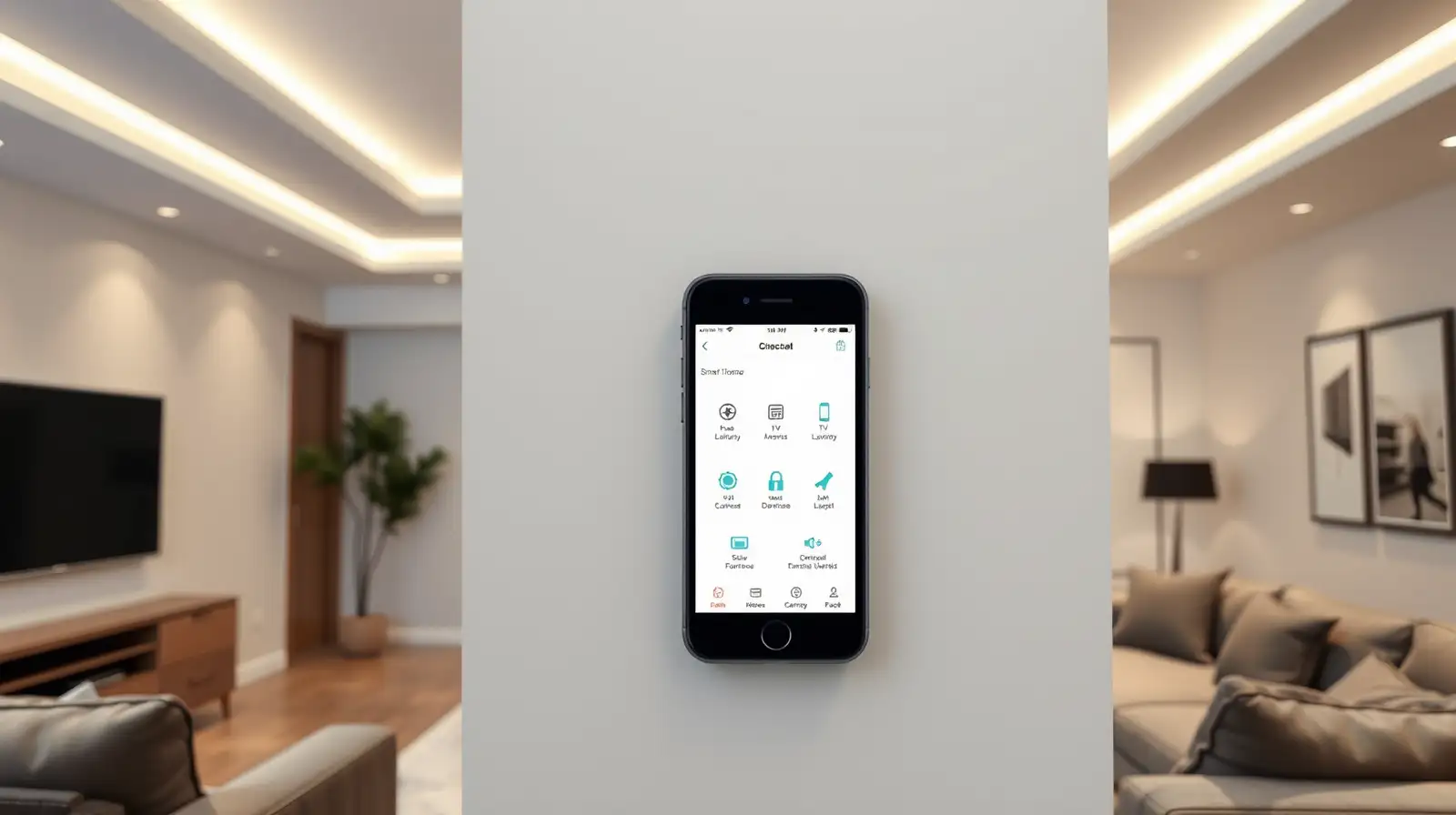
This setup works especially well for households with multiple connected products. You can place shortcuts for lights, fans, AC controls, smart plugs or streaming devices on the home screen and use the old phone like a fixed household controller.
Turn It Into A Dedicated Smart Home Dashboard
One of the easiest ways to use an old smartphone as home automation remote is to install the apps linked to your smart lights, plugs, cameras, speakers and TV devices, then keep them organised in one place. Instead of mixing work messages and personal apps with home controls on your main phone, you can create a single-purpose device used only for smart home control.This setup works especially well for households with multiple connected products. You can place shortcuts for lights, fans, AC controls, smart plugs or streaming devices on the home screen and use the old phone like a fixed household controller.
Next Story