Malware Alert: 10 Warning Signs Your Computer Could Already Be Compromised

Malware can find its way onto a computer through suspicious links, infected downloads, fake software updates or malicious email attachments. According to cybersecurity experts, many users do not realise their devices have been compromised until noticeable performance issues or unusual behaviour begin to appear. While some symptoms may have harmless explanations, a combination of warning signs should never be ignored. Identifying a possible malware infection early can help limit damage, protect sensitive information and reduce the chances of data loss or identity theft.
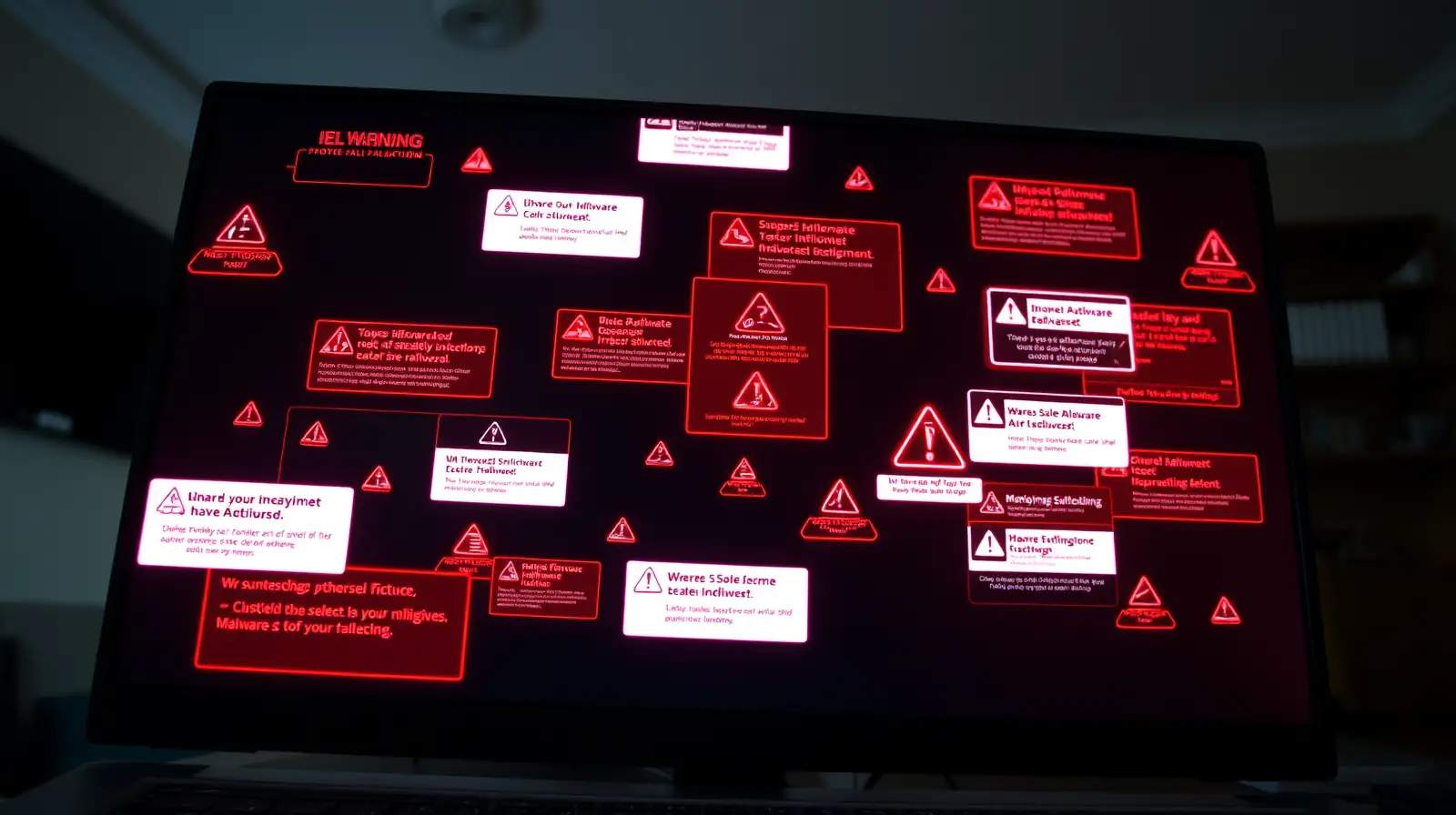
Hero Image


1. Your Computer Has Become Unusually Slow

A sudden drop in performance without any obvious reason could indicate malicious software running in the background and consuming system resources.

2. Frequent Pop-Up Advertisements

If unwanted adverts appear constantly, even when your browser is closed or you're not visiting suspicious websites, adware or another form of malware may be responsible.


3. Programmes Crash Unexpectedly

Applications that repeatedly freeze or close without warning may point to system instability. According to experts, malware can interfere with normal software operations.

4. Your Browser Keeps Redirecting

Being redirected to unfamiliar websites or finding that your homepage or search engine has changed without permission is a common warning sign.


5. Unknown Programmes Appear

If software you never installed suddenly shows up on your computer, it could have been bundled with malicious downloads or installed without your knowledge.

6. Antivirus Software Stops Working

Some malware is designed to disable security tools to avoid detection. If your antivirus suddenly turns off or refuses to update, investigate immediately.

7. High Network Or Data Usage

Unexpected spikes in internet activity may indicate malware communicating with remote servers or secretly downloading additional malicious files.

8. Files Go Missing Or Become Encrypted

If documents disappear, become inaccessible or display unusual file extensions, ransomware or another type of malware could be involved.


9. Unusual Account Activity

Receiving password reset emails you did not request or noticing unfamiliar logins may suggest your credentials have been compromised.

10. The Computer Restarts On Its Own

Frequent unexpected restarts or repeated error messages, particularly when combined with other symptoms, may indicate a deeper security problem.

What To Do If You Suspect Malware

If you notice several of these computer virus symptoms , disconnect your device from the internet if practical and run a full scan using trusted computer security software. Experts also recommend updating your operating system, changing important passwords from a clean device and backing up essential files.

Staying cautious online remains one of the best cybersecurity tips . Avoid downloading software from untrusted sources, keep applications updated and think carefully before opening unfamiliar links or attachments. These simple habits can go a long way in helping protect your PC from future malware infections.