
Smartphone Battery Saving Tips: Simple Ways to Make Your Phone Last Longer

A smartphone has become much more than a device for calls and messages. It is now our camera, wallet, entertainment centre, navigation system, and even a personal assistant. However, constant usage often creates one common problem: poor battery life. Many users charge their phones multiple times a day without realising that simple changes in settings and daily habits can significantly improve performance. Smartphone battery saving tips are not only about reducing usage but also about understanding how modern devices work. From background apps to screen brightness, small adjustments can help your phone run efficiently and last longer.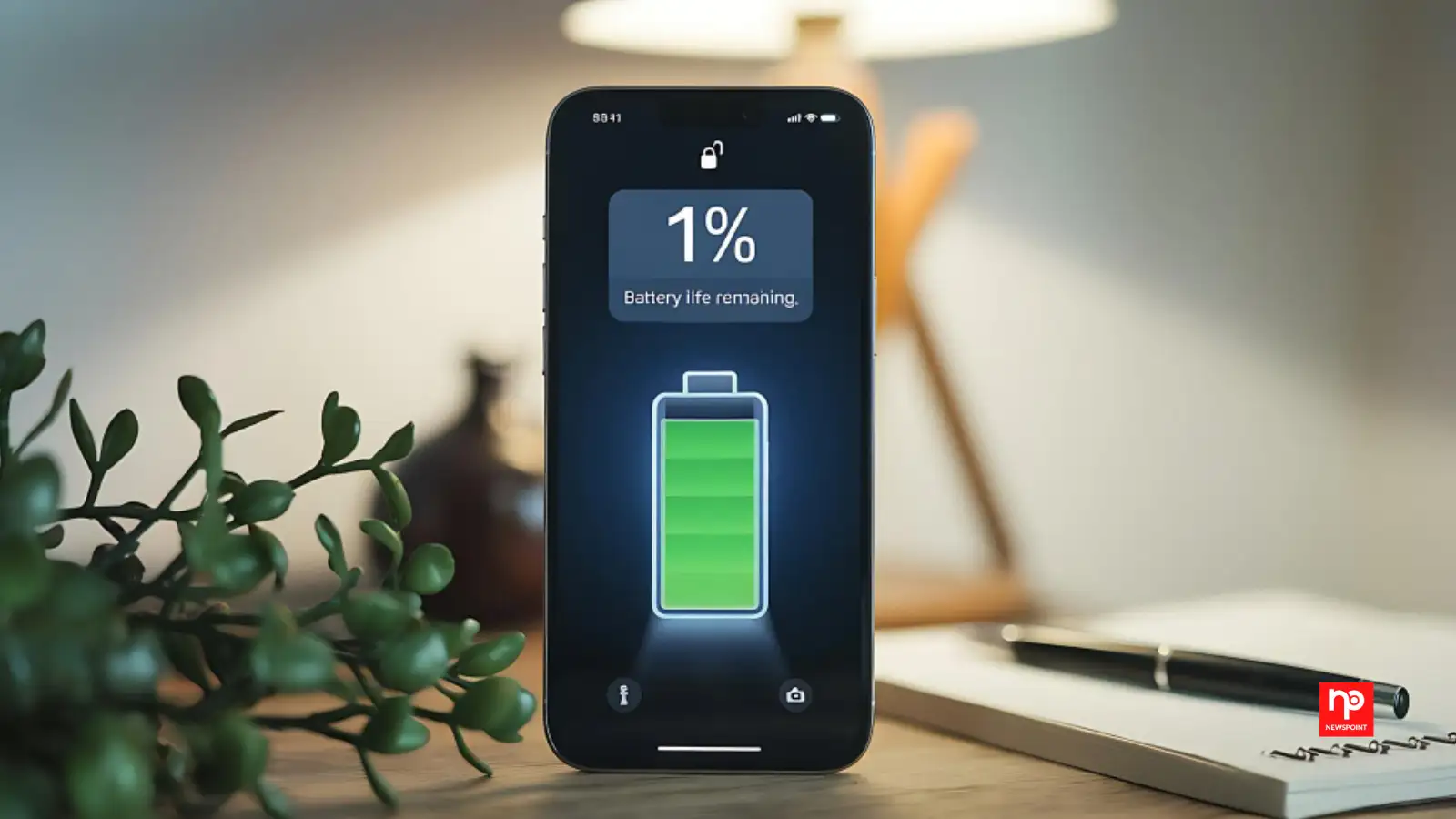
A decade ago, phones were mainly used for calls and texts. Today, users spend hours streaming videos, attending online meetings, playing games, shopping, and managing finances through mobile apps. This increased dependence makes smartphone battery saving tips more relevant than ever.
A longer-lasting battery also reduces the need for frequent charging, which can be convenient for travellers, professionals, and students who rely heavily on their devices throughout the day.
Checking battery usage settings regularly can help identify apps consuming excessive power. Limiting background activity for unnecessary apps can improve battery performance without affecting everyday phone usage.
An interesting fact is that early smartphones had very limited multitasking abilities because manufacturers focused heavily on saving battery power. Today’s devices allow multiple processes simultaneously, but this convenience comes with higher energy demands.
Reducing screen brightness, enabling automatic brightness adjustment, and shortening screen timeout duration are simple ways to save power. Users who frequently watch videos or play games can also consider lowering refresh rates when maximum smoothness is unnecessary.
These small changes may appear insignificant individually, but together they can add several hours of additional battery life.
Experts often recommend maintaining battery levels between moderate ranges whenever possible. Using genuine chargers and avoiding excessive heat exposure can also help preserve battery performance.
Why Smartphone Battery Life Matters More Than Ever
Modern smartphones are designed with powerful processors, high-resolution displays, and advanced features that require more energy. While battery technology has improved over the years, the way people use their phones has changed even faster.A decade ago, phones were mainly used for calls and texts. Today, users spend hours streaming videos, attending online meetings, playing games, shopping, and managing finances through mobile apps. This increased dependence makes smartphone battery saving tips more relevant than ever.
A longer-lasting battery also reduces the need for frequent charging, which can be convenient for travellers, professionals, and students who rely heavily on their devices throughout the day.
Manage Background Apps and Hidden Battery Usage
One of the biggest reasons behind quick battery drain is background activity. Many apps continue running even when users are not actively using them. Social media platforms, shopping apps, and location-based services often refresh content in the background.You may also like
- From Google engineer to AI startup founder: How a podcast with 100,000 YouTube views gave 23-year-old Aashna Doshi the confidence to quit Google
- Apple to White House: Allow us to work with this 'banned' Chinese company as ...
- Monsoon is here: Experts share simple tips to take care of your AC this rainy season
- Persistent Systems to acquire German digital engineering firm Nagarro
- Anthropic says US government has restored Mythos 5 access, but how and why the 'big ban' the world protested still remains
Checking battery usage settings regularly can help identify apps consuming excessive power. Limiting background activity for unnecessary apps can improve battery performance without affecting everyday phone usage.
An interesting fact is that early smartphones had very limited multitasking abilities because manufacturers focused heavily on saving battery power. Today’s devices allow multiple processes simultaneously, but this convenience comes with higher energy demands.
Adjust Display Settings for Better Performance
The display is among the largest power consumers in any smartphone. Bright screens, high refresh rates, and always-on display features can reduce battery life quickly.Reducing screen brightness, enabling automatic brightness adjustment, and shortening screen timeout duration are simple ways to save power. Users who frequently watch videos or play games can also consider lowering refresh rates when maximum smoothness is unnecessary.
These small changes may appear insignificant individually, but together they can add several hours of additional battery life.
Use Charging Habits That Protect Battery Health
Many people believe that charging a phone overnight damages the battery immediately, but modern smartphones are designed to manage charging intelligently. However, keeping the battery constantly at extreme levels, either completely full or completely empty, can affect long-term health.Experts often recommend maintaining battery levels between moderate ranges whenever possible. Using genuine chargers and avoiding excessive heat exposure can also help preserve battery performance.






More from our partners


Loving Newspoint? Download the app now
