Say Goodbye To Slow Internet: How To Test Your Mobile Data Speed On Android Devices

In today's fast-paced digital world, having a reliable and fast mobile data connection is crucial. Whether you're streaming videos, playing online games, or simply browsing the web, a slow internet connection can be incredibly frustrating. Fortunately, testing your Android mobile data connection speed is a straightforward process that can help you diagnose issues and ensure you're getting the service you pay for. This article will guide you through the steps to test your mobile data connection speed on an Android device and offer tips to optimize your connection.
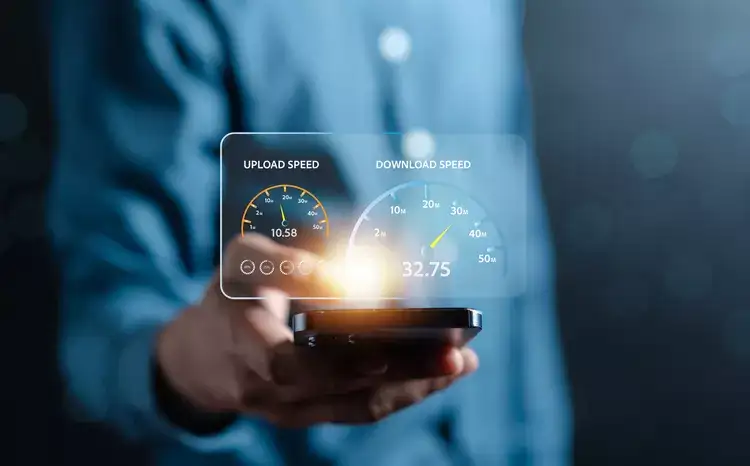
Hero Image


Understanding Mobile Data Speeds

Before diving into how to test your mobile data speed , it's essential to understand what the numbers mean. Mobile data speed is typically measured in megabits per second (Mbps) and can be broken down into three main components:

  • Download Speed : The rate at which data is transferred from the internet to your device. Higher download speeds are better for streaming videos and downloading files.
  • Upload Speed : The rate at which data is transferred from your device to the internet. Higher upload speeds are important for activities like video calls and uploading large files.
  • Ping (Latency): The time it takes for data to travel from your device to a server and back. Lower ping is crucial for online gaming and real-time applications.

Why Test Your Mobile Data Speed?
Testing your mobile data speed can help you: