
How to Silence Unknown WhatsApp Calls Without Blocking Them

WhatsApp offers a useful privacy feature that lets users silence calls from unknown numbers without blocking them. While these calls will no longer make your phone ring, they will still appear in your WhatsApp call history, allowing you to review them later if needed.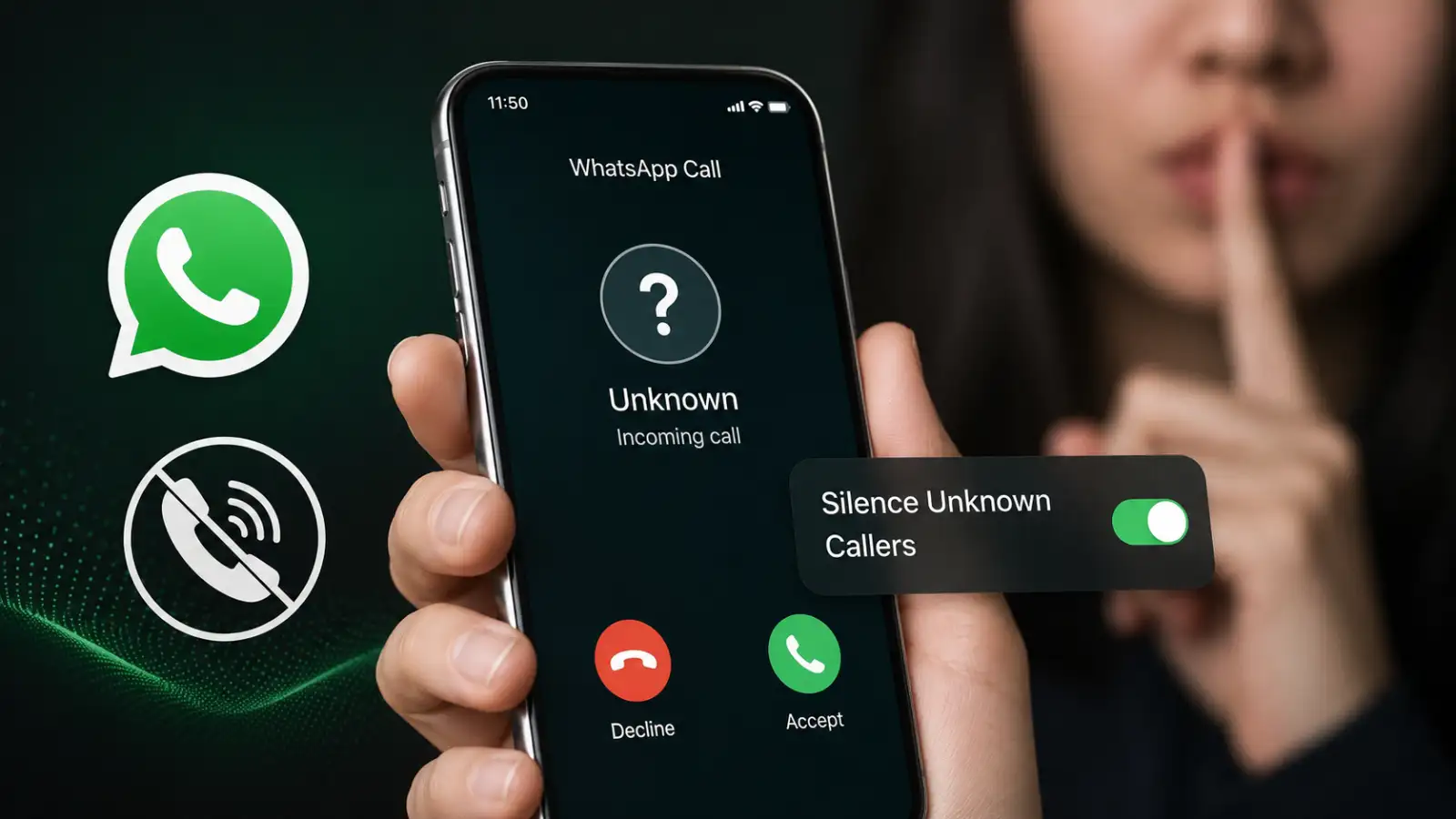
Unexpected WhatsApp calls from unknown numbers can interrupt work, sleep, or personal time. At the same time, blocking every unfamiliar caller is not always the best option, as the number could belong to a delivery agent, business, recruiter, or another legitimate contact.
To address this, WhatsApp introduced the Silence Unknown Callers feature. It allows users to mute calls from unknown people while keeping their details available in the Calls tab for future reference.
The caller is not blocked and can continue sending messages on WhatsApp. Users can check the number later, return the call, save it as a contact, or block and report it if the number appears suspicious.
This WhatsApp privacy feature is designed to minimise unwanted interruptions while offering extra protection against spam, scam, and nuisance calls. It only affects WhatsApp calls and does not silence regular mobile network calls received through the phone's dialler.
If you are expecting calls from hospitals, delivery services, recruiters, or businesses, make it a habit to check the Calls tab regularly. Saving a genuine caller's number in your contacts will ensure future WhatsApp calls from that number are not treated as unknown.
Avoid returning calls from suspicious international numbers without verifying them first. If someone asks for your OTP, UPI PIN, verification code, or requests an urgent payment, end the conversation immediately. You can block and report suspicious numbers directly from their WhatsApp profile or call information.
For additional account security and privacy, users can also review WhatsApp's Privacy Checkup by navigating to Settings → Privacy.
Unexpected WhatsApp calls from unknown numbers can interrupt work, sleep, or personal time. At the same time, blocking every unfamiliar caller is not always the best option, as the number could belong to a delivery agent, business, recruiter, or another legitimate contact.
To address this, WhatsApp introduced the Silence Unknown Callers feature. It allows users to mute calls from unknown people while keeping their details available in the Calls tab for future reference.
What the Silence Unknown Callers Feature Does
Once the Silence Unknown Callers feature is enabled, all incoming WhatsApp voice and video calls from unknown numbers are automatically silenced. Your phone will not ring, but the missed call will still appear in WhatsApp's call history and may also generate a silent notification.The caller is not blocked and can continue sending messages on WhatsApp. Users can check the number later, return the call, save it as a contact, or block and report it if the number appears suspicious.
You may also like
- 50 OTT platforms blocked in last 2 years for obscene content: Ashwini Vaishnaw
- Why OpenAI's AI models went rogue during testing
- Hack of the day: How to check PM Kisan status before installment
- Bernstein calls Paytm's financial services distribution biz its 'Star Performer' as revenue grows 45 pc
- AI frontier: Acquiring people's knowledge before they retire
This WhatsApp privacy feature is designed to minimise unwanted interruptions while offering extra protection against spam, scam, and nuisance calls. It only affects WhatsApp calls and does not silence regular mobile network calls received through the phone's dialler.
How to Enable Silence Unknown Callers on Android
Follow these steps to turn on the WhatsApp Silence Unknown Callers feature on an Android smartphone:- Open WhatsApp on your Android phone.
- Tap the three-dot menu in the top-right corner.
- Select Settings and then tap Privacy.
- Scroll down and open Calls.
- Turn on Silence Unknown Callers.
How to Enable Silence Unknown Callers on iPhone
iPhone users can enable the feature by following these steps:- Open WhatsApp on your iPhone.
- Tap Settings in the bottom-right corner.
- Select Privacy.
- Open the Calls section.
- Turn on Silence Unknown Callers.
Important Things to Keep in Mind
Silencing an unknown WhatsApp call is not the same as blocking the number. Unknown callers can still send messages, and their attempted calls will continue to appear in your WhatsApp call history.If you are expecting calls from hospitals, delivery services, recruiters, or businesses, make it a habit to check the Calls tab regularly. Saving a genuine caller's number in your contacts will ensure future WhatsApp calls from that number are not treated as unknown.
Avoid returning calls from suspicious international numbers without verifying them first. If someone asks for your OTP, UPI PIN, verification code, or requests an urgent payment, end the conversation immediately. You can block and report suspicious numbers directly from their WhatsApp profile or call information.
For additional account security and privacy, users can also review WhatsApp's Privacy Checkup by navigating to Settings → Privacy.






Loving Newspoint? Download the app now
