How a Photo's Hidden Metadata Can Reveal Exactly Where You Were

Your phone's camera does two things every time you take a photo. It captures light through a lens and writes it to a file. It also writes a second, invisible file inside that file, a structured block of data describing the conditions of the shot. That hidden layer is called EXIF data, short for Exchangeable Image File Format, and on most phones it includes the GPS coordinates of where you were standing when the shutter fired.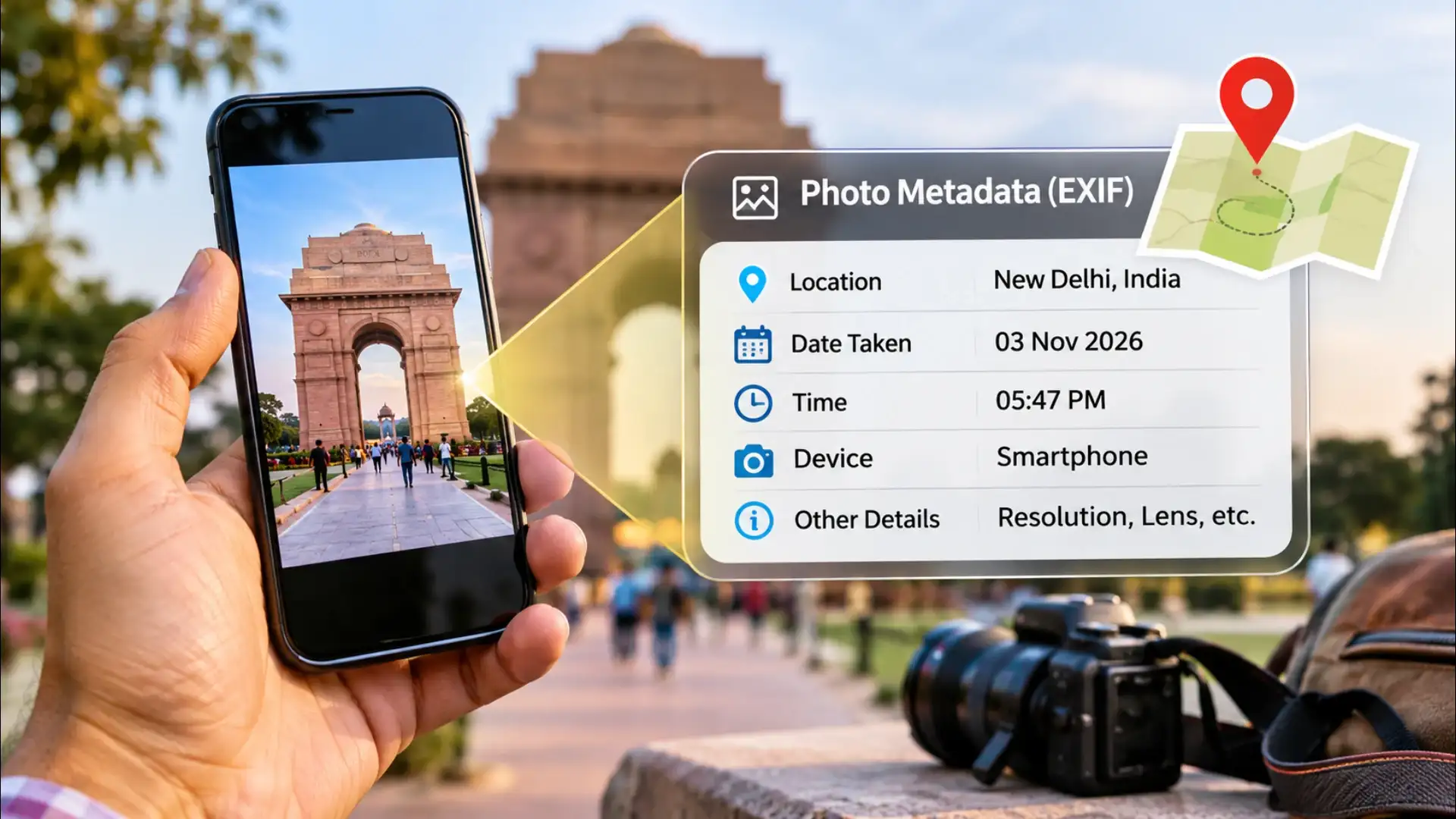
Smartphone cameras write all of this by default. A photo taken outside a home, a school, or a workplace carries the address of that place encoded in its file, readable by any software that knows where to look. The image looks like an image. The data says exactly where it came from.
The coordinates appear as decimal degrees or degrees-minutes-seconds. Paste either format into any mapping service and the pin drops on the precise spot. A photo of a meal taken at home, sent to a stranger, tells them the address. A photo posted to a social platform that strips EXIF before display is safe. One sent as a raw file attachment, or shared through a messaging app that preserves original quality, may not be.
The practical exposure is not abstract. A journalist photographing a source, a person fleeing a difficult situation, a seller posting items from home, a child photographed near a school, in each case, the file carries a coordinate that the image itself does not visibly disclose. The gap between what a photo shows and what its metadata says is where the risk lives.
Most photo-editing apps and several dedicated metadata tools can strip EXIF from a file before it is shared. The process takes seconds. Some operating systems allow it natively: on Windows, the Details tab in file Properties includes a link that removes personal information from the file. On a Mac, third-party tools handle it, since Preview does not write back to EXIF.
The choice is not between privacy and convenience. Location data in EXIF serves a real purpose, it lets a photo library sort images by where they were taken, which is useful. The decision is whether that data travels with the file when it leaves the device. Keeping it for personal organisation and stripping it before sharing is a habit that takes one extra step and removes a detail most senders never meant to include.
What EXIF Data Actually Contains
EXIF is a standard that camera manufacturers agreed on decades ago so that editing software could read a photo's technical details automatically. A typical EXIF block records the camera make and model, the lens focal length, the shutter speed, the aperture, the ISO, the date and time of the shot, and, if the device has a GPS chip and location services are on, the latitude and longitude to within a few metres.Smartphone cameras write all of this by default. A photo taken outside a home, a school, or a workplace carries the address of that place encoded in its file, readable by any software that knows where to look. The image looks like an image. The data says exactly where it came from.
How Anyone Can Read It
Reading EXIF data requires no special skill and no paid tool. On a Windows computer, right-clicking an image file and opening Properties, then the Details tab, displays the GPS coordinates if they are present. On a Mac, opening a photo in Preview and selecting Tools then Show Inspector does the same. Dozens of free websites accept an uploaded image and return its full EXIF block in seconds.The coordinates appear as decimal degrees or degrees-minutes-seconds. Paste either format into any mapping service and the pin drops on the precise spot. A photo of a meal taken at home, sent to a stranger, tells them the address. A photo posted to a social platform that strips EXIF before display is safe. One sent as a raw file attachment, or shared through a messaging app that preserves original quality, may not be.
You may also like
- Digital Life Certificate 2026: Generate Jeevan Pramaan From Home Using Aadhaar Face Authentication
- Digital Life Certificate 2026: Pensioners Can Submit Jeevan Pramaan Using Face Authentication Before November 30
- Apple's latest beta puts AI to work in conversations, at the gym and in the Health app
- Vivo V80 FE to Feature 50MP ZEISS Cameras and 90W Fast Charging
- Samsung Galaxy S27 Ultra Could Feature Redesigned Camera Bar for Magnetic Accessories
Where the Risk Actually Lives
Most major social platforms, Instagram, Facebook, X, strip EXIF data on upload. The risk sits elsewhere. Raw image files sent by email, shared through file-transfer services, or posted in forums that preserve originals carry their metadata intact. Some messaging apps compress images and strip metadata in the process; others, when set to send in original quality, preserve everything.The practical exposure is not abstract. A journalist photographing a source, a person fleeing a difficult situation, a seller posting items from home, a child photographed near a school, in each case, the file carries a coordinate that the image itself does not visibly disclose. The gap between what a photo shows and what its metadata says is where the risk lives.
The Habit That Closes the Gap
Turning off location access for the camera app is the most direct fix. On both major mobile operating systems, the camera app's permissions can be set to never access location, or to ask each time. With location off, new photos carry no GPS coordinates. Existing photos already have the data written in; they need to be cleaned separately.Most photo-editing apps and several dedicated metadata tools can strip EXIF from a file before it is shared. The process takes seconds. Some operating systems allow it natively: on Windows, the Details tab in file Properties includes a link that removes personal information from the file. On a Mac, third-party tools handle it, since Preview does not write back to EXIF.
The choice is not between privacy and convenience. Location data in EXIF serves a real purpose, it lets a photo library sort images by where they were taken, which is useful. The decision is whether that data travels with the file when it leaves the device. Keeping it for personal organisation and stripping it before sharing is a habit that takes one extra step and removes a detail most senders never meant to include.






Loving Newspoint? Download the app now