
How a Password Manager Guards Many Passwords Behind One

Every account you own is a door, and most people hang the same lock on all of them. One stolen password then opens every door at once. A password manager breaks that pattern by remembering a different, complex password for each account while you remember only one.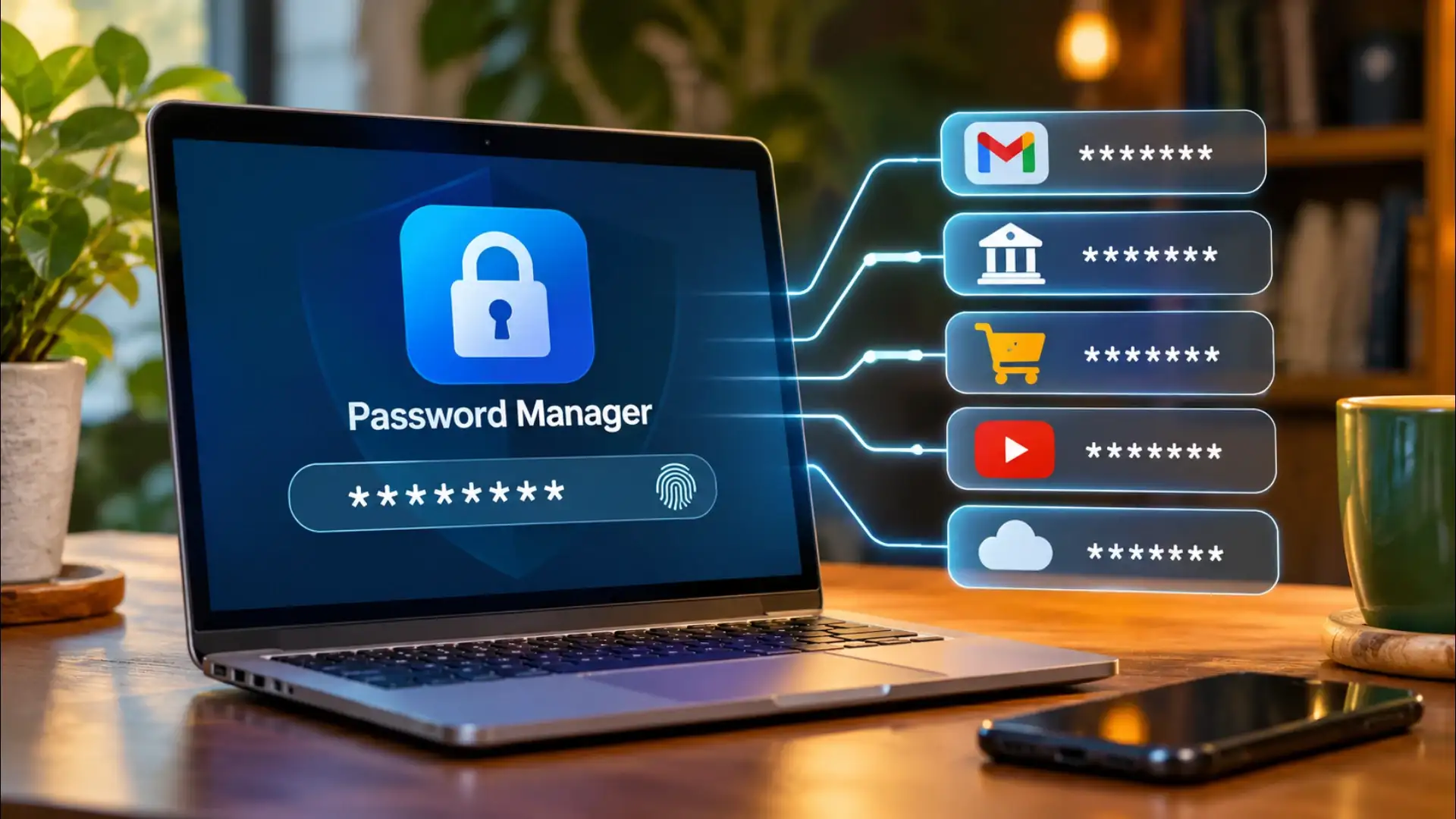
The Vault and the Master Password
A password manager stores your credentials in an encrypted vault, a file or a server-side database where every entry is scrambled into unreadable ciphertext. The only thing that unscrambles it is your master password. That master password never travels anywhere. It never leaves your device in its original form. Instead, the app runs it through a key-derivation function, a mathematical process that converts your passphrase into a long cryptographic key. That key unlocks the vault locally. If someone intercepts the traffic between your device and the password manager's servers, they receive ciphertext that is computationally useless without the key that never left you.What Zero-Knowledge Architecture Means
Most reputable password managers are built on a zero-knowledge model. The company operating the service genuinely cannot read your passwords. Their servers store only the encrypted blob. The decryption happens on your device, using the key derived from your master password. Even if the company's servers were breached, and some have been, the attacker walks away with a file they cannot open. The encryption standard used in most major password managers is AES-256, the same algorithm that secures classified government communications. Breaking it by brute force would take longer than the age of the universe on current hardware.How It Generates and Fills Passwords
When you create a new account, the password manager's generator produces a random string, typically 16 to 20 characters of mixed letters, numbers, and symbols, that no human would choose and no pattern-based attack would guess. It stores that string in the vault alongside the site's URL. When you visit that site again, the app recognises the URL and offers to fill the credentials automatically. The autofill step also acts as a phishing defence: because the manager matches on the exact domain, a fake login page at a lookalike address gets no autofill offer, which is a signal worth noticing.Local Storage Versus Cloud Sync
Some password managers keep the vault only on your device. Others sync an encrypted copy to their cloud so your passwords follow you across phone, laptop, and tablet. Both approaches are legitimate. Local storage means no server breach can touch your vault, but losing the device without a backup means losing access. Cloud sync adds convenience and redundancy, but it concentrates risk at the provider. Hybrid options let you sync through your own cloud storage, a personal server or a file-sync service you control, keeping the convenience without the provider dependency. The vault stays encrypted in all three cases; what differs is who holds the locked box.The One Weak Point, and How to Protect It
The master password is the single point of failure. A weak master password undermines every strong password the manager generates for you. Choose a passphrase, four or five unrelated words strung together, rather than a short password with symbol substitutions. The length matters more than the complexity. Most password managers also support a second factor: a time-based code from an authenticator app, a hardware key, or a biometric check. With a second factor active, knowing the master password alone is not enough to open the vault on a new device.The manager does not eliminate risk. It concentrates it into one well-defended place rather than scattering it across dozens of poorly defended ones. A vault protected by a strong passphrase and a second factor is a far smaller target than the same person reusing one guessable password everywhere.Next Story