
How Bluetooth Earbuds Find the Right Phone in a Crowded Room

Walk into a busy metro station with your earbuds in your bag and pull out your phone. Within a few seconds, the earbuds are playing your music. Nobody else's earbuds hijack your phone. Yours do not latch onto a stranger's device two seats away. In a space radiating dozens of Bluetooth signals simultaneously, the pairing is exact and nearly instant. The mechanism behind that precision is worth understanding.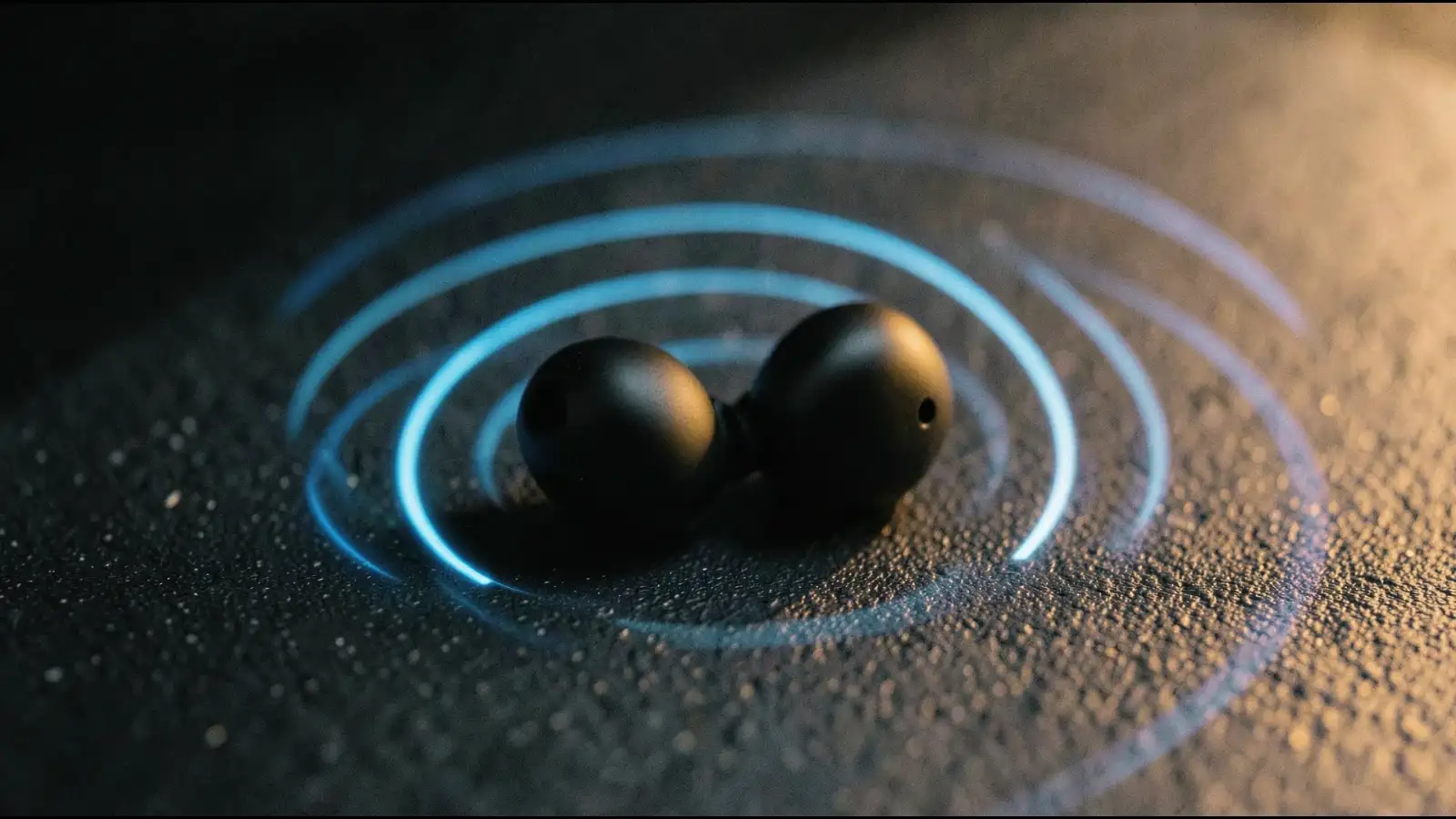

They run a challenge-response exchange: the phone sends a random number, the earbuds encrypt it using the shared Link Key and send the result back, the phone checks the answer against what it expected. If the answer matches, the connection proceeds. If it does not, the connection is refused. A nearby device that happens to share your earbuds' brand cannot fake this exchange because it never received the key.
This is why the first pairing requires you to hold the button and sometimes confirm a code on screen. That ritual is the key exchange. Everything after it is automatic because the secret is already shared.
A competing Bluetooth signal on the same channel at the same moment causes a brief collision, but the devices retransmit and move on. The hopping pattern makes sustained interference statistically rare.This also explains why Bluetooth and Wi-Fi can coexist on the same 2.4 GHz band without constantly destroying each other. Both use techniques to recover from momentary collisions rather than requiring a clear channel.
The first device on their priority list that responds and passes the authentication exchange wins the primary connection. If a second known device responds, a secondary connection can open alongside it. The earbuds arbitrate audio between the two, pausing one stream when the other becomes active.The practical result is that your earbuds can sit between your phone and your laptop, switching audio without you touching anything, because both devices already hold valid keys and both are on the priority list.
The stored Link Key is still valid, the address is already known, and the authentication exchange completes in milliseconds.This is also why removing your earbuds from your ears and putting them back in feels seamless. Many earbuds use ear-detection sensors to deliberately drop and re-establish the connection. Because the keys are cached, the re-establishment is fast enough that it feels like a resume rather than a new connection.
The crowded room, then, is not a problem the earbuds solve in real time. It is a problem that was solved the moment you held that button down the first time and let two devices share a secret. Every connection since has simply been those two devices recognising each other in a crowd they were always designed to ignore.
Every Device Gets a Permanent Address
At the foundation of Bluetooth is a 48-bit number called the BD_ADDR, or Bluetooth Device Address. Think of it as a hardware serial number burned into the radio chip at the factory. No two Bluetooth devices share this number. When your earbuds broadcast their presence, this address travels with every packet of data they send. Your phone reads that address, matches it against a list of devices it has paired with before, and knows immediately whether to pay attention or ignore the signal. The address alone does not complete the connection. It is the first handshake, the equivalent of recognising a face in a crowd. What follows is the part that keeps the connection exclusive.Pairing Writes a Secret Key onto Both Devices
The first time you pair earbuds to a phone, both devices go through a process called bonding. During bonding, they generate and exchange a shared cryptographic key called the Link Key. This key is stored in both devices and never transmitted over the air again after that first session.Every subsequent connection uses this key to authenticate. When your earbuds wake up and find your phone's address nearby, they do not just say hello.They run a challenge-response exchange: the phone sends a random number, the earbuds encrypt it using the shared Link Key and send the result back, the phone checks the answer against what it expected. If the answer matches, the connection proceeds. If it does not, the connection is refused. A nearby device that happens to share your earbuds' brand cannot fake this exchange because it never received the key.
This is why the first pairing requires you to hold the button and sometimes confirm a code on screen. That ritual is the key exchange. Everything after it is automatic because the secret is already shared.
How the Radio Avoids the Crowd
Bluetooth does not occupy a single fixed frequency. It uses a technique called frequency-hopping spread spectrum, jumping across 79 different channels within the 2.4 GHz band up to 1,600 times per second. Both the phone and the earbuds follow the same pseudorandom hopping sequence, which is derived partly from the device address and partly from a clock value they synchronise during connection.Because two paired devices share the same hopping sequence and no other device in the room does, they stay coordinated even as they jump channels dozens of times per second.A competing Bluetooth signal on the same channel at the same moment causes a brief collision, but the devices retransmit and move on. The hopping pattern makes sustained interference statistically rare.This also explains why Bluetooth and Wi-Fi can coexist on the same 2.4 GHz band without constantly destroying each other. Both use techniques to recover from momentary collisions rather than requiring a clear channel.
Multipoint Pairing and the Memory List
Modern earbuds often support multipoint pairing, meaning they store connection profiles for several devices and can maintain an active link to two simultaneously. The earbuds manage this through a priority list and a set of stored Link Keys, one per paired device.When the earbuds power on, they broadcast inquiry packets looking for known addresses.The first device on their priority list that responds and passes the authentication exchange wins the primary connection. If a second known device responds, a secondary connection can open alongside it. The earbuds arbitrate audio between the two, pausing one stream when the other becomes active.The practical result is that your earbuds can sit between your phone and your laptop, switching audio without you touching anything, because both devices already hold valid keys and both are on the priority list.
What Happens When the Connection Drops
Bluetooth connections are supervised. Both sides send small keepalive signals at regular intervals. If your phone moves out of range and those signals stop arriving, the earbuds note the supervision timeout and mark the connection as lost. When the phone comes back into range, the reconnection skips the full bonding process entirely.The stored Link Key is still valid, the address is already known, and the authentication exchange completes in milliseconds.This is also why removing your earbuds from your ears and putting them back in feels seamless. Many earbuds use ear-detection sensors to deliberately drop and re-establish the connection. Because the keys are cached, the re-establishment is fast enough that it feels like a resume rather than a new connection.
The crowded room, then, is not a problem the earbuds solve in real time. It is a problem that was solved the moment you held that button down the first time and let two devices share a secret. Every connection since has simply been those two devices recognising each other in a crowd they were always designed to ignore.