
Using Two-Factor Authentication Without Hassle: Simple Ways To Secure Your Online Accounts

Passwords are no longer enough to protect many online accounts. Even a strong password can be exposed through phishing, data breaches or careless reuse across different services.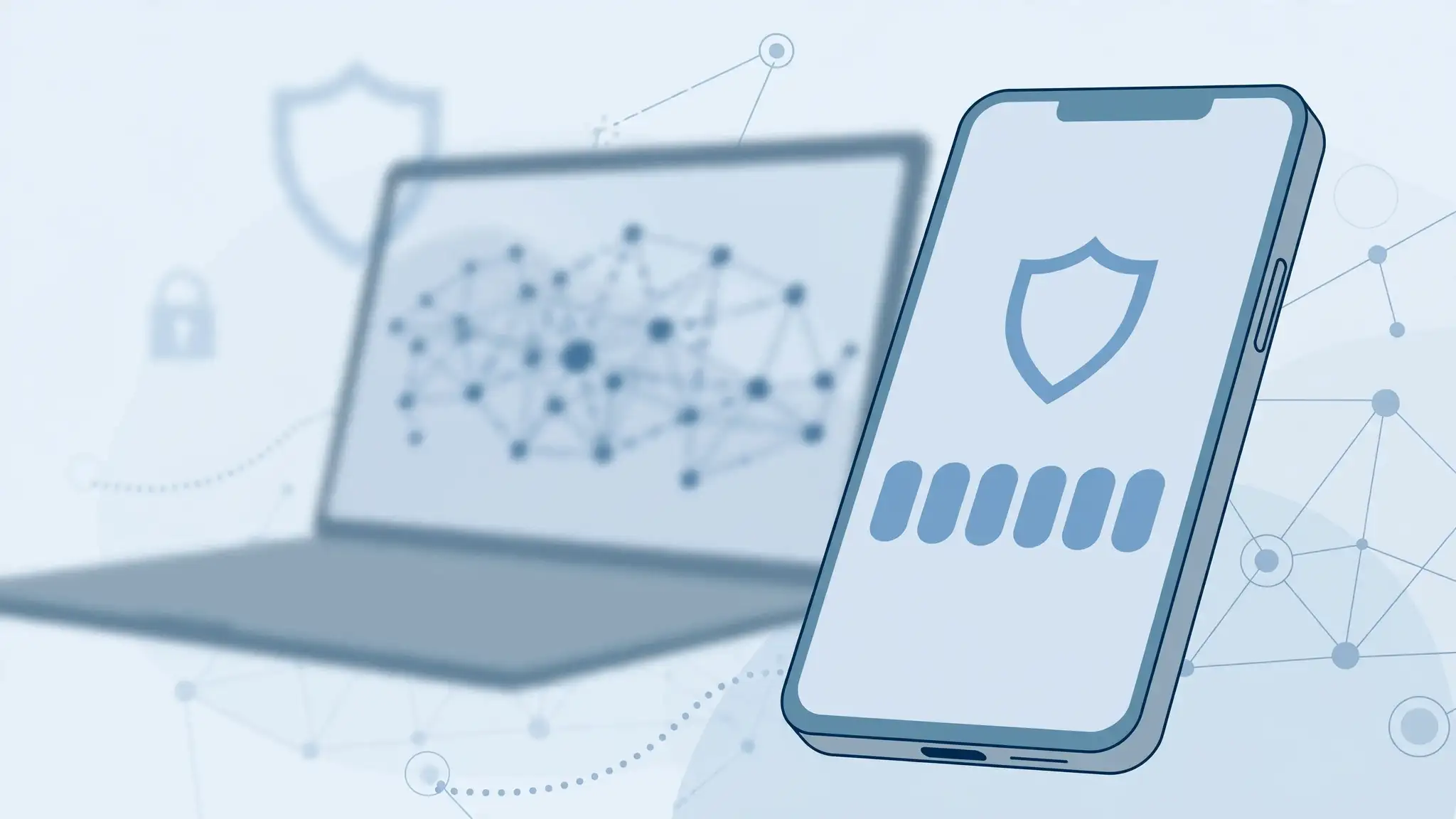
Two-factor authentication , commonly known as 2FA, adds another verification step after you enter your password. This could be a code generated by an authenticator app , a security key or a confirmation on another trusted device.
According to cybersecurity experts, using two-factor authentication can significantly strengthen account security because someone who obtains your password may still be unable to access the account without the second factor.
Authenticator apps are a popular choice because they generate verification codes directly on your phone. They do not always depend on mobile network coverage, which can make them convenient when travelling or in areas with poor connectivity.
Security keys can be useful for people who want a physical device for authentication. Meanwhile, text-message codes may be easier for beginners, although security specialists generally consider stronger methods preferable where they are available.
When setting up 2FA, save your backup codes securely. Do not store them as an unprotected screenshot or in an easily accessible note.
If a service allows a secondary authentication method, setting one up can also prevent unnecessary trouble later.
A password manager can also help store unique passwords, while 2FA protects the account if one of those passwords is exposed.
Industry watchers note that convenience plays an important role in security habits. If a system feels excessively difficult, people may be more likely to disable it or avoid using it altogether.
The best approach is to enable two-factor authentication on your most important accounts first, including email, banking and cloud storage services. Choose a reliable method, keep recovery options secure and make the process part of your normal digital routine. With a little preparation, 2FA can offer stronger protection without becoming a daily hassle.
Image Courtesy: Meta AI
Two-factor authentication , commonly known as 2FA, adds another verification step after you enter your password. This could be a code generated by an authenticator app , a security key or a confirmation on another trusted device.
According to cybersecurity experts, using two-factor authentication can significantly strengthen account security because someone who obtains your password may still be unable to access the account without the second factor.
Choose A Method That Fits Your Routine
The easiest way to make 2FA security less frustrating is to choose a method that suits your daily habits.Authenticator apps are a popular choice because they generate verification codes directly on your phone. They do not always depend on mobile network coverage, which can make them convenient when travelling or in areas with poor connectivity.
You may also like
- Nvidia forms industry alliance for open AI security after Hugging Face hack
- Maharashtra first to qualify for second RKVY instalment after timely fund utilisation
- America's biggest investor Michael Burry is not happy with reports of Nvidia investing $250 billion in Sam Altman's OpenAI; his complaint is what has been analysts biggest concern with $100 billion-plus AI deals
- Intel beats Q2 estimates as AI demand drives 25 pc revenue growth: Report
- Europe's heatwave is a lesson for Microsoft, Meta, Amazon and other tech giants building data centres that not local protests but another crisis threatens their plans
Security keys can be useful for people who want a physical device for authentication. Meanwhile, text-message codes may be easier for beginners, although security specialists generally consider stronger methods preferable where they are available.
Keep Backup Options Ready
One of the biggest problems with two-factor authentication occurs when you lose access to your primary device. A lost or damaged phone can make account recovery more complicated.When setting up 2FA, save your backup codes securely. Do not store them as an unprotected screenshot or in an easily accessible note.
If a service allows a secondary authentication method, setting one up can also prevent unnecessary trouble later.
Avoid Making Security Too Complicated
Good account security should be strong but manageable. Using an authenticator app across important accounts can reduce dependence on text messages and create a more consistent login routine.A password manager can also help store unique passwords, while 2FA protects the account if one of those passwords is exposed.
Industry watchers note that convenience plays an important role in security habits. If a system feels excessively difficult, people may be more likely to disable it or avoid using it altogether.
The best approach is to enable two-factor authentication on your most important accounts first, including email, banking and cloud storage services. Choose a reliable method, keep recovery options secure and make the process part of your normal digital routine. With a little preparation, 2FA can offer stronger protection without becoming a daily hassle.
Image Courtesy: Meta AI






Loving Newspoint? Download the app now
