
What Really Happens When You Turn On Airplane Mode?

Most people turn on Airplane Mode for one simple reason: they are about to fly. But the little aeroplane symbol on your phone does much more than prepare the device for a flight. It changes how your smartphone communicates with the outside world by disabling certain wireless connections, particularly cellular communication. Yet Airplane Mode does not necessarily make your phone completely disconnected. Wi-Fi, Bluetooth and other features can often be switched back on while the mode remains active. Understanding what happens when you enable it also explains why Airplane Mode can be useful when travelling, trying to save battery or simply wanting some uninterrupted time.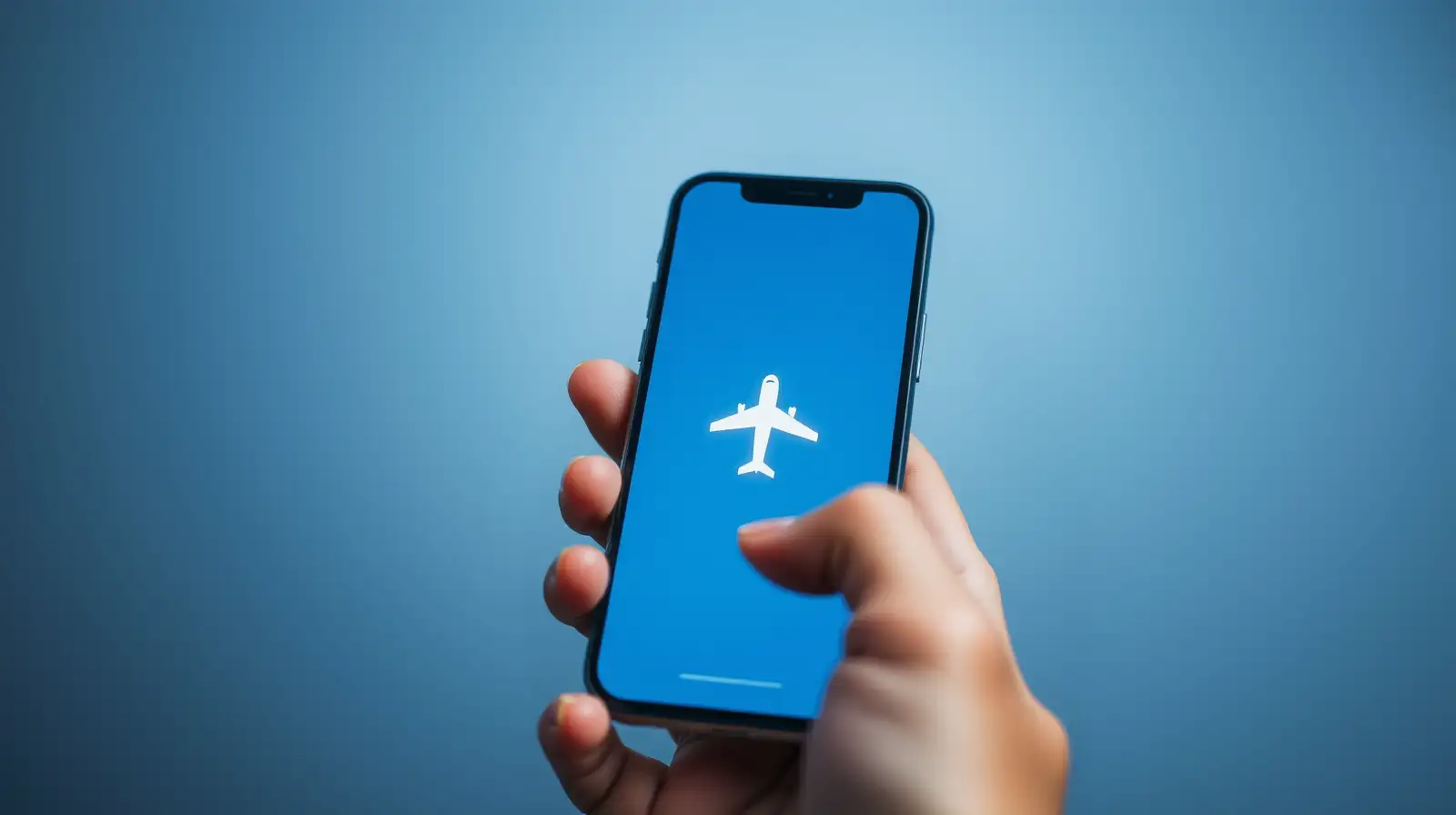
Your phone also stops continuously searching for nearby mobile towers. This is particularly important on an aircraft because mobile devices can otherwise attempt to establish communication with ground-based networks.
The exact behaviour can vary between phones and operating systems, but disabling cellular connectivity remains the central purpose of Airplane Mode.
On many modern smartphones, you can enable Airplane Mode and then manually switch Wi-Fi back on. This allows you to connect to an aircraft's onboard Wi-Fi without restoring ordinary cellular communication.
The same principle applies to Bluetooth. You can often continue using wireless headphones, keyboards or other accessories while Airplane Mode remains enabled.
So Airplane Mode is better understood as a quick way of disabling certain radios rather than a universal "turn everything off" switch.
You can take photographs, read downloaded books, watch offline videos, use an alarm and perform other tasks that do not require an internet connection.
This makes Airplane Mode useful beyond air travel. It can be a simple way to remove mobile connectivity while keeping the rest of the phone available.
A phone constantly searching for a usable mobile signal can consume additional energy, particularly in areas with weak coverage. By stopping cellular communication, Airplane Mode can reduce that activity.
However, it does not magically make every phone use very little power. A bright display, GPS-related activity, gaming and demanding apps can continue consuming significant energy.
The interesting thing is that the mode has evolved with smartphones. What began primarily as a safety-related flight feature is now a convenient connectivity control that users can customise.
Your phone may still be doing plenty of work with the aeroplane symbol showing. It has simply stopped talking to the networks around it.
The Main Purpose Is to Stop Cellular Communication
When Airplane Mode is activated, your phone normally stops communicating with mobile networks. That means it cannot make or receive ordinary cellular calls or send standard SMS messages through the mobile network.Your phone also stops continuously searching for nearby mobile towers. This is particularly important on an aircraft because mobile devices can otherwise attempt to establish communication with ground-based networks.
The exact behaviour can vary between phones and operating systems, but disabling cellular connectivity remains the central purpose of Airplane Mode.
Wi-Fi Does Not Have to Stay Off
One of the most misunderstood aspects of Airplane Mode is Wi-Fi.On many modern smartphones, you can enable Airplane Mode and then manually switch Wi-Fi back on. This allows you to connect to an aircraft's onboard Wi-Fi without restoring ordinary cellular communication.
The same principle applies to Bluetooth. You can often continue using wireless headphones, keyboards or other accessories while Airplane Mode remains enabled.
So Airplane Mode is better understood as a quick way of disabling certain radios rather than a universal "turn everything off" switch.
Your Phone Still Works Offline
Activating Airplane Mode does not shut down the phone itself. The processor, display, camera, downloaded music, saved documents and many apps continue to work.You may also like
- ChatGPT Gets Virtual Try-On Feature for Online Shopping
- Top 5 Cars Under Rs 10 Lakh: Swift, Punch, Exter and More
- Amazon-Flipkart Festive Sale: 7 5G Smartphones to Watch Under ₹30,000
- Why Are Car Tyres Black? The Real Reason Behind Their Colour
- Highway Driving Rules: 7 Important Rules Indian Drivers Should Know
You can take photographs, read downloaded books, watch offline videos, use an alarm and perform other tasks that do not require an internet connection.
This makes Airplane Mode useful beyond air travel. It can be a simple way to remove mobile connectivity while keeping the rest of the phone available.
Can It Save Battery?
Sometimes, yes.A phone constantly searching for a usable mobile signal can consume additional energy, particularly in areas with weak coverage. By stopping cellular communication, Airplane Mode can reduce that activity.
However, it does not magically make every phone use very little power. A bright display, GPS-related activity, gaming and demanding apps can continue consuming significant energy.
Why It Matters Beyond Flying
Airplane Mode has become a surprisingly versatile smartphone feature. It can help during flights, reduce interruptions, conserve some battery in poor-signal areas and create a quick offline environment when you need concentration.The interesting thing is that the mode has evolved with smartphones. What began primarily as a safety-related flight feature is now a convenient connectivity control that users can customise.
Your phone may still be doing plenty of work with the aeroplane symbol showing. It has simply stopped talking to the networks around it.






Loving Newspoint? Download the app now
