
Why Your Smartphone Charges Slowly: Hidden Battery Setting You Should Turn Off

Why Your Phone Charging Feels Slow: If your phone is taking unusually long to charge even with a fast adapter, the real reason could be Adaptive Charging, a built-in battery feature that quietly controls how quickly your smartphone powers up. The Adaptive Charging smartphone slow charging fix is something many users are unaware of, yet it can directly affect charging speed without any fault in your charger or cable.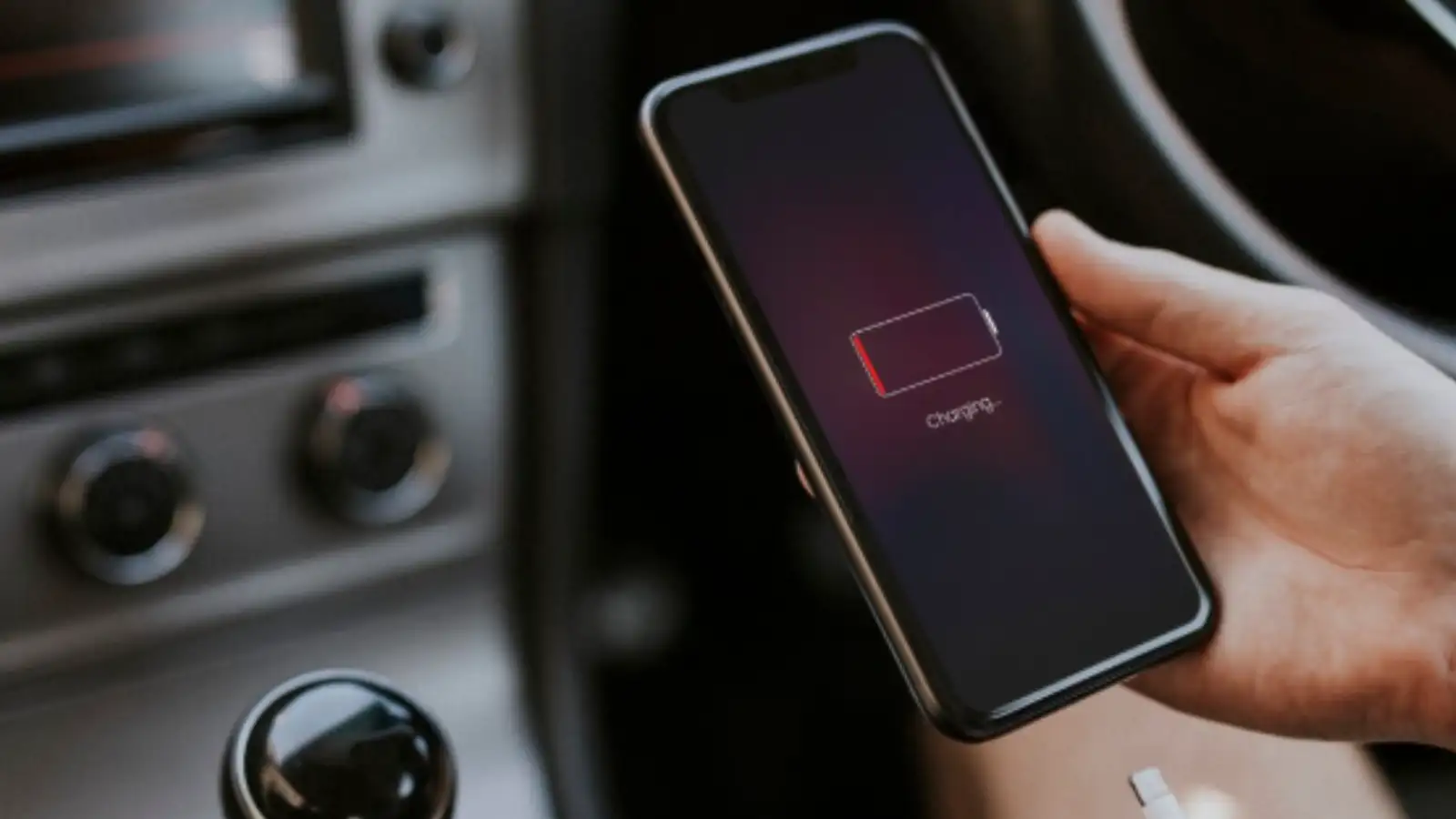
This feature is designed to improve battery health, but it often confuses users who assume something is wrong with their device when charging slows down unexpectedly.
What is Adaptive Charging in Smartphones?
Adaptive Charging is an intelligent battery management system found in many modern Android devices. Instead of charging your phone at full speed all the time, the system studies your daily usage pattern and adjusts charging accordingly.
For example:
This reduces battery stress and heat generation during long charging sessions.
Why Your Smartphone Charges Slowly Even With Fast Charger
Many users think slow charging means:
But in reality, Adaptive Charging can deliberately slow down the process. This is especially noticeable:
So, your phone may be working perfectly fine - just “intelligently” limiting speed.
How Adaptive Charging Works Behind the Scenes
The system uses your usage behaviour and charging history to decide when to:
This helps in:
While it is smart technology, it can feel frustrating if you need quick charging during the day.
How to Turn Off Adaptive Charging
If your phone is charging slower than expected, you can check and disable this feature.
Go to:
Settings > Battery > Adaptive Charging
or
Settings > Battery Health > Charging Optimisation
Switch it OFF to restore normal fast charging speeds.
Many users have reported noticeable improvement in charging speed immediately after turning it off, especially on Android devices running newer software versions.
Should You Turn It Off Completely? (Pros & Cons)
Benefits of Turning It OFF
Drawbacks of Turning It OFF
Experts suggest keeping it ON for overnight charging and turning it OFF only when you need speed.
Why Smartphone Brands Enable This Feature by Default
Modern smartphones are expected to last 4–6 years, and battery health is a major concern. One of the biggest enemies of lithium-ion batteries is heat, especially during prolonged charging.
That’s why brands include features like Adaptive Charging and other battery optimisation tools to:
Some newer Android versions are also experimenting with smarter charging systems that balance speed and battery protection automatically.
If your smartphone suddenly starts charging slowly, don’t rush to replace your charger or cable. In many cases, the real reason is simply Adaptive Charging, a smart but sometimes confusing feature designed to protect your battery.
Before assuming a hardware issue, check your battery settings - you may find the solution is just one toggle away.
This feature is designed to improve battery health, but it often confuses users who assume something is wrong with their device when charging slows down unexpectedly.
What is Adaptive Charging in Smartphones?
Adaptive Charging is an intelligent battery management system found in many modern Android devices. Instead of charging your phone at full speed all the time, the system studies your daily usage pattern and adjusts charging accordingly.
For example:
- If you usually charge your phone overnight
- The phone may pause charging around 70–80%
- Then slowly complete the final charge just before you wake up
This reduces battery stress and heat generation during long charging sessions.
Why Your Smartphone Charges Slowly Even With Fast Charger
Many users think slow charging means:
- Faulty charging cable
- Weak adapter
- Battery damage
But in reality, Adaptive Charging can deliberately slow down the process. This is especially noticeable:
- At night or long idle charging hours
- During routine charging patterns
- After software updates enabling battery optimisation features
So, your phone may be working perfectly fine - just “intelligently” limiting speed.
How Adaptive Charging Works Behind the Scenes
The system uses your usage behaviour and charging history to decide when to:
- Allow fast charging
- Pause charging
- Slow down power intake near full battery
This helps in:
- Reducing heat build-up
- Preventing overcharging stress
- Extending overall battery lifespan
While it is smart technology, it can feel frustrating if you need quick charging during the day.
How to Turn Off Adaptive Charging
If your phone is charging slower than expected, you can check and disable this feature.
Go to:
Settings > Battery > Adaptive Charging
or
Settings > Battery Health > Charging Optimisation
Switch it OFF to restore normal fast charging speeds.
You may also like
- Uber plans new tech centres in Bengaluru, Hyderabad
- Elon Musk faces a mix of admiration and scrutiny during his China visit with US President Donald Trump; here's why
- Big Tech turns to Sesame Street, Girl Scouts to deflect scrutiny over kids' screen time
- Elon Musk's court battle against OpenAI enters homestretch
- 6 easy tips to remove bad odour from your air cooler tank this summer
Many users have reported noticeable improvement in charging speed immediately after turning it off, especially on Android devices running newer software versions.
Should You Turn It Off Completely? (Pros & Cons)
Benefits of Turning It OFF
- Faster charging speed
- More predictable charging behaviour
- Useful during travel or urgent charging needs
Drawbacks of Turning It OFF
- Slightly faster battery wear over time
- Increased heat during long charging sessions
- Reduced long-term battery health optimisation
Experts suggest keeping it ON for overnight charging and turning it OFF only when you need speed.
Why Smartphone Brands Enable This Feature by Default
Modern smartphones are expected to last 4–6 years, and battery health is a major concern. One of the biggest enemies of lithium-ion batteries is heat, especially during prolonged charging.
That’s why brands include features like Adaptive Charging and other battery optimisation tools to:
- Extend battery lifespan
- Control overheating
- Improve long-term performance
- Reduce battery degradation over time
Some newer Android versions are also experimenting with smarter charging systems that balance speed and battery protection automatically.
If your smartphone suddenly starts charging slowly, don’t rush to replace your charger or cable. In many cases, the real reason is simply Adaptive Charging, a smart but sometimes confusing feature designed to protect your battery.
Before assuming a hardware issue, check your battery settings - you may find the solution is just one toggle away.






More from our partners


Loving Newspoint? Download the app now
