
Aadhaar Card Lost? Here’s How to Recover Aadhaar Number Without Linked Mobile

An Aadhaar Card has become one of the most important identity documents in India today. From opening a bank account and filing taxes to applying for a passport or government schemes, the Aadhaar Card is required almost everywhere. Losing it can therefore create panic, especially if you do not remember your Aadhaar number and your mobile number is not linked to it.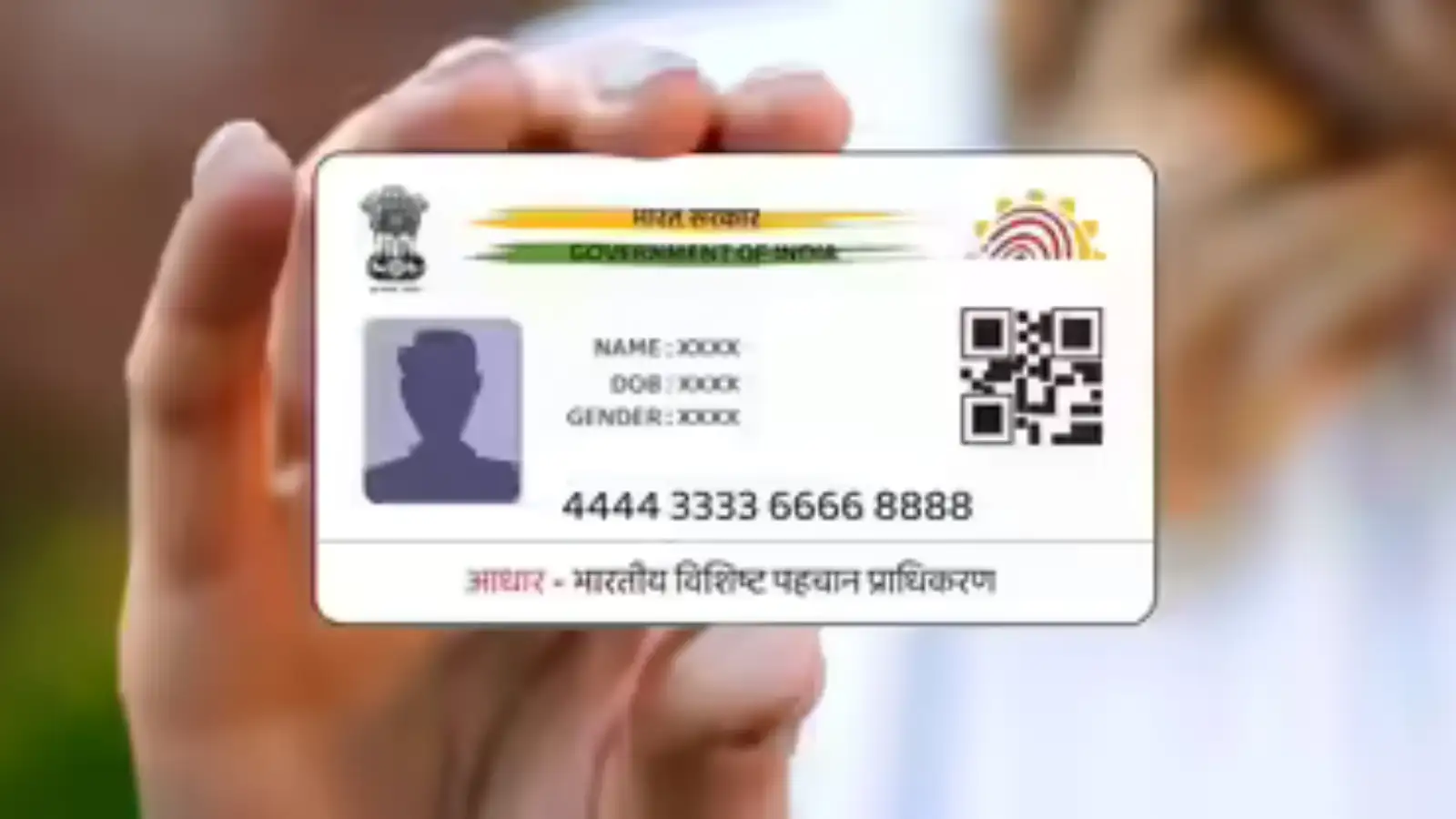
The good news is that the Unique Identification Authority of India has made the recovery process much easier. Whether you have forgotten your Aadhaar number or misplaced the physical card, there are official ways to retrieve your details without unnecessary hassle.
Why Losing an Aadhaar Card Can Be Stressful
Since the Aadhaar Card acts as a primary proof of identity and address, losing it can disrupt several important tasks. Many people also store their Aadhaar number only digitally or on paper copies, making recovery difficult if both are lost.
However, UIDAI provides multiple options to help users recover their Aadhaar information quickly through helpline support, online services, and biometric verification.
How to Recover Aadhaar Number Through UIDAI Helpline
If you have forgotten your Aadhaar number completely, you can retrieve it by contacting the UIDAI support team.
Follow These Steps:
This Enrollment ID can later be used to recover your Aadhaar details online or through the IVRS system.
Steps to Retrieve Aadhaar Number Online
The official UIDAI portal also allows users to recover their Aadhaar number online in a few simple steps.
Step-by-Step Process
This method works smoothly for users whose mobile numbers are already linked with Aadhaar.
What If Your Mobile Number Is Not Linked?
Many people face problems because their mobile number is either inactive or not linked to Aadhaar. In such cases, online recovery through OTP verification will not work.
Once the verification is successful, the Aadhaar recovery process will be completed.
Important Tips to Avoid Aadhaar Problems
Losing your Aadhaar Card or forgetting the Aadhaar number can be worrying, but UIDAI has made the recovery process simple and user-friendly. Whether through the helpline, online portal, or biometric verification at an Aadhaar Centre, users can now regain access to their Aadhaar details without major difficulties. Keeping your mobile number linked and details updated can also help prevent future issues.
The good news is that the Unique Identification Authority of India has made the recovery process much easier. Whether you have forgotten your Aadhaar number or misplaced the physical card, there are official ways to retrieve your details without unnecessary hassle.
Why Losing an Aadhaar Card Can Be Stressful
Since the Aadhaar Card acts as a primary proof of identity and address, losing it can disrupt several important tasks. Many people also store their Aadhaar number only digitally or on paper copies, making recovery difficult if both are lost.
However, UIDAI provides multiple options to help users recover their Aadhaar information quickly through helpline support, online services, and biometric verification.
How to Recover Aadhaar Number Through UIDAI Helpline
If you have forgotten your Aadhaar number completely, you can retrieve it by contacting the UIDAI support team.
You may also like
- L&T GeoStructure lands biggest-ever piling order from JSW Utkal Steel
- Tata Group stocks rally ahead of N Chandrasekaran board meeting
- Nvidia CEO Jensen Huang calls linking AI to Job cuts a 'Lazy Narrative'
- 'We're Working 24/7': Delhi HC During Hearing On DU Exams Scheduled On Eid-ul-Adha
- 'This Is Horrific': Raveena Tandon Reacts To Video Of Coimbatore Man Hurling Kerosene Bombs At Woman's House For Rejecting Him
Follow These Steps:
- Call the UIDAI toll-free helpline number: 1947
- Provide the required details such as:
- Full name
- Residential address
- Date of birth
- After verification, the customer support executive will help you retrieve your EID (Enrollment ID)
This Enrollment ID can later be used to recover your Aadhaar details online or through the IVRS system.
Steps to Retrieve Aadhaar Number Online
The official UIDAI portal also allows users to recover their Aadhaar number online in a few simple steps.
Step-by-Step Process
- Visit the official UIDAI website
- Open the ‘My Aadhaar’ section
- Select the option ‘Retrieve EID/Aadhaar’
- Enter your personal details, including:
- Name
- Registered mobile number
- Fill in the captcha code displayed on the screen
- An OTP will be sent to your registered mobile number
- Enter the OTP to view your Aadhaar number on the screen
This method works smoothly for users whose mobile numbers are already linked with Aadhaar.
What If Your Mobile Number Is Not Linked?
Many people face problems because their mobile number is either inactive or not linked to Aadhaar. In such cases, online recovery through OTP verification will not work.
Here’s What You Need to Do
- Visit the nearest Aadhaar Seva Kendra or Aadhaar Centre
- Carry any valid identity proof if available
- Request Aadhaar recovery or update assistance
- Officials will verify your identity through biometric authentication such as fingerprints or iris scan
Once the verification is successful, the Aadhaar recovery process will be completed.
Important Tips to Avoid Aadhaar Problems
Keep These Things in Mind
- Always link an active mobile number with your Aadhaar Card
- Store a digital copy of your Aadhaar securely
- Regularly update your mobile number and address details
- Avoid sharing Aadhaar copies unnecessarily with unknown sources
Losing your Aadhaar Card or forgetting the Aadhaar number can be worrying, but UIDAI has made the recovery process simple and user-friendly. Whether through the helpline, online portal, or biometric verification at an Aadhaar Centre, users can now regain access to their Aadhaar details without major difficulties. Keeping your mobile number linked and details updated can also help prevent future issues.






More from our partners


Loving Newspoint? Download the app now
