
PAN-Aadhaar Linking: How to Link PAN with Aadhaar Online, Update Bank KYC and PAN Details Easily

PAN-Aadhaar Linking has become an essential requirement for taxpayers and bank customers across India. Whether you are filing your Income Tax Return (ITR), updating your bank records, or accessing government benefits, keeping your PAN, Aadhaar and KYC details updated is crucial. If your PAN is still not linked with your Aadhaar, you can complete the process online by paying the applicable late fee. Likewise, most banks now allow customers to update PAN details and complete KYC through online as well as offline methods.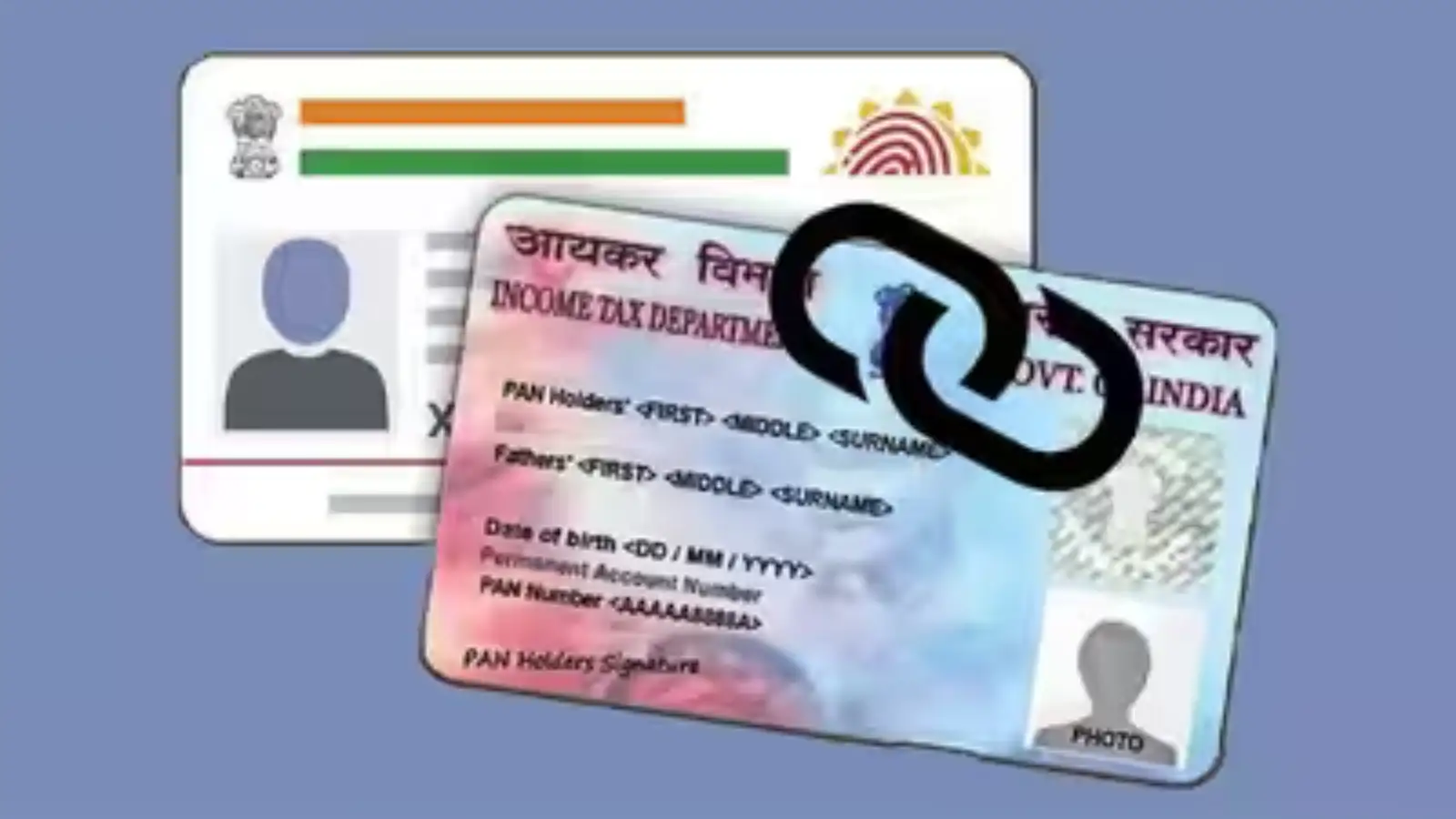
Here's everything you need to know about linking PAN with Aadhaar, updating your PAN in your bank account, and completing your bank KYC without any hassle.
How to Link PAN with Aadhaar Online
The Income Tax Department allows taxpayers to link their PAN with Aadhaar through its official e-filing portal. Before completing the linking process, a late fee of ₹1,000 must be paid if the deadline has already passed.
Follow these simple steps:
How to Link PAN with Your Bank Account
Keeping your PAN linked with your bank account is equally important, as it helps ensure smooth financial transactions and compliance with banking regulations. Banks generally provide both online and offline methods for updating PAN details.
Update PAN Through Net Banking
If your bank offers internet banking or a mobile banking app, you can update your PAN without visiting a branch.
The usual process includes:
Update PAN by Visiting a Bank Branch
Customers who prefer offline services can visit their nearest bank branch.
Here's how:
How to Update Bank KYC Online
Banks regularly ask customers to update their Know Your Customer (KYC) details as per Reserve Bank of India (RBI) guidelines. Failure to do so may temporarily restrict certain banking services.
Most banks now allow online KYC updates through their digital platforms.
The process generally includes:
How to Update Bank KYC Offline
Customers who are not comfortable using digital banking can update their KYC by visiting a branch.
The steps include:
Here's everything you need to know about linking PAN with Aadhaar, updating your PAN in your bank account, and completing your bank KYC without any hassle.
How to Link PAN with Aadhaar Online
The Income Tax Department allows taxpayers to link their PAN with Aadhaar through its official e-filing portal. Before completing the linking process, a late fee of ₹1,000 must be paid if the deadline has already passed.
Follow these simple steps:
- Visit the official Income Tax e-filing portal.
- Click on the 'Link Aadhaar' option available under the Quick Links section.
- Enter your PAN number and Aadhaar number.
- Click on Validate to verify your details.
- Pay the applicable late fee of ₹1,000 using UPI, net banking, debit card, credit card or any other available digital payment method.
- Wait for the payment to be reflected in the system.
- Complete the OTP verification sent to your registered mobile number.
- Once the verification is successful, your PAN will be linked with your Aadhaar.
How to Link PAN with Your Bank Account
Keeping your PAN linked with your bank account is equally important, as it helps ensure smooth financial transactions and compliance with banking regulations. Banks generally provide both online and offline methods for updating PAN details.
Update PAN Through Net Banking
If your bank offers internet banking or a mobile banking app, you can update your PAN without visiting a branch.
The usual process includes:
- Log in to your bank's net banking portal or mobile application.
- Open the Profile, Personal Details, Service Request, or Update PAN section.
- Enter your PAN number and confirm the information.
- Verify the request using the OTP sent to your registered mobile number.
- Submit the request.
- After successful verification, the bank updates your PAN details in its records.
Update PAN by Visiting a Bank Branch
Customers who prefer offline services can visit their nearest bank branch.
Here's how:
- Visit your bank branch.
- Request the PAN update or KYC form.
- Fill in the required details carefully.
- Attach a self-attested photocopy of your PAN card.
- Submit the completed form to the bank official.
- The bank will verify your details and update your PAN information after processing.
How to Update Bank KYC Online
Banks regularly ask customers to update their Know Your Customer (KYC) details as per Reserve Bank of India (RBI) guidelines. Failure to do so may temporarily restrict certain banking services.
Most banks now allow online KYC updates through their digital platforms.
The process generally includes:
- Log in to your bank's mobile app or internet banking account.
- Open the Update KYC, Profile, or Services section.
- Upload the required identity proof, such as your Aadhaar card.
- Upload address proof if requested.
- Complete OTP authentication.
- Submit the documents for verification.
- Once approved by the bank, your KYC will be updated successfully.
How to Update Bank KYC Offline
Customers who are not comfortable using digital banking can update their KYC by visiting a branch.
The steps include:
Next Story