
Ceiling Fan Running Slow? Try These 5 Easy Fixes Before Replacing It

A slow ceiling fan during peak summer can quickly make your room feel uncomfortable and stuffy. Even after turning the regulator to full speed, the blades may continue rotating sluggishly, reducing airflow and cooling efficiency. The good news is that a slow ceiling fan does not always mean the motor has failed. In most cases, the problem is caused by dust buildup, electrical wear, poor lubrication, or a faulty capacitor.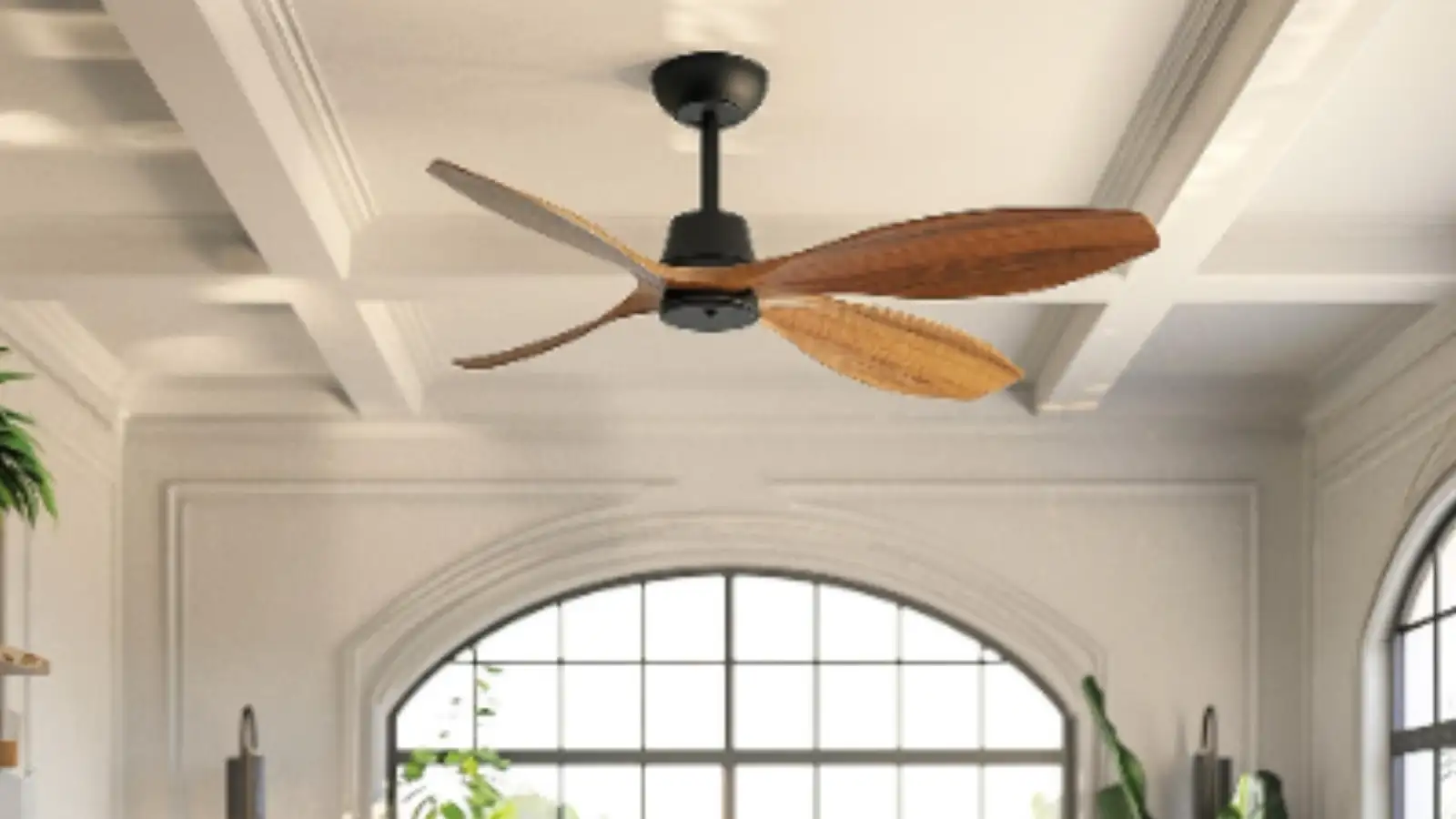
With a few simple checks and basic maintenance steps, you can safely restore your fan’s speed and improve airflow without spending money on a new appliance. Here are five easy ways to troubleshoot and fix a slow ceiling fan at home.
1. Perform the Simple “Free Spin” Test
Before opening the fan or checking the wiring, it is important to identify whether the issue is mechanical or electrical.
How to check:
What the results mean:
This quick test helps narrow down the real cause before attempting repairs.
2. Replace a Weak or Damaged Capacitor
One of the most common reasons behind a slow ceiling fan is a failing capacitor. The capacitor helps the motor maintain proper speed and torque.
Why it happens:
Over time, capacitors lose efficiency because of voltage fluctuations, heat, and constant usage. When the capacitor weakens, the fan struggles to reach full speed.
How to fix it:
Most household ceiling fans in India use capacitors around 2.25 µF, and replacements are generally inexpensive.
Important safety tip:
Never install a higher-rated capacitor to force extra speed. Oversized capacitors can overheat the motor and permanently damage the fan.
3. Lubricate and Clean the Fan Bearings
If the blades feel difficult to rotate during the hand-spin test, dirty or dry bearings could be slowing the fan down.
What causes the issue:
Dust, grease, and lint often enter the motor housing over time. This buildup mixes with old lubricant and creates friction inside the bearings.
Steps to fix it:
Avoid using WD-40 as a permanent solution because it evaporates quickly and may remove existing grease.
4. Remove Heavy Dust from the Fan Blades
Dusty fan blades can seriously reduce fan speed and airflow. Thick layers of dust increase drag and make the motor work harder.
Why cleaning matters:
As dust sticks to the blades, it changes their aerodynamic balance and adds unnecessary weight. This reduces the fan’s efficiency and cooling performance.
Easy cleaning trick:
This method traps dust inside the fabric instead of spreading it around the room.
5. Inspect the Fan Regulator
Sometimes the problem is not with the fan itself but with the wall regulator controlling the speed.
Common issue:
Old regulators and low-quality electronic speed controllers can wear out over time. When this happens, they fail to supply the correct voltage to the fan.
How to test it:
If the fan immediately starts running faster, the regulator is faulty and should be replaced. Modern electronic regulators are more energy-efficient and provide smoother speed control compared to older models.
A slow ceiling fan can often be repaired with simple troubleshooting instead of an expensive replacement. Checking the capacitor, cleaning the blades, lubricating the bearings, and inspecting the regulator can significantly improve fan speed and airflow. Regular cleaning and maintenance will also help your ceiling fan perform efficiently for years, especially during the hot summer season.
With a few simple checks and basic maintenance steps, you can safely restore your fan’s speed and improve airflow without spending money on a new appliance. Here are five easy ways to troubleshoot and fix a slow ceiling fan at home.
1. Perform the Simple “Free Spin” Test
Before opening the fan or checking the wiring, it is important to identify whether the issue is mechanical or electrical.
How to check:
- Switch off the power supply completely.
- Use a sturdy ladder to safely reach the fan.
- Gently spin the blades by hand.
What the results mean:
- If the blades rotate smoothly and continue spinning for a while, the motor bearings are likely fine and the issue may be electrical.
- If the blades feel stiff, stop quickly, or produce grinding sounds, the fan may have internal bearing friction.
This quick test helps narrow down the real cause before attempting repairs.
2. Replace a Weak or Damaged Capacitor
One of the most common reasons behind a slow ceiling fan is a failing capacitor. The capacitor helps the motor maintain proper speed and torque.
Why it happens:
Over time, capacitors lose efficiency because of voltage fluctuations, heat, and constant usage. When the capacitor weakens, the fan struggles to reach full speed.
How to fix it:
- Turn off the main power supply.
- Open the fan canopy near the ceiling.
- Locate the capacitor, usually a small black or white box.
- Check the microfarad (µF) rating printed on it.
- Replace it with a capacitor of the exact same rating.
Most household ceiling fans in India use capacitors around 2.25 µF, and replacements are generally inexpensive.
Important safety tip:
Never install a higher-rated capacitor to force extra speed. Oversized capacitors can overheat the motor and permanently damage the fan.
3. Lubricate and Clean the Fan Bearings
If the blades feel difficult to rotate during the hand-spin test, dirty or dry bearings could be slowing the fan down.
What causes the issue:
Dust, grease, and lint often enter the motor housing over time. This buildup mixes with old lubricant and creates friction inside the bearings.
Steps to fix it:
- Disconnect the power supply.
- Clean around the rotating spindle carefully.
- Apply a few drops of machine oil or sewing machine oil to the upper and lower bearings.
- Rotate the blades manually to spread the lubricant evenly.
Avoid using WD-40 as a permanent solution because it evaporates quickly and may remove existing grease.
4. Remove Heavy Dust from the Fan Blades
Dusty fan blades can seriously reduce fan speed and airflow. Thick layers of dust increase drag and make the motor work harder.
Why cleaning matters:
As dust sticks to the blades, it changes their aerodynamic balance and adds unnecessary weight. This reduces the fan’s efficiency and cooling performance.
Easy cleaning trick:
- Take an old pillowcase.
- Slide it over each blade individually.
- Wipe the blade while pulling the pillowcase back slowly.
This method traps dust inside the fabric instead of spreading it around the room.
5. Inspect the Fan Regulator
Sometimes the problem is not with the fan itself but with the wall regulator controlling the speed.
Common issue:
Old regulators and low-quality electronic speed controllers can wear out over time. When this happens, they fail to supply the correct voltage to the fan.
How to test it:
- Temporarily bypass the regulator using a direct switch connection.
- Turn the fan on.
If the fan immediately starts running faster, the regulator is faulty and should be replaced. Modern electronic regulators are more energy-efficient and provide smoother speed control compared to older models.
A slow ceiling fan can often be repaired with simple troubleshooting instead of an expensive replacement. Checking the capacitor, cleaning the blades, lubricating the bearings, and inspecting the regulator can significantly improve fan speed and airflow. Regular cleaning and maintenance will also help your ceiling fan perform efficiently for years, especially during the hot summer season.
Next Story