
SIM Swap Fraud: 5 Essential Tips to Secure Your Phone, Bank Accounts and Online Identity

In an era where personal identity and financial access are tied directly to mobile devices, SIM-swap fraud has emerged as one of the most destructive forms of cybercrime. A SIM swap occurs when fraudsters manipulate customer service representatives at mobile telecom operators into porting a target's registered phone number onto a new, physical SIM card or eSIM controlled by the scammer. Once the transfer is completed, the victim's phone immediately loses network connectivity, while the criminal intercepts all incoming phone calls, SMS notifications, and multi-factor authentication (MFA) One-Time Passwords (OTPs). This single vector opens the door for attackers to systematically drain bank accounts, breach primary email addresses, bypass security prompts, and take over cryptocurrency or investment portfolios in a matter of minutes.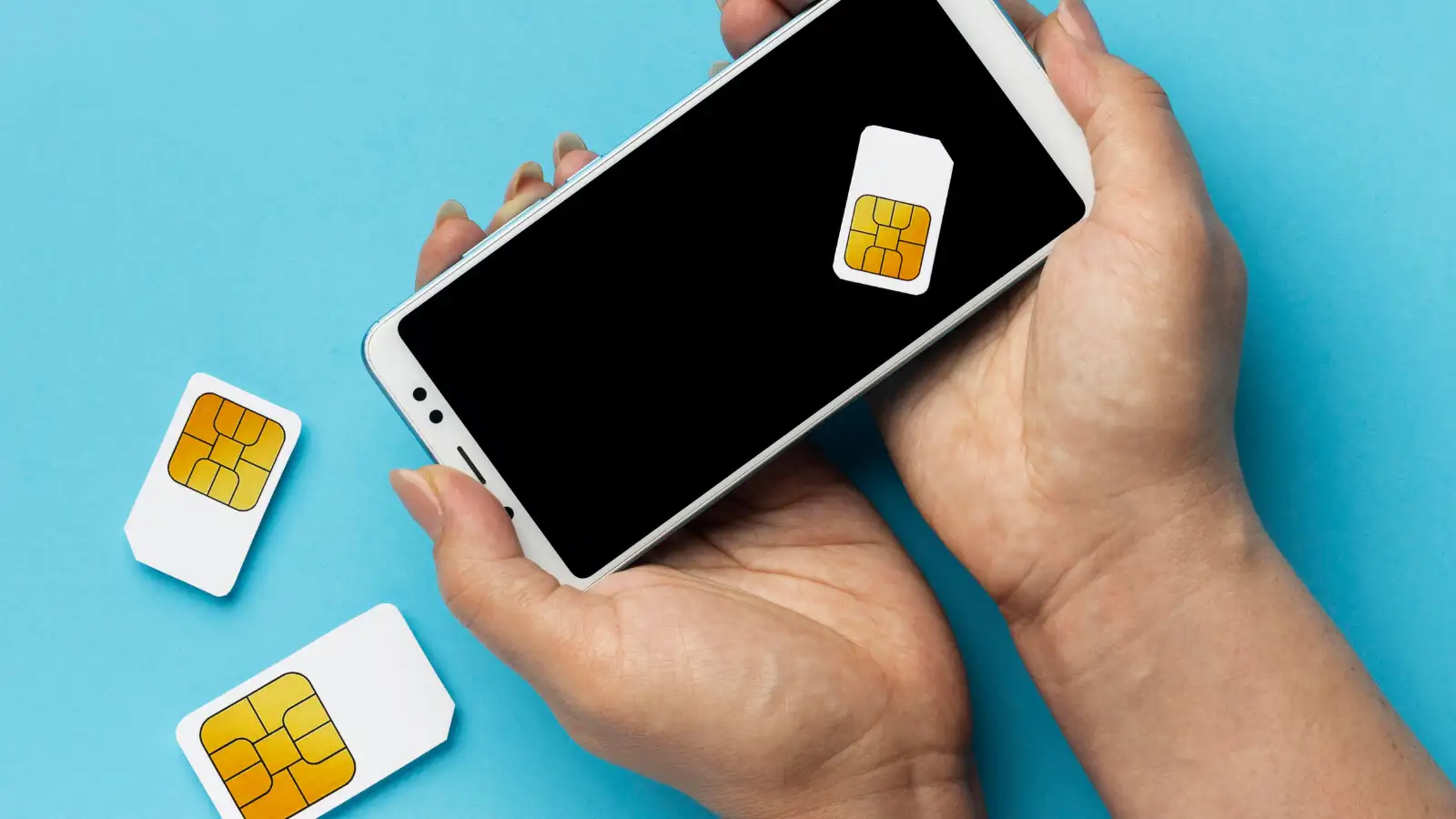
Because SIM swapping targets the carrier network level rather than the device hardware itself, traditional antivirus tools and smartphone firewalls cannot prevent it. However, applying proactive security habits and implementing carrier-side protections can effectively shut down attack vectors before a breach ever takes place.
Relying on SMS text messages for two-factor authentication is one of the biggest security vulnerabilities in modern digital accounts. Because text messages are tied directly to your mobile carrier connection, any attacker who successfully swaps your SIM card will automatically receive all your incoming login OTPs.
To neutralize this vulnerability, transition your critical accounts, including primary email addresses, banking portals, investment profiles, and social media accounts, away from SMS 2FA. Instead, configure software-based authenticator applications such as Google Authenticator, Microsoft Authenticator, Authy, or physical hardware security keys like YubiKeys. Authenticator apps generate time-based one-time passwords (TOTP) directly on your physical hardware without relying on cellular networks. Even if a fraudster successfully steals your mobile number through a SIM swap, they will remain completely unable to generate the required authentication codes stored safely inside your authenticator app.
Contact your mobile service provider immediately or log into your online subscriber dashboard to enable a high-security account PIN. Ensure the PIN consists of a complex, random sequence of digits. Avoid using obvious combinations such as birth dates, anniversaries, consecutive numbers, or digits found in public records. Treat this carrier passcode with the same level of confidentiality as a primary banking password.
This security option can be enabled directly inside your smartphone settings:
By utilizing a dedicated secondary line or hidden contact number exclusively reserved for two-factor security alerts, you significantly narrow your attack surface. Keep this secondary number private and never publish it on public forums, job portals, or personal social profiles.
If you suspect a SIM swap attempt:
Because SIM swapping targets the carrier network level rather than the device hardware itself, traditional antivirus tools and smartphone firewalls cannot prevent it. However, applying proactive security habits and implementing carrier-side protections can effectively shut down attack vectors before a breach ever takes place.
1. Ditch SMS-Based Two-Factor Authentication (2FA)
Relying on SMS text messages for two-factor authentication is one of the biggest security vulnerabilities in modern digital accounts. Because text messages are tied directly to your mobile carrier connection, any attacker who successfully swaps your SIM card will automatically receive all your incoming login OTPs. To neutralize this vulnerability, transition your critical accounts, including primary email addresses, banking portals, investment profiles, and social media accounts, away from SMS 2FA. Instead, configure software-based authenticator applications such as Google Authenticator, Microsoft Authenticator, Authy, or physical hardware security keys like YubiKeys. Authenticator apps generate time-based one-time passwords (TOTP) directly on your physical hardware without relying on cellular networks. Even if a fraudster successfully steals your mobile number through a SIM swap, they will remain completely unable to generate the required authentication codes stored safely inside your authenticator app.
2. Set Up a Carrier-Level Porting PIN or Password
Most telecom operators allow subscribers to establish an extra layer of security on their mobile accounts in the form of an account PIN, passcode, or verbal security question. This security layer ensures that no changes, including SIM replacements, eSIM reassignments, or number porting requests, can be processed over the phone or in-store without presenting the unique secret key.Contact your mobile service provider immediately or log into your online subscriber dashboard to enable a high-security account PIN. Ensure the PIN consists of a complex, random sequence of digits. Avoid using obvious combinations such as birth dates, anniversaries, consecutive numbers, or digits found in public records. Treat this carrier passcode with the same level of confidentiality as a primary banking password.
You may also like
3. Lock Your Physical SIM Card with a SIM PIN
While a carrier porting PIN prevents remote attacks through customer support, enabling a local SIM PIN protects against physical tampering or theft of the SIM card itself. Setting a SIM PIN locks the chip inside your phone. If someone physically removes your SIM card and places it into another mobile device, the card will refuse to connect to the cellular network until the correct numeric SIM PIN is entered.This security option can be enabled directly inside your smartphone settings:
- Android: Navigate to Settings > Security & Privacy > More Security Settings > SIM Card Lock, then enable Lock SIM Card and define a personal PIN.
- iOS: Navigate to Settings > Cellular (or Mobile Data) > SIM PIN, toggle the option on, and set your code.
4. Maintain a Confidential Secondary Recovery Line
For sensitive financial accounts and primary email recovery options, consider using a separate, unshared phone number or secondary VoIP service. Fraudsters usually target primary phone numbers that are widely circulated, displayed on social media, or exposed in public database leaks.By utilizing a dedicated secondary line or hidden contact number exclusively reserved for two-factor security alerts, you significantly narrow your attack surface. Keep this secondary number private and never publish it on public forums, job portals, or personal social profiles.
5. Recognize Early Warning Signs and Respond Instantly
Proactive defense also requires recognizing immediate warning indicators of an attack in progress. If your phone suddenly displays "No Service," "SOS Only," or indicates an unregistered SIM card while you are in an area with normally reliable coverage, treat the situation as an urgent security event.If you suspect a SIM swap attempt:
- Immediately contact your mobile carrier's fraud line from a secondary device or landline to freeze your account.
- Contact your primary banking institutions to temporarily suspend online banking services and mobile UPI transfers.
- Log into your primary email accounts via Wi-Fi on a secondary computer to change access credentials and check for unauthorized device sessions.






Loving Newspoint? Download the app now
