
Browse Without Risk: Essential Steps to Safely Use Public Wi-Fi Networks

Free public Wi-Fi hotspots have become an integral feature of modern urban life. Whether you are catching up on work emails at a local coffee shop, streaming video during a flight delay at an airport, or looking up directions while staying at a hotel, open networks offer effortless connectivity. However, this seamless convenience comes with a substantial security trade-off. Unlike private home or corporate networks that rely on strong password encryption standards like WPA2 or WPA3, most public Wi-Fi access points are completely unencrypted or broadcast their shared credentials openly.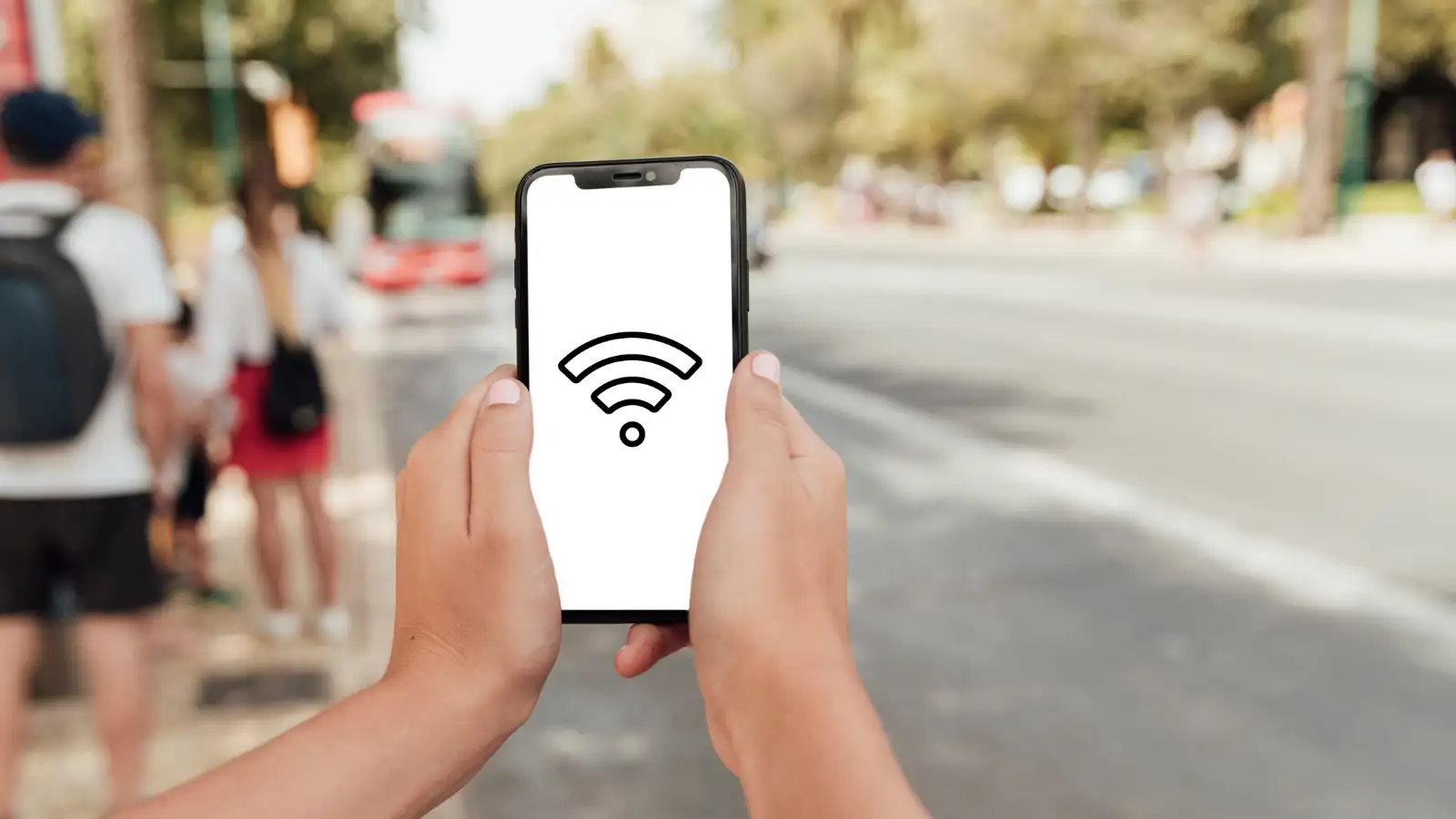
When a network is unencrypted, data transmitted between your laptop or smartphone and the wireless router flies through the air in plain text. This creates an open invitation for malicious actors operating on the same physical network. Cybercriminals can use readily available packet-sniffing software to monitor raw data streams, capturing unencrypted login credentials, personal messages, browser session cookies, and sensitive document transfers. Understanding these vulnerabilities is the first step toward taking control of your personal digital hygiene whenever you connect to networks outside your home.
Another insidious threat is the creation of rogue hotspots, often referred to as "Evil Twin" networks. A malicious actor sets up a wireless access point in a busy public space using a trustworthy name such as "Cafe Guest Free" or "Airport Official WiFi." Unsuspecting users seeking free internet connect to this trap, allowing the hacker to capture every piece of data transmitted through the connection. Furthermore, hackers can exploit public connections to inject malware, ransom software, or spyware directly into unpatched operating systems connected to the local network pool.
You may also like
- Train News: Several trains are affected from today until August 7; check which routes have changed and view the full list.
- Ex-Agniveer Reservation: 50% quota in new recruitments; know the eligibility, age limit, salary, and job opportunities.
- Boss Warning Signs: If your boss shows these signs, your job could be at risk. Here's what you should never say to your senior.
- What happens when you eat garlic and honey on an empty stomach? An Ayurvedic doctor explains the benefits..
- This Karnataka boy grew up in a village without the internet; today, his space-tech startup works with NASA: What Pixxel CEO Awais Ahmed's parents invested in
When a network is unencrypted, data transmitted between your laptop or smartphone and the wireless router flies through the air in plain text. This creates an open invitation for malicious actors operating on the same physical network. Cybercriminals can use readily available packet-sniffing software to monitor raw data streams, capturing unencrypted login credentials, personal messages, browser session cookies, and sensitive document transfers. Understanding these vulnerabilities is the first step toward taking control of your personal digital hygiene whenever you connect to networks outside your home.
Understanding Common Cyber Threats on Open Hotspots
To protect your devices effectively, it helps to understand the specific methods hackers use to exploit public Wi-Fi users. One of the most prevalent techniques is the "Man-in-the-Middle" (MitM) attack. In this scenario, a hacker positions their device secretly between your laptop and the network router. Instead of your data communicating directly with the legitimate gateway, all web traffic passes through the attacker's system first, giving them full visibility and the ability to modify or steal information in real time.Another insidious threat is the creation of rogue hotspots, often referred to as "Evil Twin" networks. A malicious actor sets up a wireless access point in a busy public space using a trustworthy name such as "Cafe Guest Free" or "Airport Official WiFi." Unsuspecting users seeking free internet connect to this trap, allowing the hacker to capture every piece of data transmitted through the connection. Furthermore, hackers can exploit public connections to inject malware, ransom software, or spyware directly into unpatched operating systems connected to the local network pool.
7 Essential Security Hacks for Public Wi-Fi Safety
- Routing Traffic Through a Virtual Private Network (VPN): Utilizing a reputable VPN is the single most effective defense on public networks. A VPN creates an encrypted tunnel between your device and a secure remote server. Even if an attacker intercepts your data stream on an open network, the encrypted traffic appears as unreadable garbled text, rendering packet-sniffing tools completely useless.
- Always Verifying Network Credentials with Staff: Before tapping to connect on your phone or laptop, verify the exact network name (SSID) and security requirements with an employee or official site signage. Double-checking network names prevents you from accidentally connecting to rogue "Evil Twin" hotspots designed to harvest personal information.
- Disabling Automatic Connections and File Sharing: Most modern operating systems are configured to automatically join open networks or discover nearby devices. Disable auto-connect settings so your phone does not join untrusted networks without your knowledge. Additionally, turn off AirDrop, Nearby Share, and local file-sharing protocols to prevent unauthorized access.
- Enforcing HTTPS and Using Security Browser Extensions: Ensure that websites you visit display https:// in the URL bar alongside a secure padlock icon. The "S" stands for secure socket layer encryption. Consider installing browser extensions like "HTTPS Everywhere," which force web browsers to use encrypted connections whenever available.
- Enabling Two-Factor Authentication (2FA) Across Accounts: Activate two-factor or multi-factor authentication on all critical personal accounts, including email, cloud storage, social media, and messaging platforms. In the event that a hacker sniffs your password on an open network, 2FA prevents them from logging in without your secondary physical verification code.
- Avoiding Financial and Sensitive Online Transactions: Never log into mobile banking applications, process online credit card payments, or access confidential corporate systems while connected to public Wi-Fi. If you must manage urgent financial matters while traveling, temporarily disconnect from the public network and switch to your mobile cellular data (4G/5G) or a personal mobile hotspot.
- Keeping Systems Updated and Firewalls Active: Outdated operating systems, browsers, and mobile apps contain known software vulnerabilities that hackers can exploit over local networks. Keep your devices updated with the latest security patches, and ensure your system's native firewall remains enabled at all times to block unexpected incoming connections.
Smart Habits for Digital Peace of Mind
Protecting your digital footprint while mobile does not require advanced technical expertise or avoiding public Wi-Fi altogether. By adopting basic precautionary habits—such as verifying hotspots before joining, disabling automatic connections, and routing online traffic through an encrypted VPN—you can browse comfortably on the go without putting your personal identity, financial details, or confidential files at risk.





Loving Newspoint? Download the app now
