How Wi-Fi Carries Data Through Walls on Invisible Radio Waves

Every time you open a video or send a message over Wi-Fi, your router is doing something that would have seemed extraordinary a century ago: it is converting digital information into invisible waves of energy, firing them through solid walls, and your device is catching them and converting them back. The whole round trip takes milliseconds. Understanding how it works starts with understanding what a radio wave actually is.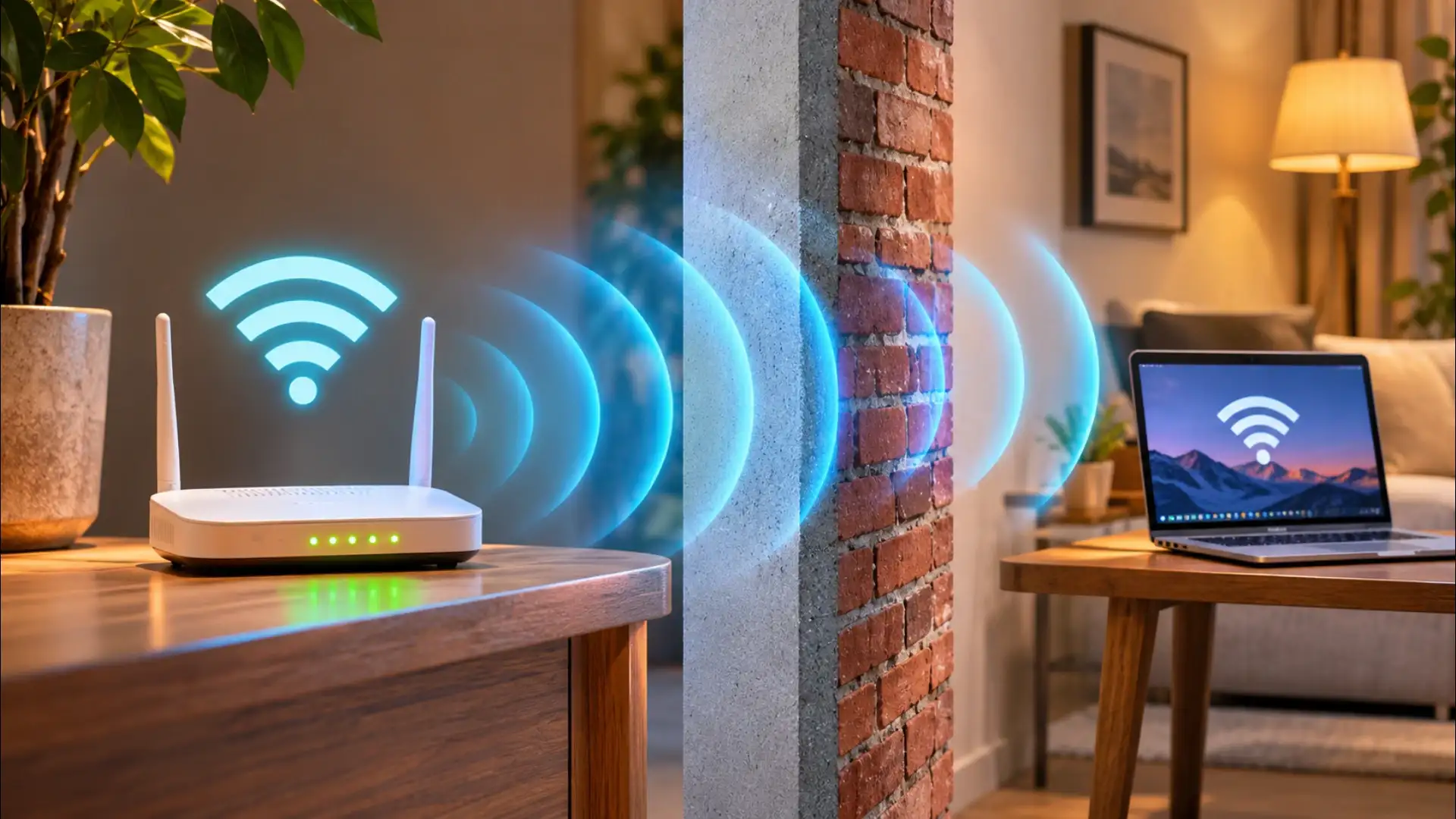
Radio Waves Are Just Light You Cannot See
Radio waves, visible light, X-rays, and microwaves are all the same kind of thing: electromagnetic radiation. The difference between them is frequency, how many times the wave oscillates per second. Visible light oscillates hundreds of trillions of times per second. Wi-Fi operates at either 2.4 gigahertz or 5 gigahertz, meaning 2.4 billion or 5 billion oscillations per second. That is far slower than light, which is why your eyes cannot detect it, but the physics governing how it travels through space is identical. Your router is, in the most literal sense, a very low-frequency light source.How Your Router Encodes Information Into Waves
A raw radio wave carries no information on its own, it is just a repeating oscillation. To carry data, the router modulates the wave, meaning it deliberately alters some property of the wave in a pattern that encodes binary information. The most common technique used in modern Wi-Fi is called QAM, or Quadrature Amplitude Modulation. The router simultaneously varies the amplitude (the height of the wave) and the phase (the timing of the oscillation) in precise combinations. Each combination represents a cluster of bits. A Wi-Fi standard capable of 1024-QAM can encode ten bits per symbol, meaning each tiny moment of transmission carries ten binary digits of information at once. The receiving device reads those variations and reconstructs the original data stream.You may also like
- From turning first dates into interviews to using ChatGPT for replies and tracking matches in spreadsheets: How AI companies are changing San Francisco's dating scene
- Dell CEO Michael Dell, biggest contributor to Trump Accounts, advice to businesses on what never to ask other people
- Palantir's Alex Karp is now a forest owner: Buys 37,000 acres in Sweden for reported $22 million; why hunters can no longer enter it
- Sony FX5: Camera Launched in India with Open Gate Shooting, but how will creators adapt?
- India's onshore wind potential much higher than estimated, hits 2,933 GW at 200 m: Report
Why Walls Do Not Stop the Signal, and Why They Slow It Down
At 2.4 GHz, radio waves have a wavelength of roughly 12 centimetres. Most common building materials, drywall, wood, glass, and brick, have molecular structures that interact only weakly with waves at that frequency, so the wave passes through rather than being absorbed or reflected. The signal does lose energy in the process: some is absorbed as heat, and some scatters in new directions. This is why a router on one side of a thick concrete wall still works but delivers a weaker signal than one in the same room. Metal is different. Steel reinforcement in concrete, metal studs in walls, and appliances with metal housings reflect and absorb radio waves far more aggressively, which is why a router placed inside a metal cabinet can barely reach the next room. The 5 GHz band has a shorter wavelength and loses more energy passing through the same materials, giving faster speeds at close range but a shorter effective range than 2.4 GHz.How Multiple Devices Share One Channel
A home router is typically serving several devices at once, a phone, a laptop, a television, a smart speaker. These devices do not all transmit simultaneously on the same frequency without colliding. The protocol governing this is called CSMA/CA, Carrier Sense Multiple Access with Collision Avoidance. Before transmitting, each device listens to check whether the channel is clear. If it is, the device transmits and then waits for an acknowledgement. If two devices transmit at the same moment and their signals collide, both back off for a random interval before trying again. Modern Wi-Fi standards add a further refinement called OFDMA, which divides the available frequency band into smaller sub-channels and assigns different devices to different sub-channels simultaneously, much like a highway with multiple lanes running in parallel. This is a large part of why newer routers handle many simultaneous devices better than older ones.What MIMO Does and Why It Matters
Most routers sold in the last several years carry more than one antenna. This is not for decoration. The technique is called MIMO, Multiple Input, Multiple Output. Each antenna transmits a slightly different version of the signal, and the receiving device uses the small differences in arrival time and phase between them to reconstruct the data more reliably. In a room with reflective surfaces, a signal bounces off walls and arrives at the receiver from several directions at slightly different times. Older single-antenna systems treated these reflected copies as interference. MIMO systems treat them as additional data paths and combine them constructively. The result is a stronger, more reliable connection in exactly the environments, furnished rooms, corridors, stairwells, where a single-antenna system would struggle most. The signal bouncing off your wall is not the enemy; it is part of how the system works.





Loving Newspoint? Download the app now