
How To Convert Old Photos And Documents Into Digital Files Easily

Old photographs and important documents often carry memories and information that cannot be replaced. However, paper-based records can fade, tear, or get damaged over time due to moisture, dust, and improper storage. Digitising old photos and documents is a simple way to preserve these valuable items while making them easier to access, share, and organise.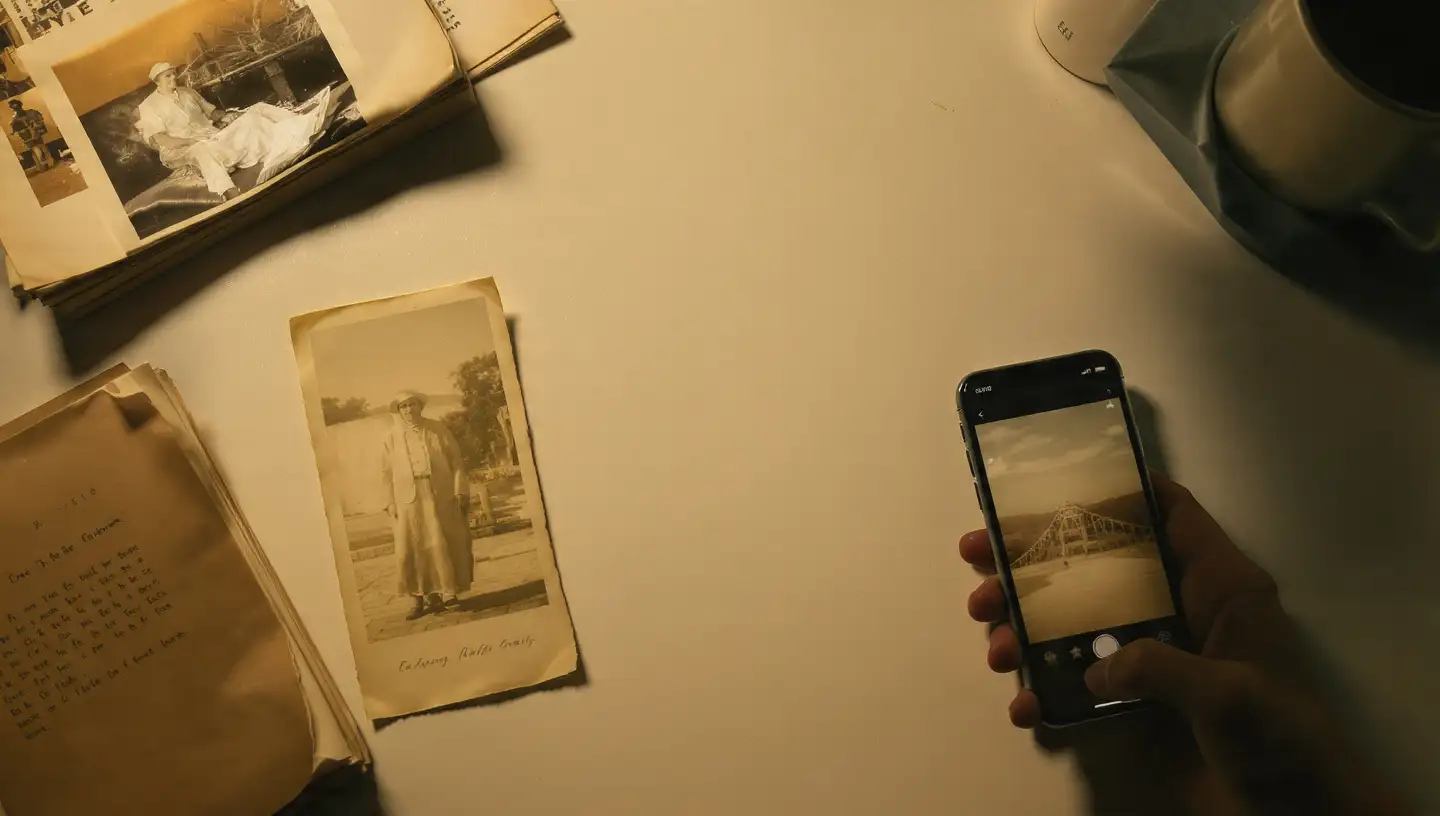
With smartphones, scanners, and cloud storage services becoming more accessible, anyone can create digital copies without needing professional equipment. Whether it is a family album, old certificates, handwritten notes, or important paperwork, a few careful steps can help protect these items for years.
For quick digitisation, smartphone scanning apps can also be useful. These apps use the phone camera to capture images, automatically adjust angles, and improve readability. According to experts, smartphone-based scanning works well for everyday documents, while dedicated scanners are better suited for preserving high-resolution photographs.
Arrange the items properly and ensure there is enough lighting if using a smartphone camera. For old photos, scanning at a higher resolution can help retain more details and improve the quality of future prints.
Creating separate folders for categories like family photos, personal documents, and certificates can prevent digital clutter. Many users also prefer keeping backup copies on external storage devices or cloud platforms to reduce the risk of losing important files.
Industry watchers note that combining multiple storage methods, such as cloud backup and physical drives, provides better protection for important digital records. It is also advisable to use secure passwords and privacy settings when storing sensitive documents online.
Digitising old photos and documents is a practical way to preserve the past while making valuable information easier to manage. With simple tools and organised storage habits, anyone can protect their memories and records for future generations.
Image Courtesy: Meta AI
With smartphones, scanners, and cloud storage services becoming more accessible, anyone can create digital copies without needing professional equipment. Whether it is a family album, old certificates, handwritten notes, or important paperwork, a few careful steps can help protect these items for years.
Choose The Right Method For Digitisation
The first step in converting physical items into digital files is selecting the right method. A flatbed scanner is often considered one of the best options for high-quality results, especially for photographs and documents that require clear details.For quick digitisation, smartphone scanning apps can also be useful. These apps use the phone camera to capture images, automatically adjust angles, and improve readability. According to experts, smartphone-based scanning works well for everyday documents, while dedicated scanners are better suited for preserving high-resolution photographs.
Prepare Photos And Documents Before Scanning
Before starting the process, gently clean old photos and documents to remove dust or dirt. Avoid using liquids or harsh materials, as they may damage ageing paper and photographs.You may also like
- LG unveils 2026 AI TV lineup, launches 25 ultra-large AI models in India
- Sam Altman's OpenAI in open letter to Apple on 'theft' charges: You are getting it all wrong
- Hack of the day: Check CBSE affiliation before paying admission fees
- After OpenAI, Anthropic said their AI models hacked companies; Meta, Google and others called to White House
- Anthropic CEO does not want to be part of the 'million dollar-salary race' that Mark Zuckerberg started
Arrange the items properly and ensure there is enough lighting if using a smartphone camera. For old photos, scanning at a higher resolution can help retain more details and improve the quality of future prints.
Organise Digital Files Properly
After scanning, creating a clear organisation system is essential. Use descriptive file names that include details such as the year, event, or document type. This makes it easier to find specific files later.Creating separate folders for categories like family photos, personal documents, and certificates can prevent digital clutter. Many users also prefer keeping backup copies on external storage devices or cloud platforms to reduce the risk of losing important files.
Protect Your Digital Memories
Digital files also require proper care. Regular backups can help safeguard photos and documents from accidental deletion, device failure, or technical problems.Industry watchers note that combining multiple storage methods, such as cloud backup and physical drives, provides better protection for important digital records. It is also advisable to use secure passwords and privacy settings when storing sensitive documents online.
Digitising old photos and documents is a practical way to preserve the past while making valuable information easier to manage. With simple tools and organised storage habits, anyone can protect their memories and records for future generations.
Image Courtesy: Meta AI






Loving Newspoint? Download the app now
