
How To Create QR Codes Easily For Personal And Business Needs

QR codes have transformed the way people access and share information in everyday life. From making digital payments and sharing contact details to promoting businesses and connecting customers with online platforms, these small square patterns have become a practical digital tool. Creating a QR code no longer requires technical expertise, as several simple online solutions allow users to generate them within minutes.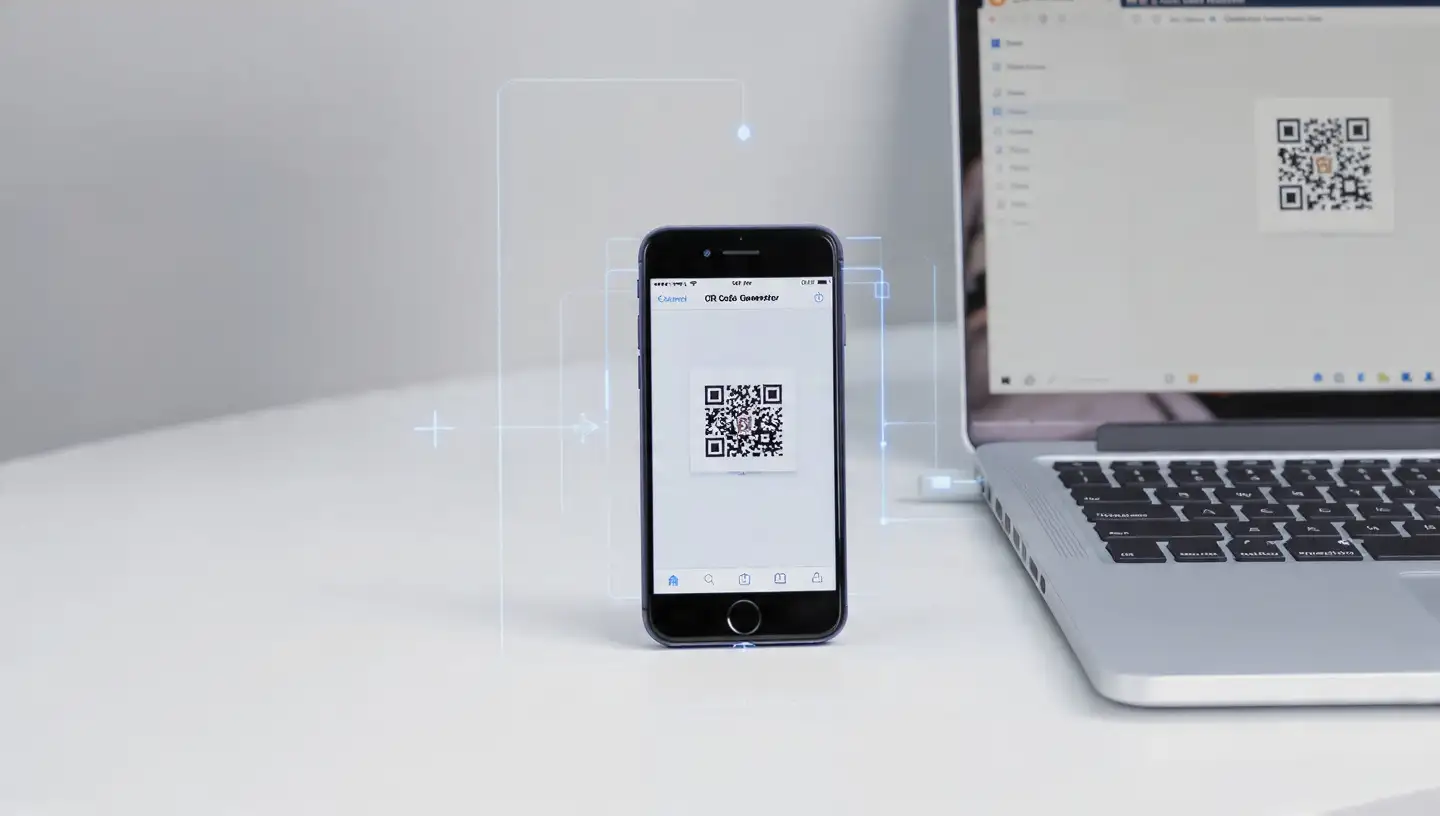
Whether you want to create a QR code for personal use, such as sharing a social media profile or event details, or for business purposes like marketing campaigns and customer engagement, the process is straightforward. With the right QR code generator and a clear purpose, anyone can create a useful digital shortcut.
For businesses, QR codes are often used on product packaging, menus, posters, visiting cards, and promotional materials. According to experts, selecting the right format based on the intended purpose helps users create a smoother experience for people scanning the code.
While custom QR codes can look more attractive, industry watchers note that excessive design changes may affect scanning accuracy. Keeping the code clear and easy to scan should remain the priority.
Businesses should also check that linked pages are working properly and mobile-friendly. A broken link can create a poor user experience and reduce the effectiveness of the QR code.
For business use, regularly updating linked information and monitoring QR code performance can help maintain effectiveness. Dynamic QR codes, which allow information updates without changing the printed code, can be useful for campaigns that require frequent changes.
Creating QR codes is a simple way to make information sharing faster and more convenient. With careful planning, proper testing, and secure usage, these digital tools can support both personal communication and business growth.
Image Courtesy: Meta AI
Whether you want to create a QR code for personal use, such as sharing a social media profile or event details, or for business purposes like marketing campaigns and customer engagement, the process is straightforward. With the right QR code generator and a clear purpose, anyone can create a useful digital shortcut.
Choose The Right QR Code Type
The first step is deciding what information the QR code should contain. QR codes can be created for website links, text messages, email addresses, phone numbers, payment details, social media profiles, and location information.For businesses, QR codes are often used on product packaging, menus, posters, visiting cards, and promotional materials. According to experts, selecting the right format based on the intended purpose helps users create a smoother experience for people scanning the code.
Use A Reliable QR Code Generator
Creating a QR code usually involves choosing an online QR code generator, entering the required information, and downloading the final design. Many tools also allow users to customise colours, add logos, and adjust the appearance to match branding needs.You may also like
- LG unveils 2026 AI TV lineup, launches 25 ultra-large AI models in India
- Sam Altman's OpenAI in open letter to Apple on 'theft' charges: You are getting it all wrong
- Hack of the day: Check CBSE affiliation before paying admission fees
- After OpenAI, Anthropic said their AI models hacked companies; Meta, Google and others called to White House
- Anthropic CEO does not want to be part of the 'million dollar-salary race' that Mark Zuckerberg started
While custom QR codes can look more attractive, industry watchers note that excessive design changes may affect scanning accuracy. Keeping the code clear and easy to scan should remain the priority.
Test Before Sharing Or Printing
Before using a QR code publicly, it is important to test it on multiple devices. A code that works on one smartphone may sometimes face scanning issues due to size, poor image quality, or incorrect placement.Businesses should also check that linked pages are working properly and mobile-friendly. A broken link can create a poor user experience and reduce the effectiveness of the QR code.
Keep QR Codes Safe And Updated
Security is an important consideration when using QR codes. Users should avoid scanning unknown codes from unreliable sources, as they may lead to unsafe websites or misleading content.For business use, regularly updating linked information and monitoring QR code performance can help maintain effectiveness. Dynamic QR codes, which allow information updates without changing the printed code, can be useful for campaigns that require frequent changes.
Creating QR codes is a simple way to make information sharing faster and more convenient. With careful planning, proper testing, and secure usage, these digital tools can support both personal communication and business growth.
Image Courtesy: Meta AI






Loving Newspoint? Download the app now
