
Set Up A Home Security Camera Without Monthly Fees With These Simple Money-Saving Tips

A home security camera can add visibility without locking you into a monthly subscription. For many households, the upfront cost of a camera, memory card or local storage can be enough for a monitoring setup. The trick is choosing equipment that supports local recording and understanding which features matter.
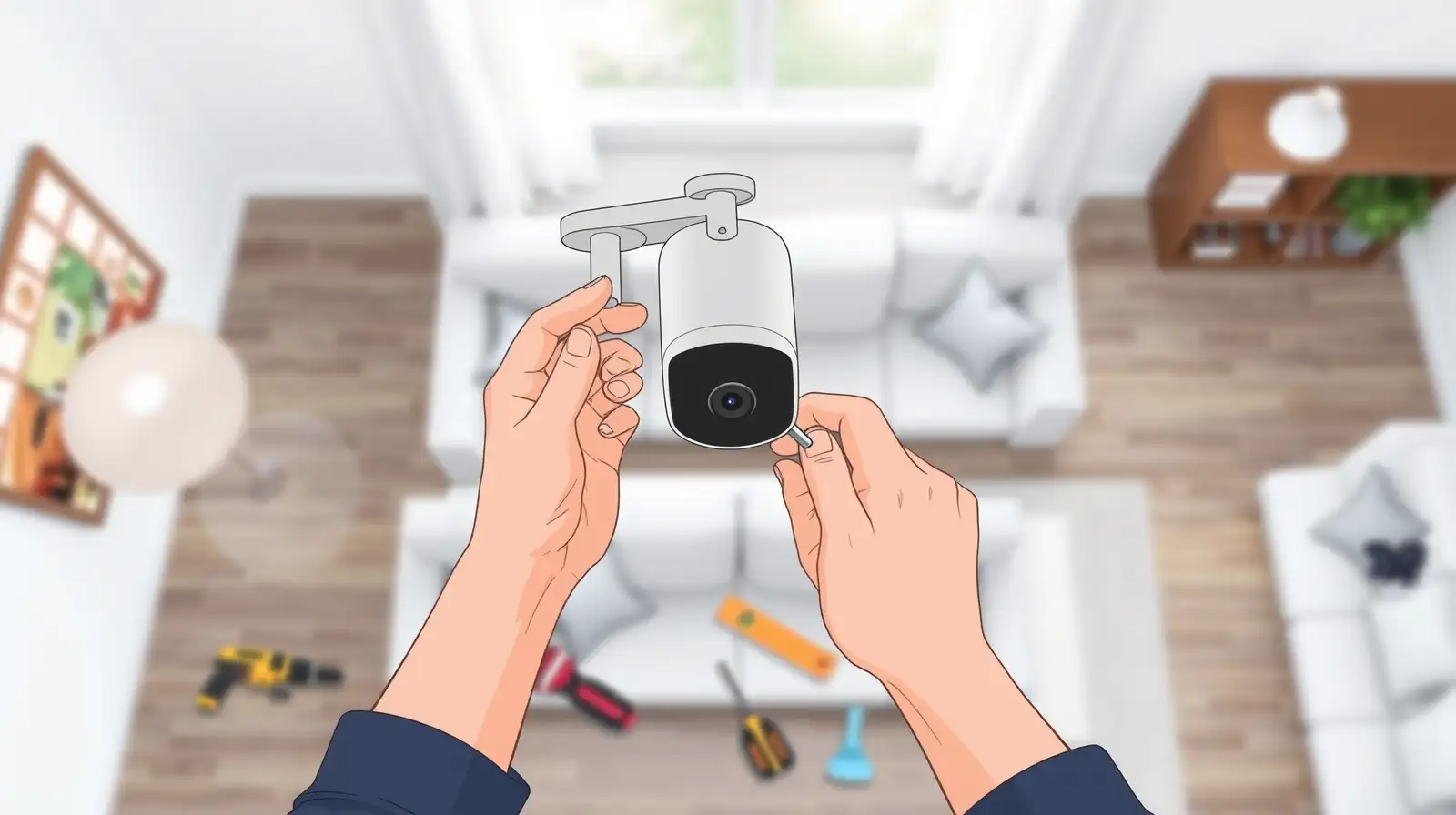
A no-monthly-fee security camera setup can offer motion alerts, live viewing and recorded footage, depending on the model. However, avoiding subscription charges does not mean ignoring security. Strong passwords, software updates, placement and network settings remain essential if you want the system to protect you rather than create a privacy risk.
Choose Local Storage
The simplest way to avoid recurring fees is to choose a camera that supports local storage. Some models can record footage to a microSD card, while others can connect to a dedicated local storage device.Before buying, check whether recording continues without a cloud subscription and whether important features, such as motion detection or playback, remain available without a paid plan. According to security experts, understanding these limitations before installation can prevent unexpected costs later.
Storage capacity also matters. A camera recording continuously can use considerably more space than one configured to record only when motion is detected. Check the manufacturer's storage recommendations and recording options.
You may also like
- Consistent Aago ProMag review: Stylish looks meets useful extras
- Samsung Galaxy Tab S12 Ultra and Tab S12+ launched: Specs, features and availability
- 100 million deaths can't be settled with a lawsuit, Bill Gates rejects argument that AI companies can police themselves; says: I almost can't keep a...
- Simple Energy raises $180 million in largest funding round, eyes top-five EV two-wheeler spot
- US government website found to be using Chinese AI model that FBI recently blamed for 'stealing' from Anthropic
Position The Camera Carefully
Good placement can make a bigger difference than simply adding more cameras. Position the device to cover important entry points such as the main door, driveway or another vulnerable access area.Avoid pointing cameras directly at bright windows or strong light sources, as this can affect image quality. Mount the device securely and make sure the field of view covers the intended area without unnecessary blind spots.
For indoor cameras, consider privacy carefully. Bedrooms and other private spaces generally require particular caution. If possible, use privacy modes or physical shutters when the camera is not needed.
Secure Your Camera Setup
A security camera should not become an easy route into your home network. Change any default password immediately and use a strong, unique password for the camera account. Enable two-factor authentication if the manufacturer offers it.Keep the camera's firmware and companion app updated as well. Industry watchers note that regular software updates can address security vulnerabilities and improve reliability.
Finally, test the system before relying on it. Check night vision, motion detection, recording and remote access. A well-chosen security camera without a subscription can provide useful monitoring while keeping ongoing costs under control, provided it is installed and secured properly.






Loving Newspoint? Download the app now
