
What is Two-Factor Authentication and Why It Matters

In today’s digital world, where personal data is constantly at risk, protecting your online accounts is more crucial than ever. While passwords have long been the first line of defense, they are no longer enough. This is where Two-Factor Authentication ( 2FA ) steps in as a powerful security measure that adds an extra layer of protection. But what exactly is 2FA, and why should you care? Let’s break it down.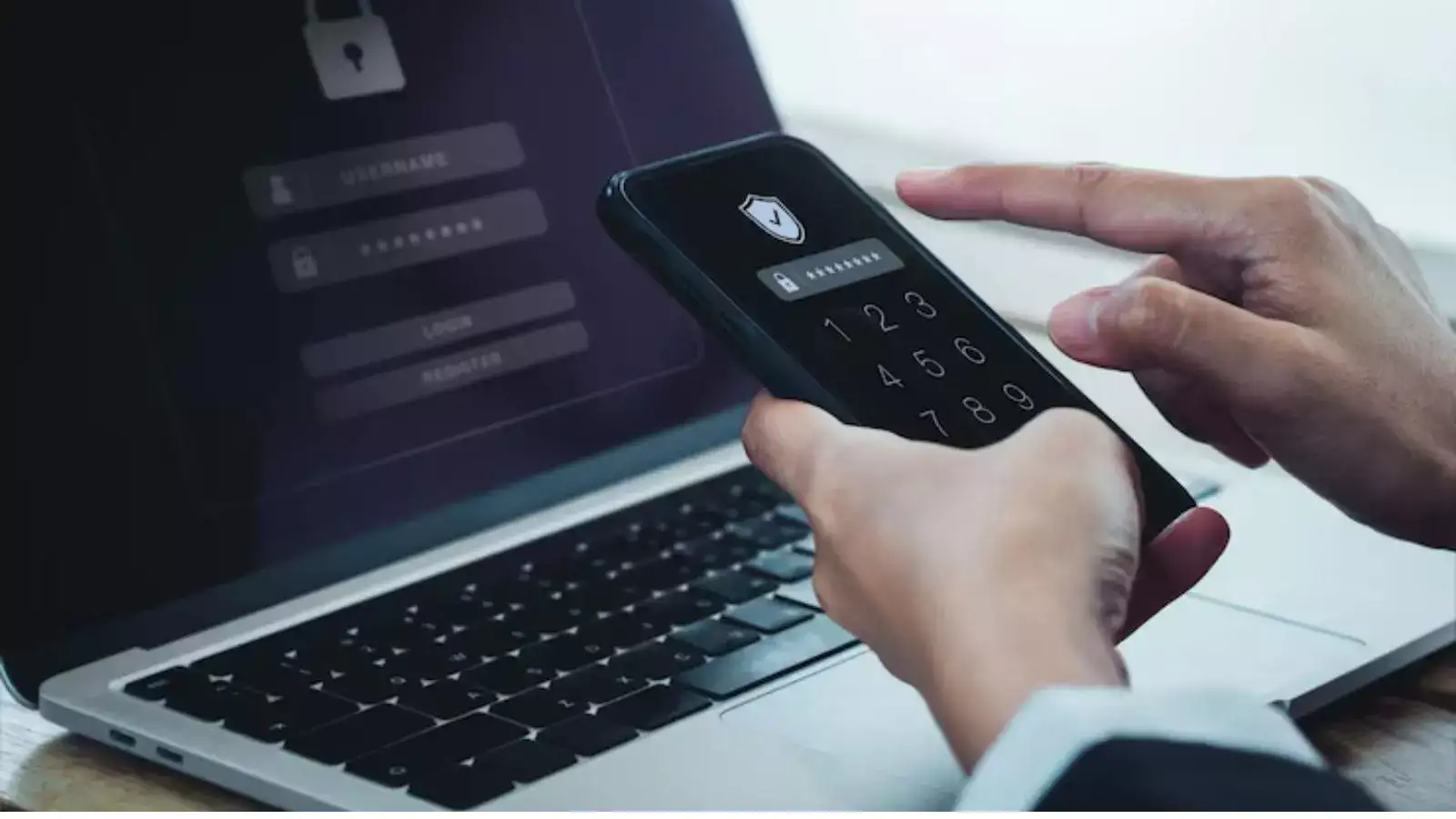
What is Two-Factor Authentication?
Two-Factor Authentication (2FA) is a security process in which users provide two different types of information to verify their identity when logging into an account. Instead of relying solely on a password, 2FA combines something you know (like a password) with something you have (like your phone or a one-time code) or something you are (like a fingerprint or facial recognition).
This dual-layer verification significantly reduces the risk of unauthorized access-even if someone manages to steal your password.
Common Types of Two-Factor Authentication
1. Stronger Security Against Hackers
With only a password, hackers need just one piece of data to breach your account. With 2FA, even if your password is compromised, the second factor blocks unauthorized access.
2. Protects Sensitive Information
Whether it’s your email, social media, bank account, or work tools, 2FA helps shield sensitive data from cybercriminals and identity thieves.
3. Reduces Risk of Phishing Attacks
Phishing emails often trick users into revealing login credentials. Even if you fall for one, 2FA acts as a fail-safe, making it harder for attackers to use the stolen information.
4. Builds Trust and Compliance
For businesses, using 2FA can help meet data protection regulations (like GDPR) and show customers that their information is taken seriously.
5. Easy to Use and Widely Available
Most major platforms-Google, Apple, Facebook, Microsoft, and banking apps-offer 2FA. Setting it up usually takes just a few minutes.
Two-Factor Authentication isn’t just an optional extra-it’s a necessary safeguard in our digital age. With cyber threats growing more sophisticated, relying on passwords alone is like locking your front door but leaving the window wide open. By enabling 2FA, you add a solid defense that’s simple to use yet tough to crack.
So the next time you see a prompt to “turn on two-factor authentication,” don’t ignore it. It’s one small step for you, but a giant leap for your digital security.
Pro Tip: Always use an authenticator app or hardware token rather than SMS when possible. SMS codes can be intercepted through SIM-swapping attacks.
What is Two-Factor Authentication?
Two-Factor Authentication (2FA) is a security process in which users provide two different types of information to verify their identity when logging into an account. Instead of relying solely on a password, 2FA combines something you know (like a password) with something you have (like your phone or a one-time code) or something you are (like a fingerprint or facial recognition). This dual-layer verification significantly reduces the risk of unauthorized access-even if someone manages to steal your password.
Common Types of Two-Factor Authentication
- SMS or Email Codes: After entering your password, a temporary code is sent to your phone or email.
- Authenticator Apps: Apps like Google Authenticator or Authy generate time-based one-time passwords (TOTPs).
- Push Notifications: Some services send a prompt to your smartphone to approve or deny login attempts.
- Biometric Verification: Fingerprint scans, facial recognition, or voice identification for more advanced security.
- Hardware Tokens: Physical devices like YubiKeys that you plug into your computer to verify identity.
Why Two-Factor Authentication Matters
1. Stronger Security Against Hackers
With only a password, hackers need just one piece of data to breach your account. With 2FA, even if your password is compromised, the second factor blocks unauthorized access.
You may also like
- DoT Warns Against SIM Card Misuse: Violations Can Attract 3-Year Jail Term and ₹50 Lakh Fine
- Amazon Great Indian Festival 2026: Sale Date, SBI Card Discount, Prime Early Access and Offers
- Elon Musk says Boring Company can cut 2.5-hour Texas drive to under 30 minutes with …
- Misuse of SIMs may attract up to 3 years' imprisonment and Rs 50 lakh fine, warns DoT
- Anthropic, OpenAI, Microsoft and other AI companies scared of their own AI models get blunt advice from White House's tech advisor; Michael Kratsios says: If you don't want it out into the world, you can...
2. Protects Sensitive Information
Whether it’s your email, social media, bank account, or work tools, 2FA helps shield sensitive data from cybercriminals and identity thieves.
3. Reduces Risk of Phishing Attacks
Phishing emails often trick users into revealing login credentials. Even if you fall for one, 2FA acts as a fail-safe, making it harder for attackers to use the stolen information.
4. Builds Trust and Compliance
For businesses, using 2FA can help meet data protection regulations (like GDPR) and show customers that their information is taken seriously.
5. Easy to Use and Widely Available
Most major platforms-Google, Apple, Facebook, Microsoft, and banking apps-offer 2FA. Setting it up usually takes just a few minutes.
What Happens Without It?
Without 2FA, your accounts are far more vulnerable. Cyberattacks, data breaches, and identity theft are on the rise, and attackers use stolen passwords from one site to access others (a tactic known as credential stuffing). Without that second verification step, you're an easy target.Two-Factor Authentication isn’t just an optional extra-it’s a necessary safeguard in our digital age. With cyber threats growing more sophisticated, relying on passwords alone is like locking your front door but leaving the window wide open. By enabling 2FA, you add a solid defense that’s simple to use yet tough to crack.
So the next time you see a prompt to “turn on two-factor authentication,” don’t ignore it. It’s one small step for you, but a giant leap for your digital security.
Pro Tip: Always use an authenticator app or hardware token rather than SMS when possible. SMS codes can be intercepted through SIM-swapping attacks.






Loving Newspoint? Download the app now
