
Reclaim Your Digital Privacy: Step-by-Step Guide to Removing Personal Details From Google

In an era dominated by online databases, data brokers, and public forums, personal information frequently finds its way into public search results without explicit consent. A simple search of your name might reveal sensitive details such as your personal phone number, primary email address, home address, or even financial identifiers.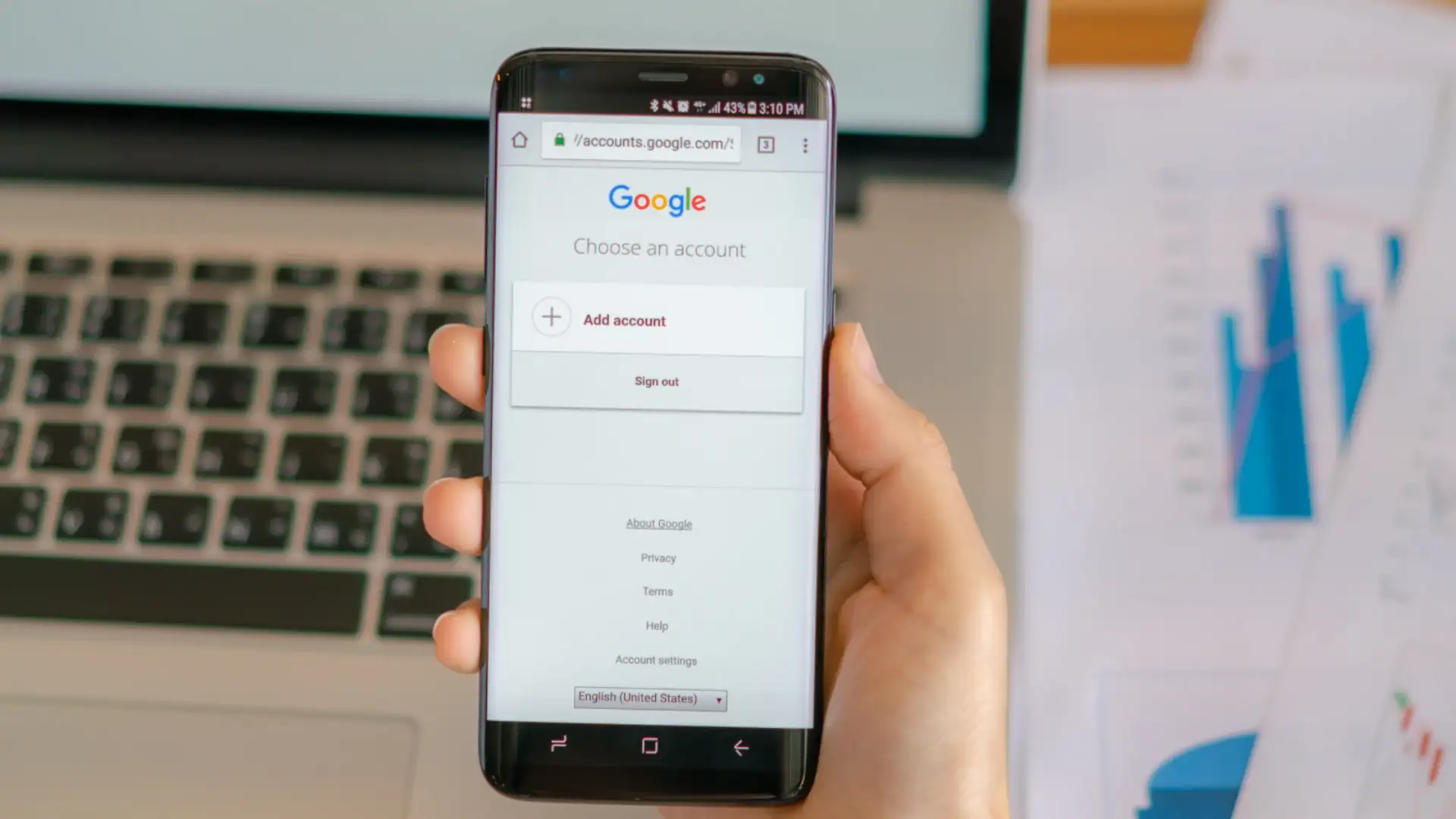
When this sensitive data is indexed by search engines, it leaves individuals vulnerable to targeted phishing scams, harassing phone calls, stalking, and identity fraud. While removing information from Google Search does not completely erase it from the original hosting website, removing it from search results drastically reduces its visibility and prevents bad actors from easily discovering your personal records.
You may also like
- 518 Government Jobs in Jammu & Kashmir: Check Application Dates and Eligibility
- The Japanese secret to being calmer and happier
- Meet Komal, a single mother who drives an auto across Mumbai's streets with her child beside her
- Don't believe these breastfeeding myths; learn detailed information from experts
- Vastu Remedies: Avoid these mistakes near the main door of your home; they create Vastu defects, learn the details
When this sensitive data is indexed by search engines, it leaves individuals vulnerable to targeted phishing scams, harassing phone calls, stalking, and identity fraud. While removing information from Google Search does not completely erase it from the original hosting website, removing it from search results drastically reduces its visibility and prevents bad actors from easily discovering your personal records.
Understanding What Google Will Remove
Google maintains strict privacy policies regarding personally identifiable information (PII) to help users mitigate online safety threats. The search engine allows removal requests for specific types of sensitive data, including:- Contact Information: Personal phone numbers, home physical addresses, and private email addresses.
- Government Identifiers: Social Security numbers, national identification numbers, or driver's license numbers.
- Financial Data: Credit card numbers, bank account details, and signatures.
- Security Credentials: Logins, passwords, and private medical records accidentally leaked online.
- Explicit or Exploitative Imagery: Non-consensual explicit images or personal images of minors.
Step-by-Step Guide to Requesting Data Removal
- Access the "Results About You" Tool: Google provides a dedicated dashboard within its mobile app and web browser settings titled "Results About You." This feature scans search results for your personal contact details and alerts you when your phone number, email, or address appears in new query results.
- Submit a Direct Removal Request: When you locate a search result containing your private information, click on the three vertical dots next to the specific result snippet. Select "Remove Result" or "Request Removal," choose the reason for your request (such as "It shows my personal contact info"), and follow the guided prompts.
- Use the Official Google Removal Form: If you are browsing on a desktop computer, navigate directly to Google's official "Remove Select Personally Identifiable Info" help page. You will be prompted to provide the exact URL of the webpage displaying your data, along with the specific search query URL that brings up the result.
- Monitor Request Status: After submitting your request, Google sends a confirmation email. You can track the progress of your submission through your privacy dashboard. Google reviews the URL to confirm the presence of PII and assesses whether the content remains in the public interest (such as news articles or official government records) before approving the removal.
Contacting Webmasters for Permanent Deletion
It is important to remember that Google's removal process only stops the webpage from appearing in search engine results it does not delete the content from the host website itself. For complete removal, you must contact the owner or webmaster of the website hosting the data and request that they delete your records entirely from their servers.





Loving Newspoint? Download the app now
