
How to Update PAN Card Online: Easy Steps to Change Name, Address & DOB

A PAN Card is one of the most important financial and identity documents in India. From opening a bank account and filing Income Tax Returns to buying property and completing major financial transactions, a PAN card is required almost everywhere. However, if your personal details such as name, address, or date of birth are incorrect or outdated, it is important to update them immediately to avoid future complications.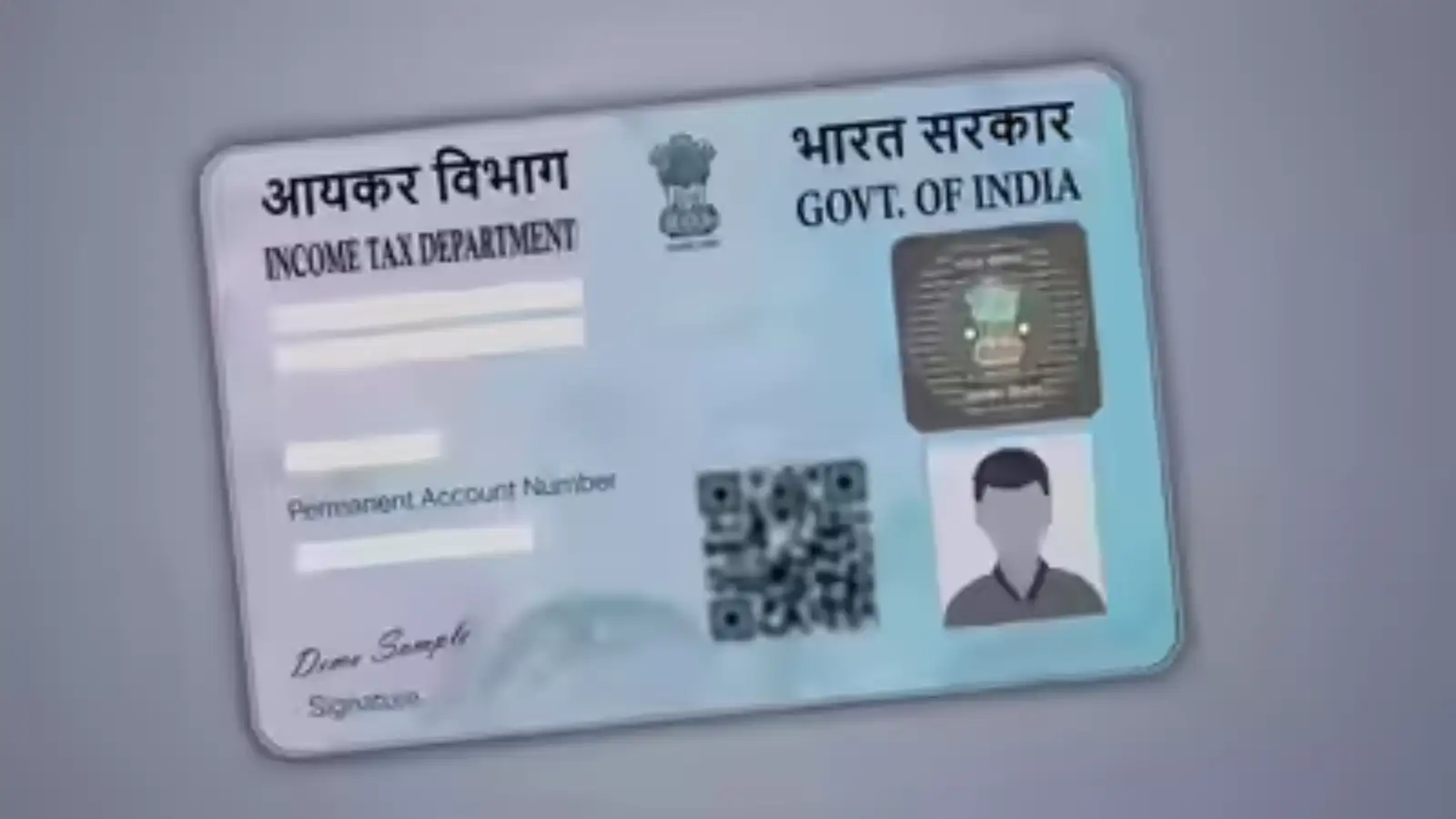
The good news is that the PAN card correction process can now be completed online in a few simple steps through the official portals of Protean (formerly NSDL) and UTIITSL.
Why Updating PAN Card Details Is Important
Incorrect details on your PAN card can create issues while:
To avoid delays and document mismatches, it is important to keep your PAN information updated.
How to Change Name, Address and DOB in PAN Card Online
Follow these easy steps to update your PAN card details online:
Step 1: Visit the Official Website
Go to the official websites of:
Step 2: Select PAN Correction Option
Click on the option called “Changes/Correction in PAN” on the homepage.
Step 3: Enter Basic Information
Fill in the required details such as:
Step 4: Generate Token Number
After submitting the details, a unique 15-digit token number will be generated for your application.
Step 5: Choose the Details to Update
Select the fields you want to correct or update, such as:
Step 6: Upload Supporting Documents
Upload scanned copies of the required documents for verification.
Step 7: Pay the Application Fee
Complete the payment process using online payment methods such as debit card, credit card, UPI, or net banking.
Step 8: Submit and Download Acknowledgement Slip
After successful submission, download the acknowledgement slip. This document is important for tracking your application status later.
Documents Required for PAN Card Correction
Here are the commonly accepted documents needed for PAN card updates:
Identity and Address Proof
You can submit any one of the following:
Accepted documents include:
If you are changing your name, you may need:
How to Track PAN Card Correction Status
Once the application is submitted, you can easily track its progress online.
Online Tracking Method
Use the 15-digit acknowledgement number on:
Visit the “Track PAN Status” section and enter your acknowledgement number to check the latest update.
Status Check Through SMS
You can also track your PAN correction request through SMS.
Type:
NSDLPAN <15-digit acknowledgement number>
Send it to:
57575
Updating your PAN card details online is now a quick and hassle-free process. Whether you need to correct your name, change your address, or update your date of birth, the online portals make the process smooth and convenient. Keeping your PAN details accurate helps avoid issues in banking, taxation, and other financial activities in the future.
The good news is that the PAN card correction process can now be completed online in a few simple steps through the official portals of Protean (formerly NSDL) and UTIITSL.
Why Updating PAN Card Details Is Important
Incorrect details on your PAN card can create issues while:
- Filing Income Tax Returns (ITR)
- Linking PAN with Aadhaar
- Opening bank accounts
- Applying for loans or credit cards
- Buying or selling property
- Completing KYC verification
To avoid delays and document mismatches, it is important to keep your PAN information updated.
How to Change Name, Address and DOB in PAN Card Online
Follow these easy steps to update your PAN card details online:
Step 1: Visit the Official Website
Go to the official websites of:
- Protean (formerly NSDL)
- UTIITSL
Step 2: Select PAN Correction Option
Click on the option called “Changes/Correction in PAN” on the homepage.
Step 3: Enter Basic Information
Fill in the required details such as:
- PAN number
- Full name
- Date of birth
- Email ID
- Mobile number
Step 4: Generate Token Number
After submitting the details, a unique 15-digit token number will be generated for your application.
Step 5: Choose the Details to Update
Select the fields you want to correct or update, such as:
- Name
- Address
- Date of birth
- Photograph
- Signature
Step 6: Upload Supporting Documents
Upload scanned copies of the required documents for verification.
Step 7: Pay the Application Fee
Complete the payment process using online payment methods such as debit card, credit card, UPI, or net banking.
Step 8: Submit and Download Acknowledgement Slip
After successful submission, download the acknowledgement slip. This document is important for tracking your application status later.
Documents Required for PAN Card Correction
Here are the commonly accepted documents needed for PAN card updates:
Identity and Address Proof
You can submit any one of the following:
- Aadhaar Card
- Voter ID
- Passport
- Driving Licence
- Date of Birth Proof
Accepted documents include:
- Birth Certificate
- Class 10 Marksheet
- Documents for Name Change
If you are changing your name, you may need:
- Marriage Certificate
- Gazette Notification issued by the government
How to Track PAN Card Correction Status
Once the application is submitted, you can easily track its progress online.
Online Tracking Method
Use the 15-digit acknowledgement number on:
- Protean (NSDL) website
- UTIITSL portal
Visit the “Track PAN Status” section and enter your acknowledgement number to check the latest update.
Status Check Through SMS
You can also track your PAN correction request through SMS.
Type:
NSDLPAN <15-digit acknowledgement number>
Send it to:
57575
Updating your PAN card details online is now a quick and hassle-free process. Whether you need to correct your name, change your address, or update your date of birth, the online portals make the process smooth and convenient. Keeping your PAN details accurate helps avoid issues in banking, taxation, and other financial activities in the future.
Next Story